Table of Contents
Real-time tracking applications are changing how families keep themselves safe, how logistics companies track their fleets, and how businesses manage field operations. Research estimates the global market value of GPS tracking devices at 14% or higher by 2030.
This is due to a sharp rise in demand for secure, scalable location solutions. If you’re considering location-tracking app development or planning to build an app like Life360, understanding the architecture, costs, features, and deployment steps is critical.
If you’re starting from scratch, review the full scope of mobile app development services and how a structured delivery approach reduces risk. This article outlines a roadmap for GPS tracking app development.
What Is a Location Tracking App and How Does It Work?
A location-tracking application is an app on a mobile device that uses GPS, Wi-Fi triangulation, cell tower positions, and map APIs to track and communicate a user’s current location. These applications link devices to cloud storage, run coordinates, and provide real-time information to authorized personnel.
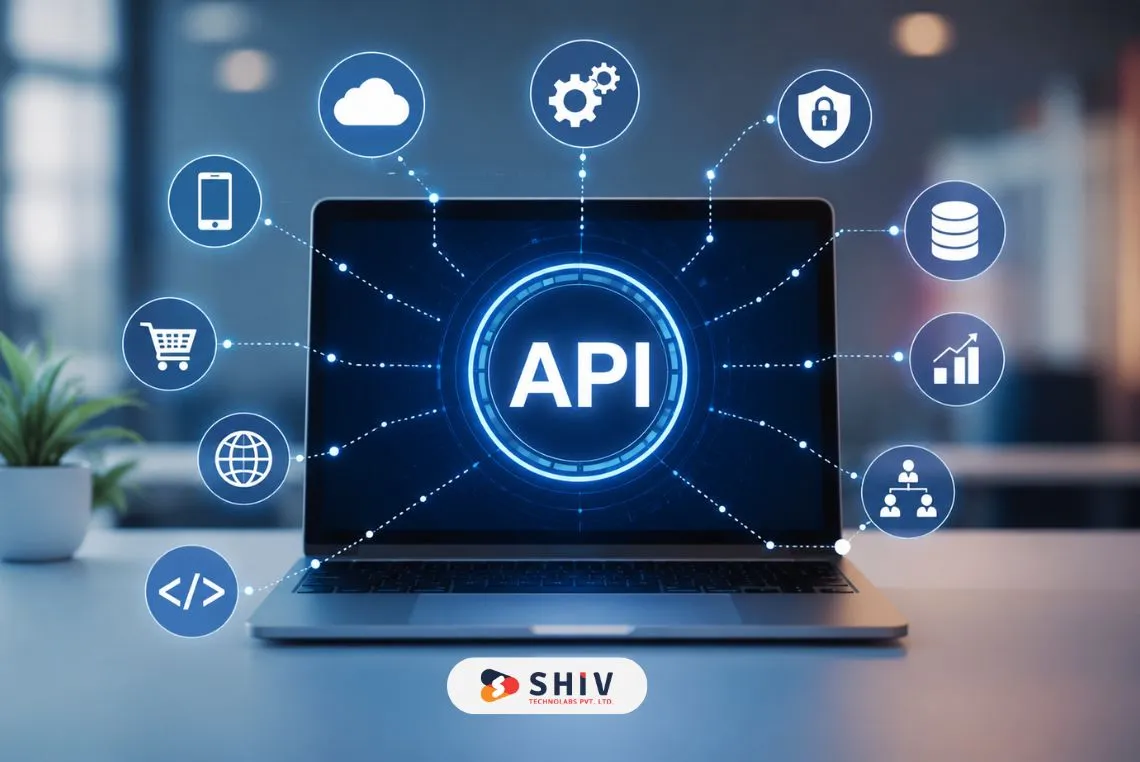
For businesses building large-scale tracking platforms, backend architecture planning is critical. See how scalable APIs are structured in backend development services.
Backed-up synchronization, SDK geolocation integration, and secure authentication are key components in developing real-time location-tracking apps.
- GPS Signal Acquisition: The app uses GPS satellites to determine latitude and longitude with precision to the meter.
- Data Transmission to Cloud: Location data is securely sent via encrypted APIs to cloud servers for processing.
- Live Syncing between devices: The backend sends updates to connected devices in milliseconds, providing real-time visibility.
- Geofencing Logic: Virtual boundaries trigger alerts when users enter or exit designated areas.
- Privacy and Permission Control: Users control who can see their location; compliant location-sharing app development helps ensure security.
Here are the key Use Cases:
- Family & Child Safety – real-time tracking, SOS messages, safe-zone messages.
- Delivery & Logistics: route tracking, arrival time estimation, fleet management.
- Employee Field Tracking – attendance verification, route optimization, compliance.
Why Build a Location Tracking App Like Life360?
Monitoring applications are no longer an exclusive feature; they are now standard. Higher smartphone penetration (6.9+ billion worldwide users) and better GPS chipsets make real-time tracking faster and more reliable than ever.
Increased Smartphone GPS Reliability
Today’s smartphones have sub-meter GPS precision. Improved chipset architecture and A-GPS support minimize latency and enhance signal stability indoors and outdoors.
- Faster coordinate refresh
- Reduced tracking errors
- Better route accuracy
The maturity of this technical aspect makes Life360 app development more feasible than ever.
Expansion of IoT-Based Tracking Solutions
Connected devices, smart tags and wearables are becoming part of a tracking ecosystem.
- Smartwatches + kids’ devices
- Fleet IoT trackers
- Asset monitoring sensors
The IoT can provide visibility across devices, expanding the range of GPS tracking app development beyond phones.
Rising Consumer Demand for Personal Safety
Online living, commuting, and urban living increased safety awareness. Emergency response characteristics.
- Driver behavior insights
- Location history tracking
Customers are increasingly interested in apps that offer transparency and control, creating an opportunity to build an app with recurring revenue, as seen with Life360.


Key Features That Define Apps Like Life360
An effective competitive location tracking app should provide accuracy, privacy, performance, and engagement, not just the GPS dots on a map.
Core Features Overview
| Feature | Description | Benefit |
|---|---|---|
| Real-Time GPS | Tracks live user location | Accurate visibility |
| Geofencing Alerts | Notifies on entry/exit | Enhanced safety |
| Private Circles | Create trusted groups | Simplified management |
| Emergency SOS | Instant alert broadcast | Quick response |
| In-App Chat | Secure communication | Engagement boost |
| Location History | Stores route data | Historical insights |
| Driver Reports | Speed & driving metrics | Compliance + safety |
These are the most important features users expect; if they are not included, the minimum set of features will reduce uptake.
Step-by-Step Process to Develop an App Like Life360
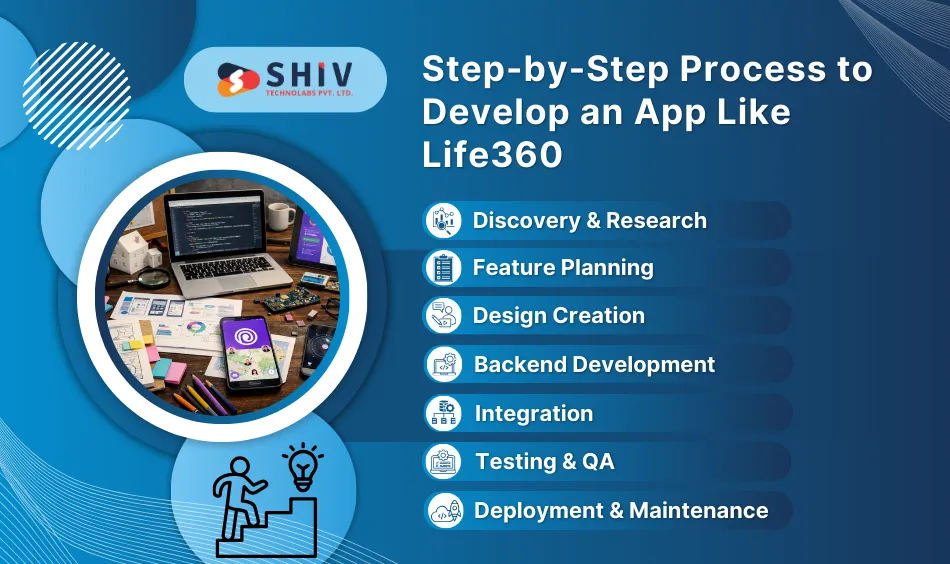
A successful roadmap is essential to developing a strong tracking platform. The following are the stages for creating an app like Life360.
1. Discovery & Research
Establish target users, business objectives, competition, and scope of compliance.
- Identify the core problem
- Define user personas
- Study competitors
- Validate revenue model
2. Feature Planning
Choose MVP and premium features.
- Real-time tracking
- Geofencing
- Alerts
- Subscription tiers
The first location-tracking app development cost should be monitored by prioritizing necessary features.
3. Design Creation
Maps should be clear and easy to understand.
- Clear navigation
- Alert UI clarity
- Simple onboarding
4. Backend Development
Develop scalable APIs and cloud architecture.
- Location sync engine
- Data storage logic
- Notification triggers
5. Integration
Integrate:
- Google Maps API
- Mapbox
- Geofencing SDK
- Push notification systems
6. Testing & QA
Validate:
- GPS accuracy
- Power efficiency
- Cross-device sync
- Latency (<2 sec refresh ideal)
7. Deployment & Maintenance
Post on iOS + Android → track analytics + update features.
Typical Timeline
| Phase | Duration | Deliverables |
|---|---|---|
| Planning & Design | 2–3 weeks | Wireframes + user flow |
| Core Development | 8–10 weeks | MVP build |
| Testing & Launch | 3–4 weeks | Live app |
Recommended Technology Stack for Tracking App Development
Technology selection determines scalability, security and cost.
Suggested Tech Stack
| Layer | Technology | Purpose |
|---|---|---|
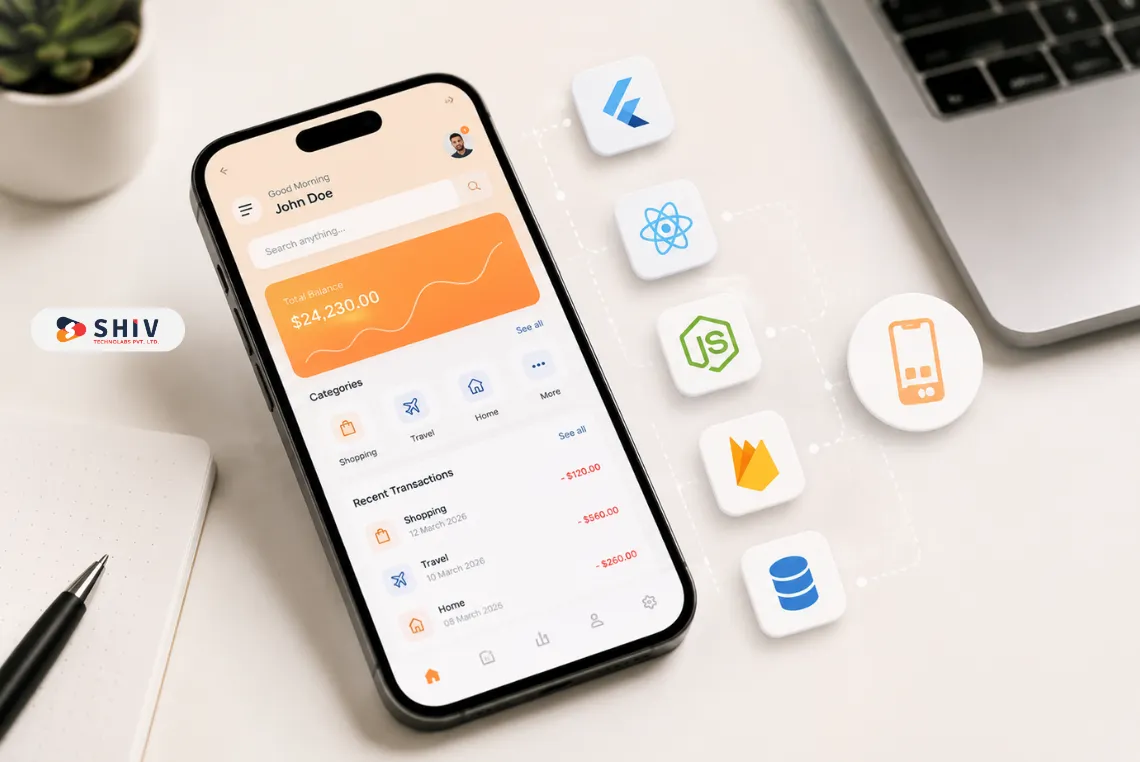
| Front End | Flutter / React Native | Cross-platform UI |
| Back End | Node.js / Python (Django) | Real-time APIs |
| Database | MongoDB / PostgreSQL | Location data storage |
| Map & GPS | Google Maps API / Mapbox | Geolocation |
| Cloud | AWS / Firebase | Hosting + scale |
| Authentication | OAuth / Firebase Auth | Secure login |
Selecting the right stack will ensure low-latency updates and scalable, real-time development for location-tracking apps.
Cost Breakdown to Build an App Like Life360
Prices for developing an application such as Life360 may vary based on complexity, integrations and size.
Cost Estimates by Project Scope
| App Type | Estimated Cost (USD) | Key Features |
|---|---|---|
| MVP | $25,000–$40,000 | Core tracking + login |
| Mid-Tier | $45,000–$75,000 | Groups + chat + alerts |
| Enterprise | $80,000–$150,000+ | Reports + analytics + premium |
The average cost of Life360 app development increases by 20–30% when advanced analytics or IoT integrations are included.
Monetization Strategies for Location Tracking Apps
User trust should align with revenue design.
Freemium + Subscription
Free basic tracking, premium features (history, reports, alerts).
In-App Purchases
Add:
- Extra geofences
- Extended history
- Priority alerts
Ads or Sponsored Features
Careful use should follow, without compromising safety.
B2B White-Label Solutions
Offer branded solutions to schools, logistics companies and businesses.
Best Practices Before Starting the Project
To develop full-scale location-tracking apps, leaders need to balance business objectives, technical preparation and user trust plans.
1. Validate Market Demand and Revenue Model Early
Conduct competitor analysis, survey potential users, forecast acquisition costs and test price levels. Confirm the viability of subscription and renewal rates before rolling out development costing $25,000 or more.
2. Build Scalable Architecture from the Start
Build cloud infrastructure, APIs and databases to support 10x user increases, simultaneous GPS pings and real-time sync with no latency spikes and unchecked hosting costs.
3. Embed Privacy, Security and Compliance into Core Design
Encourage encrypted data transfer, fine-grained location permissions, GDPR/CCPA compliance processes and clear consent screens sooner; retrofitting compliance later makes them more expensive and risky.
4. Partner with Experienced Real-Time Tracking Specialists
Select geofencing, battery, multi-device sync and cloud scaling developers. Knowledge cuts bugs, uptimes and time-to-market by 20%–30%.
Conclusion
A scalable tracking solution cannot be built solely by integrating GPS APIs. It requires accurate architecture, privacy-first design, optimised cloud infrastructure and monetisation.
We at Shiv Technolabs are a reliable mobile app development company specializing in advanced GPS tracking apps and enterprise-level real-time tracking systems. The development services we provide for mobile apps include UI/UX, back-end scalability, security compliance and cloud deployment.
Frequently Asked Questions (FAQs)
1. How long does it take to develop an app like Life360?
MVPs are standard and may require 12-16 weeks, whereas enterprise applications with analytics and IoT features may require 4-6 months based on the scope and complexity.
2. What are the most appropriate technologies to use in GPS tracking apps?
Flutter or React Native in the frontend; Node.js or Python in the back-end; Google Maps API or Mapbox in geolocation; AWS or Firebase in scalable cloud hosting.
3. Could I include tracking features in my current app?
Yes, It is possible to integrate GPS SDKs and APIs into existing mobile applications, provided backend updates and proper permission management are in place.
4. What do I need to do to ensure user privacy in a tracking application?
Encrypt data in transit, use secure authentication, enforce user-controlled policies and comply with GDPR requirements.
5. How does one make money off of an app like Life360?
Recurring subscriptions enable a freemium model that drives sustainable growth without compromising user confidence.