Table of Contents
Production delays are the invisible profit killers of the manufacturing sector. When a machine sits idle or a technician waits for a part that hasn’t arrived, the financial ripple effect moves through your entire supply chain. Meeting delivery dates becomes a struggle, and customer trust begins to erode.
Many businesses attempt to fix these gaps with more meetings or larger spreadsheets. However, the solution lies in a unified digital system that connects your factory floor to your office in real-time.
We specialize in setting up Odoo to act as the central nervous system of your production. By using Odoo Work Orders and Scheduling tools, you can transform a chaotic shop floor into a synchronized operation.

The High Cost of Production Gaps
Manufacturing involves many moving parts: labor, raw materials, machinery, and timing. If one piece of the puzzle falls out of place, the entire line stalls. Production delays usually stem from three main issues:
- Poor Visibility: Managers don’t know a station is behind schedule until the end of the day.
- Material Shortages: Work begins on a product only to find a critical component is out of stock.
- Inaccurate Capacity Planning: Assigning more work to a machine than it can physically handle.
Relying on manual data entry means you are always looking at the past. To stop delays, you need to look at the present and the future simultaneously. This is where Odoo changes the game.
Defining Odoo Work Orders: Your Shop Floor Blueprint

In Odoo, a Manufacturing Order (MO) is the what and how many. A Work Order, however, is the how and when.
What is Odoo Work Order Management? It is a system that breaks down a production order into specific, timed steps assigned to particular Work Centers. It allows managers to track the exact progress of every item on the floor, providing data on labor costs, machine efficiency, and time spent on each stage of assembly.
# The Components of a Work Order
- Work Centers: These represent your physical locations—a CNC machine, an assembly bench, or a painting booth. Odoo tracks the capacity and OEE (Overall Equipment Effectiveness) of these spots.
- Operations & Routing: This defines the path a product takes. For example, Cutting must happen at Work Center A before Assembly happens at Work Center B.
- Digital Instructions: Instead of paper manuals, workers see PDF instructions or videos directly on their tablets at their stations.
By digitizing these steps, you remove the risk of workers using outdated instructions, which is a frequent cause of rework and subsequent delays.
Eliminating Bottlenecks with Odoo Scheduling Tools
Scheduling is the art of balancing your promises to customers with the reality of your factory’s capacity. Odoo provides a visual and data-driven way to handle this balance.
1. The Power of the Gantt View
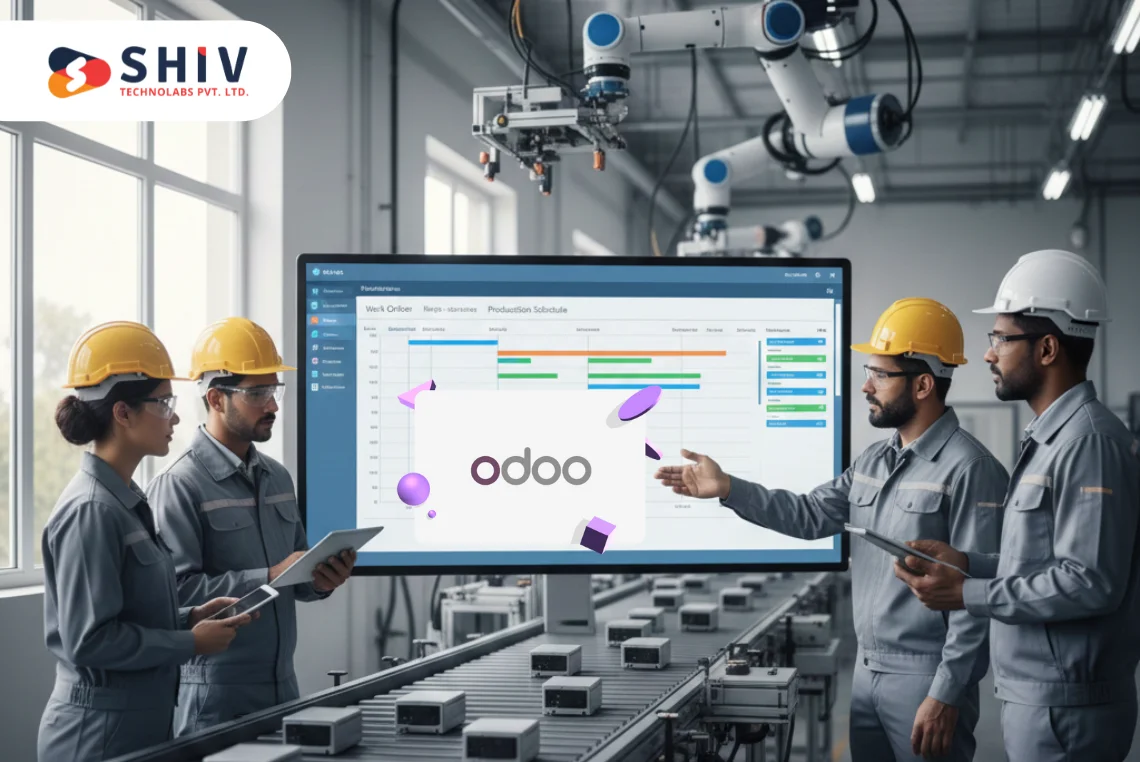
The Odoo Gantt chart is the primary tool for preventing overlaps. It shows every Work Order on a timeline. If two jobs are scheduled for the same machine at the same time, the system flags the conflict. You can drag and drop these orders to different times or different machines to clear the path.
2. Master Production Schedule (MPS)
The MPS helps you plan months. It looks at your current stock, your confirmed sales orders, and your forecasted demand. It then suggests exactly when you should start new manufacturing orders. This prevents the panic mode that happens when a large order arrives, and you realize your machines are already booked for the next three weeks.
3. Work Center Capacity and Productivity
Odoo calculates the Efficiency Factor of your equipment. If a machine is rated for 8 hours but typically only produces 6 hours’ worth of output due to setup times, Odoo adjusts the schedule automatically. This prevents you from over-scheduling a machine and creating a backlog that slows down every subsequent department.


Practical Steps to End Delays Using Odoo
The transition from a reactive shop floor to a proactive one happens through specific configurations. Here are five ways to use Odoo to keep production moving.
1. Set Accurate Lead Times
Many delays happen because the initial plan was unrealistic. Odoo allows you to define three distinct types of lead times:
- Customer Lead Time: The time between the sales order confirmation and the delivery.
- Manufacturing Lead Time: The actual time needed to produce the item.
- Security Lead Time: A buffer added to the schedule to account for unexpected hiccups.
By setting a security lead time, the system schedules the work to finish slightly early, giving you a safety net if a machine requires a quick repair or a staff member is absent.
2. Automate Material Reordering
A work order cannot start without raw materials. If a worker arrives at their station only to find the bins empty, the delay is already baked into their day. Odoo solves this by linking the Bill of Materials (BoM) to Reordering Rules.
As soon as a manufacturing order is confirmed, the system checks the warehouse. If stock falls below a specific threshold, Odoo automatically creates a Purchase Order for your supplier. This ensures the components arrive exactly when the work order is scheduled to begin.
3. Integrate Maintenance into the Schedule
One of the most common causes of downtime is machine failure. Usually, maintenance is treated as a separate task. In Odoo, you can link the Maintenance Module directly to your Work Centers. If a machine requires a check-up every 1,000 cycles, Odoo will block out that time on the production calendar.
This prevents the scheduling of a high-priority job during a time when the machine is due for service, ensuring that your equipment stays in top condition without interrupting active jobs.
4. Use Tablet-Based Shop Floor Terminals
Paper-based reporting is slow and prone to error. With Odoo, workers use tablets or touchscreens at their stations.
- Instant Start/Stop: Workers tap a button to start a task, giving you live data on how long each step takes.
- Instant Issue Reporting: If a part is defective, the worker can trigger a Quality Alert immediately. This allows the quality team to intervene before more defective units are produced, saving time and materials.
5. Configure Operation Dependencies
In a complex assembly, Step B often cannot start until Step A is 100% complete. Odoo allows you to set Blocked by dependencies.
This means the system will not show the next task to the worker until the previous stage has been validated. This prevents confusion on the floor and ensures that the production flow follows the correct logic every time.
Real-Time Tracking: The End of Guesswork
The biggest advantage of using Odoo is the transition from guessing to knowing. Without a unified system, managers often spend their day walking the floor to ask for status updates.
1. IoT Box Integration
Odoo can connect directly to your machines using an IoT Box. This device pulls data straight from the equipment. For example, it can count how many units a press has produced or monitor the temperature of a furnace. If the machine slows down, the system logs the change instantly, allowing for immediate troubleshooting.
2. Comparing Planned vs. Actual Time
Every work order in Odoo has a Planned Time and an Actual Time.
- Planned Time: Based on your standard routing.
- Actual Time: Based on the real-time clocks used by the workers.
If the actual time is consistently higher than the planned time, Odoo highlights this discrepancy. This data is vital for finding the root cause of delays. Is it a training issue? A machine calibration problem? Or is the material harder to work with than expected? Having this information allows you to fix the process rather than just treating the symptoms.
Quality Control: Preventing the Rework Trap

A production delay isn’t always about a machine stopping. Often, the delay occurs because a product was finished incorrectly and must be fixed. This rework doubles the time spent on a single order and blocks other jobs from starting.
Odoo integrates Quality Control Points directly into the Work Order flow. You can set specific triggers at any stage of production:
- Visual Inspection: The worker must confirm a visual check before the system allows them to finish the task.
- Measurements: The system requires the input of specific data (like weight, width, or temperature). If the data falls outside of the tolerance range, Odoo creates a quality alert automatically.
- Final Pass: A supervisor must digitally sign off on a work order before the goods move to the warehouse.
By catching mistakes at the source, you ensure that the production line only moves forward, never backward.
The Financial Impact of Better Scheduling
Stopping delays is not just about time; it is about protecting your bottom line. When your scheduling is precise, several financial benefits follow:
- Reduced Work-in-Progress (WIP) Inventory: You don’t have piles of half-finished goods sitting on the floor, taking up space and tying up capital.
- Lower Overtime Costs: By evening out the production schedule, you avoid the crunch periods that require expensive overtime pay.
- Improved Cash Flow: Faster production means faster shipping and quicker invoicing.
Odoo’s reporting tools provide a Cost Analysis for every manufacturing order. It breaks down the cost of raw materials and the cost of labor based on the time tracked in the work orders. This gives you a clear picture of your actual margins.
Why Shiv Technolabs for Odoo Manufacturing?
Implementing a system as powerful as Odoo requires more than just software; it requires a deep understanding of manufacturing logic. At Shiv Technolabs, we focus on creating workflows that match the physical reality of your factory.
Our team helps you:
- Map your routing and work center capacities accurately.
- Connect your shop floor hardware via IoT.
- Train your team to move away from paper-based tracking.
- Build custom dashboards that show you exactly where your production stands at any second.
Conclusion
Production delays are not an inevitable part of manufacturing. They are the result of information gaps. By using Odoo Work Orders and Scheduling, you close those gaps with real-time data, visual planning, and automated material management.
When your shop floor speaks the same language as your warehouse and your sales office, delays disappear, and profitability grows.
Ready to transform your factory floor with Odoo? Contact our manufacturing experts today to build a production schedule that never fails.
Frequently Asked Questions (FAQs)
Can Odoo handle multi-level Bill of Materials (BoM)?
Yes. Odoo manages complex structures where one manufactured item is a component of another. The system automatically creates child work orders when a parent manufacturing order is confirmed.
How does the Odoo Gantt chart help with rescheduling?
The Gantt chart provides a drag-and-drop interface. If a machine breaks down, you can move all assigned work orders to a different work center or a later date. The system then updates all related material requirements and labor schedules instantly.
Is it possible to track employee productivity within work orders?
Yes. Since workers log in to specific work orders via tablets, Odoo records the time spent by each individual. You can view productivity reports to see which teams are meeting their targets and where more training might be needed.
Does Odoo work for both Make-to-Stock and Make-to-Order?
Absolutely. You can set the system to trigger production based on a sale (Make-to-Order) or based on minimum stock levels (Make-to-Stock) using reordering rules.