Table of Contents
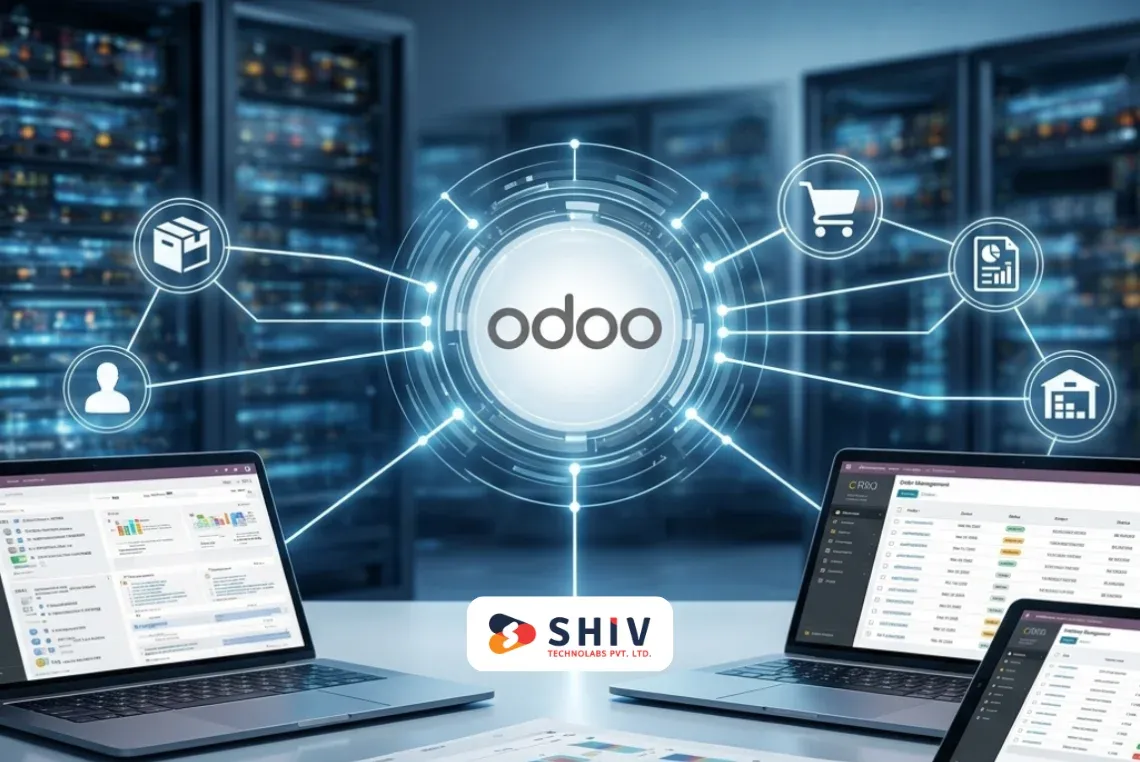
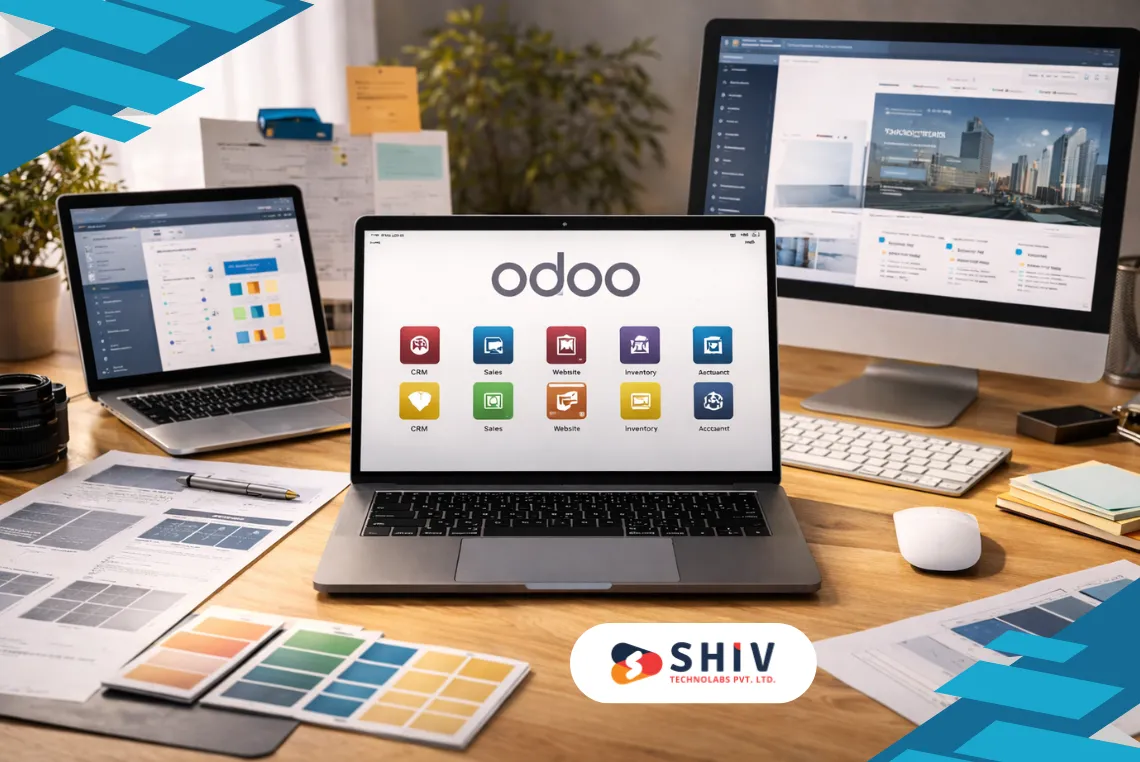
Odoo is built as a modular ERP system. Instead of one fixed software, it works through apps called modules. Each module adds a specific function, such as sales tracking, accounting, inventory control, or manufacturing planning. Businesses can start with a few modules and add more as their needs grow.
Because of this modular structure, Odoo costs are not fixed. Two companies using Odoo may pay very different amounts, even if they are in the same industry. The final cost depends on which modules are used, how much change is needed, and how closely the system must match daily work.
This blog explains the main types of Odoo modules and how their costs are usually calculated. It also helps you understand where your budget goes and how to plan it better.

What Are Odoo Modules and Why Their Cost Varies
An Odoo module is a feature block that handles a specific business task. For example, the Sales module manages quotations and orders. The Inventory module tracks stock movement. The Accounting module handles invoices, taxes, and reports.
Each module has its own screens, rules, and data structure. Some modules work independently, while others depend on each other. For example, Sales connects with Inventory and Accounting. Manufacturing connects with Inventory, Purchase, and Quality.
Because modules interact with real business processes, even small changes can affect many areas.
# Why two Odoo modules can have very different costs
Module cost varies mainly due to scope and depth. A basic setup using standard screens costs far less than a module that needs custom rules, reports, and integrations.
Here are common reasons for cost changes:
- Number of workflows involved
- Approval steps and access rules
- Data volume and migration effort
- Country-specific tax or payroll rules
- Links with other software
A simple CRM field change may take a few hours. A manufacturing workflow with planning logic may take weeks.
Main Types of Odoo Modules Used by Businesses
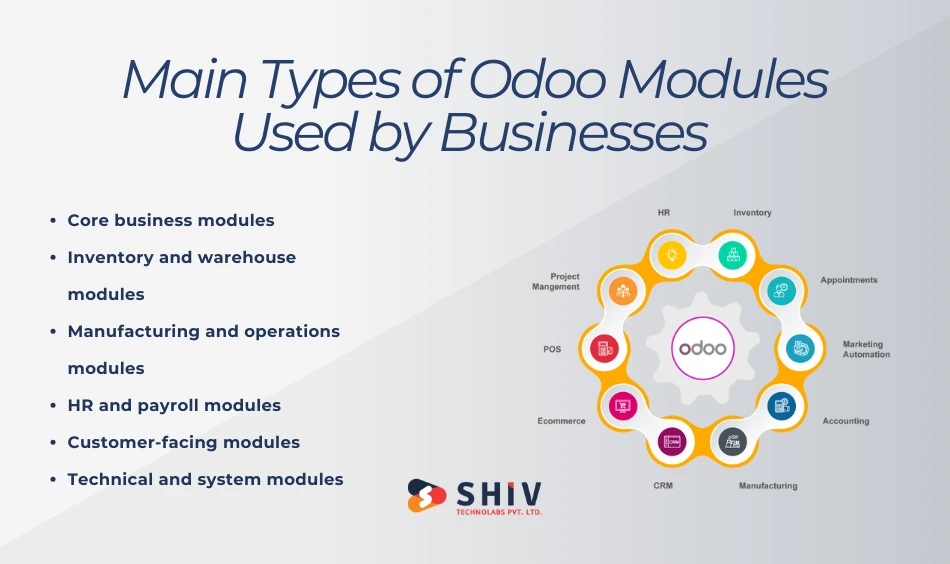
1. Core business modules
Core modules are used by most businesses. These modules usually come ready with Odoo and need configuration rather than heavy coding.
Common core modules include:
- Sales
- CRM
- Accounting
- Invoicing
- Purchase
The cost for these modules is usually lower because most features already exist. Expenses rise when businesses need custom pricing rules, approval logic, or special reports.
2. Inventory and warehouse modules
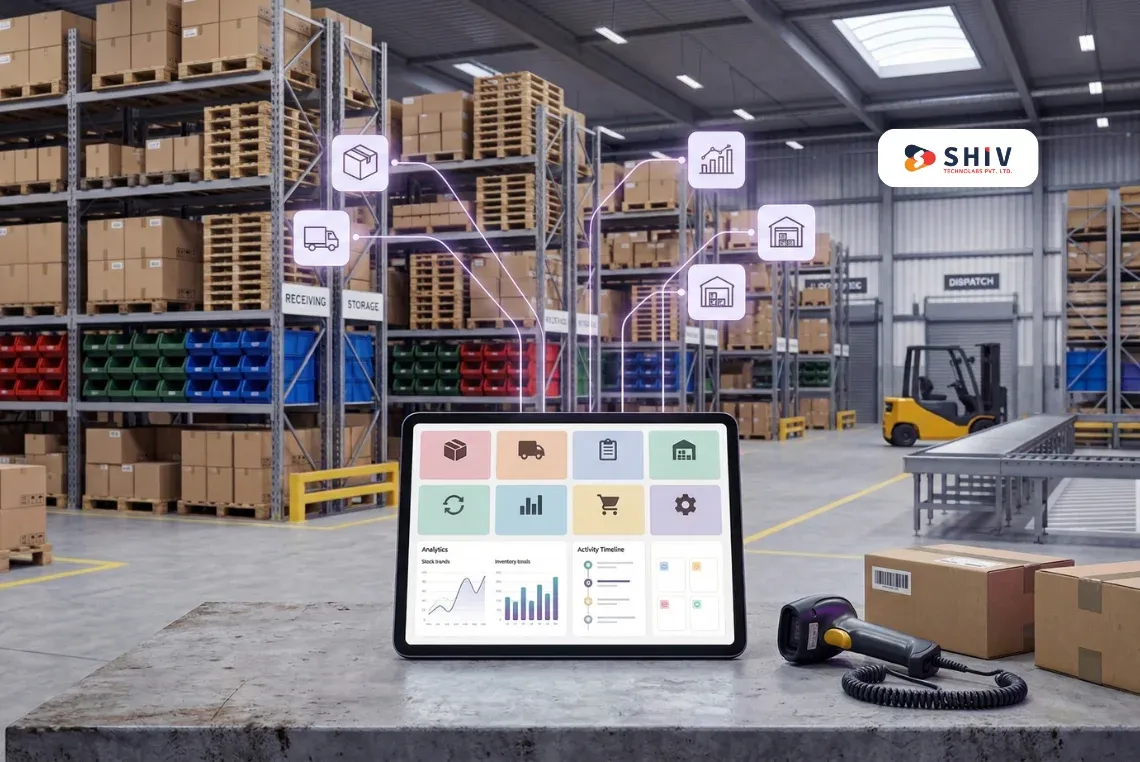
Inventory-related modules manage stock flow across locations. They are common in retail, wholesale, and manufacturing.
These modules include:
- Inventory
- Barcode
- Warehouse routing
- Shipping rules
Costs increase when there are multiple warehouses, complex stock movements, or barcode-driven operations.
3. Manufacturing and operations modules
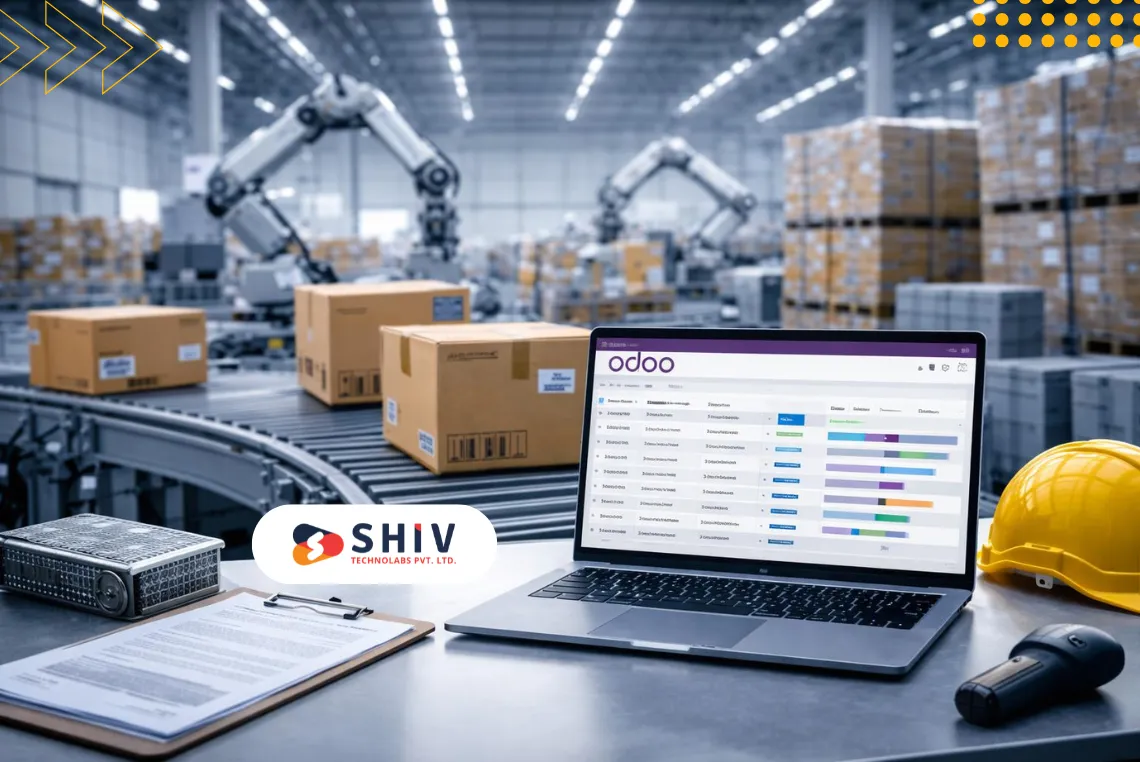
Manufacturing modules are more complex because they control planning, production, and resources.
These include:
- Manufacturing (MRP)
- Bills of Materials
- Work Centers
- Quality checks
These modules often require changes to fit real shop-floor processes. As a result, they usually fall into mid to high cost ranges.
4. HR and payroll modules
HR modules manage employee records and attendance. Payroll modules handle salary rules, deductions, and compliance.
Common modules are:
- Employees
- Attendance
- Payroll
- Leaves
Payroll cost varies heavily by country due to tax and labor laws. Localization work adds to the budget.
5. Customer-facing modules
These modules directly interact with customers and sales staff.
They include:
- Website
- eCommerce
- Point of Sale
Costs rise when a custom checkout flow, pricing logic, or multi-store setup is needed.
6. Technical and system modules
These modules support reporting, automation, and system control.
They include:
- Custom reports and dashboards
- Automation rules
- Security and access control
- Third-party integrations
These modules do not generate revenue directly, but they strongly affect system usability and long-term cost.


Built-In Odoo Modules vs App Store Modules vs Custom Modules
Not all Odoo modules are built the same way. Before estimating cost, it is important to understand where a module comes from. In Odoo, modules usually fall into three categories: built-in modules, App Store modules, and custom modules. Each option affects cost, flexibility, and long-term maintenance in different ways.
1. Built-in Odoo modules
Built-in modules are the standard apps that come with Odoo. These include Sales, CRM, Accounting, Inventory, Purchase, HR, Manufacturing, Website, and POS. Most businesses start with these modules.
These modules already cover common business needs. In many cases, cost is limited to:
- Basic setup
- User access rules
- Report configuration
- Minor workflow adjustments
Because core logic already exists, the development effort is lower. However, costs rise when businesses expect these modules to behave differently from standard Odoo flows. For example, adding custom approval rules in Accounting or complex pricing logic in Sales can increase effort.
Built-in modules are usually the most cost-effective starting point.
2. Odoo App Store modules
The Odoo App Store offers thousands of third-party modules created by Odoo partners and independent developers. These apps often solve specific problems such as advanced shipping rules, tax connectors, payment gateways, or industry-specific needs.
Costs for App Store modules usually include:
- One-time purchase price
- Annual update or support fee
- Installation and setup cost
At first glance, App Store modules look cheaper than custom development. However, there are risks:
- Limited flexibility
- Dependency on the app developer
- Update issues during Odoo version upgrades
- Partial compatibility with other modules
If an App Store module fits your needs closely, it can save time and money. If heavy changes are needed, the total cost can exceed that of a custom module.
3. Custom Odoo modules
Custom modules are built specifically for your business workflow. They are written when standard modules or App Store apps cannot handle the required logic.
Custom modules are common when:
- Business rules are unique
- Approval flows are complex
- Reports must follow strict formats
- Integrations require special data handling
Custom modules cost more upfront because they involve design, development, testing, and documentation. However, they provide full control and better long-term stability when built correctly.
Custom modules are often chosen for core operations rather than side features.
Cost Components Involved in Odoo Module Development

Many businesses focus only on development cost, but that is just one part of the total budget. Odoo module cost is made up of several components.
1. Odoo license and user cost
Depending on the edition and number of users, license fees may apply. These costs are recurring and increase as the user count grows. While license cost is not tied to modules directly, it affects total ownership cost.
2. Hosting and infrastructure cost
Odoo can be hosted on cloud platforms, private servers, or managed environments. Hosting cost depends on:
- Number of users
- Data size
- Performance needs
- Backup and security setup
Heavier modules, such as Manufacturing and Inventory, often need stronger infrastructure.
3. Module configuration cost
Even standard modules need setup. This includes:
- Company details
- Taxes and fiscal rules
- Warehouse structure
- User permissions
Configuration cost is usually lower than custom development, but still important.
4. Custom development cost
This is the most visible cost component. It includes:
- Creating new fields and models
- Writing business logic
- Adjusting workflows
- Building custom screens
Development cost is usually calculated based on effort and complexity.
5. Integration cost
Integrations connect Odoo with other systems, such as:
- Payment gateways
- Shipping providers
- Accounting software
- BI tools
Integration cost depends on API quality, data volume, and sync frequency.
6. Testing and user training cost
Before going live, modules must be tested. Users also need training to avoid mistakes in daily work. Skipping this step often leads to higher support costs later.
7. Ongoing support and upgrade cost
After launch, costs continue in the form of:
- Bug fixes
- Version upgrades
- Minor feature changes
- Performance tuning
This is often planned as monthly or yearly support.
What Affects Odoo Module Development Cost the Most
Several factors strongly influence cost, regardless of module type.
1. Module complexity level
Simple changes involve basic fields or views. Medium complexity includes workflows and validations. Advanced complexity includes deep logic and integrations.
2. Number of workflows and approvals
More approval steps mean more rules, testing, and edge cases.
3. Data volume and data quality
Large datasets or poor-quality data increase migration and testing effort.
4. Reporting and dashboard needs
Standard reports are cheaper. Custom MIS reports add effort.
5. Country-specific rules and compliance
Payroll, tax, and invoicing rules differ by location and often require custom logic.
Odoo Module Cost by Type and Complexity
The table below shows typical cost ranges based on module type and complexity. These are indicative ranges, not fixed pricing. Final cost always depends on scope and business rules.
Table 1: Odoo Module Cost by Type and Complexity
| Odoo Module Type | Simple Changes | Medium Complexity | Advanced Complexity |
|---|---|---|---|
| Sales / CRM | Low | Medium | Medium–High |
| Inventory / Warehouse | Medium | Medium–High | High |
| Manufacturing (MRP) | Medium | High | Very High |
| Accounting / Finance | Medium | High | Very High |
| HR (non-payroll) | Low | Medium | Medium–High |
| Payroll | Medium | High | Very High |
| Website / eCommerce | Medium | Medium–High | High |
| POS | Medium | High | High |
| Integrations | Medium | High | Very High |
| Reports / Dashboards | Low | Medium | High |
How to read this table:
- Simple usually means configuration or light logic
- Medium includes workflows, validations, or multi-module impact
- Advanced includes integrations, performance needs, or compliance rules
Where Your Odoo Module Budget Actually Goes
Many businesses expect development to be the only cost. In reality, budgets are split across several areas.
Table 2: Odoo Module Cost Components Breakdown
| Cost Component | What It Includes | One-Time / Recurring | Cost Impact |
|---|---|---|---|
| License & Users | User access, edition limits | Recurring | Medium |
| Hosting | Server, backups, performance | Recurring | Medium |
| Configuration | Set up, permissions, workflows | One-time | Low–Medium |
| Custom Development | Logic, screens, validations | One-time | High |
| Integrations | APIs, data sync, error handling | One-time + recurring | High |
| Testing | Functional and user testing | One-time | Medium |
| Training | User and admin training | One-time | Low |
| Support & Upgrades | Fixes, updates, changes | Recurring | Medium |
Ignoring recurring costs often leads to budget stress later, especially during upgrades.
Odoo Studio vs Custom Module: Cost Comparison
This table answers one of the most common questions businesses ask before starting.
Table 3: Odoo Studio vs Custom Module Cost Comparison
| Factor | Odoo Studio | Custom Module |
|---|---|---|
| Initial cost | Lower | Higher |
| Handles complex logic | Limited | Strong |
| Performance on large data | Medium | Better |
| Upgrade safety | Medium risk | More stable |
| Long-term maintenance | Can increase | Predictable |
| Best for | Simple changes | Core workflows |
Studio saves money early, but custom modules usually save money over time when logic grows.
Real-World Odoo Module Cost Scenarios
Seeing examples makes cost planning easier. Below are common scenarios businesses ask about.
Table 4: Sample Odoo Module Scenarios and Cost Range
| Business Scenario | Modules Involved | Complexity | Cost Range |
|---|---|---|---|
| Inventory with barcode & shipping | Inventory, Barcode, Delivery | Medium | Medium–High |
| Manufacturing with work centers | MRP, Inventory, Quality | High | High–Very High |
| Accounting with tax rules | Accounting, Localization | High | High |
| Multi-store POS setup | POS, Inventory | Medium–High | High |
| eCommerce pricing & payments | Website, Sales, Payments | Medium–High | High |
These examples show why cost cannot be judged by module name alone.
Why Work with Shiv Technolabs for Odoo Module Development
Odoo module development works best when business needs are clearly understood before any technical work begins. Shiv Technolabs focuses on building Odoo modules that match real workflows, not generic assumptions.
The team works across core Odoo modules such as Sales, Accounting, Inventory, Manufacturing, HR, and POS, along with custom modules and third-party integrations. Each project starts with a process review, scope definition, and effort mapping, so cost stays controlled from the beginning.
What businesses usually value:
- Clear scope before development starts
- Practical advice on standard setup vs custom modules
- Structured development that supports future Odoo upgrades
- Ongoing support for fixes, changes, and version updates
Whether the requirement is a small workflow change or a large multi-module setup, the goal remains the same: stable modules that support daily operations without adding long-term complexity.
Final Thoughts
Odoo gives businesses the freedom to build only what they need, but that freedom also requires careful planning. Module cost is shaped by many factors, including module type, workflow depth, data volume, and integration needs. There is no single price that fits every case.
Understanding the difference between standard modules, App Store solutions, Studio changes, and custom development helps avoid unnecessary spending. Simple requirements can often be handled with configuration, while core business logic usually benefits from structured custom modules.
The most reliable way to control costs is clarity. Clear workflows, defined users, known data sources, and realistic expectations reduce rework and support smoother delivery. When planning is done well, Odoo modules become long-term assets rather than recurring problems. Contact Shiv Technolabs today to get more info!
FAQs
1. What are Odoo modules?
Odoo modules are apps that add specific functions, such as sales, accounting, inventory, manufacturing, HR, or reporting to the Odoo ERP system.
2. Why does the Odoo module cost vary so much?
Cost changes based on module type, workflow complexity, data volume, approval rules, integrations, and country-specific compliance needs.
3. Which Odoo modules usually cost more to build?
Manufacturing, accounting, payroll, inventory, and integration modules often require more effort due to logic depth, accuracy needs, and testing scope.
4. Is it cheaper to use an App Store module instead of custom development?
App Store modules can cost less when they fit requirements closely. If heavy changes are needed, the total cost may exceed custom module development.
5. When should Odoo Studio be used instead of custom modules?
Odoo Studio works well for simple field changes, basic layouts, and light automation. Complex workflows and integrations usually need custom modules.
6. What should be prepared before estimating the Odoo module cost?
Businesses should list required modules, users, workflows, integrations, reports, and future changes to get a realistic cost estimate.