Table of Contents
Companies of all types are accelerating their digital transformation to automate work, minimize human input, and consolidate processes on a single platform.
With the shift, more companies are availing themselves of power app development services to build custom business applications without the traditional coding overhead.
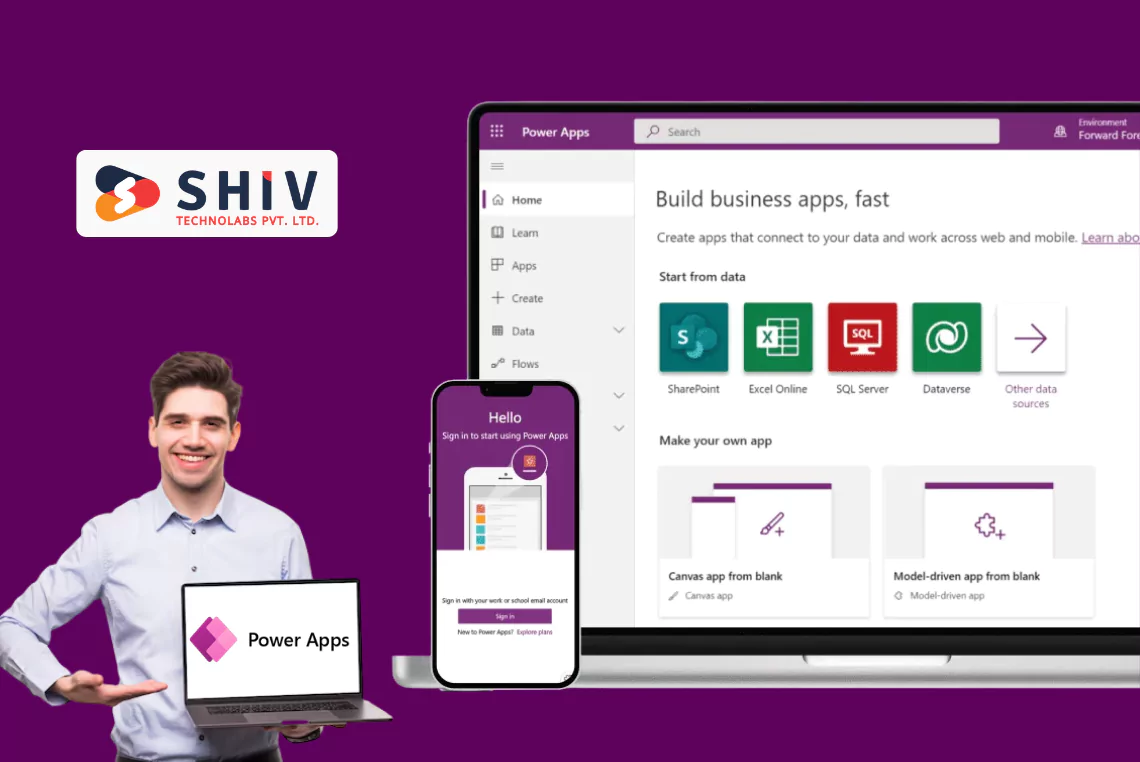
Power Apps is a low-code platform provided by Microsoft with an annual adoption rate exceeding 20%. This enables teams to build apps that integrate with Microsoft 365 and replace fragmented spreadsheets with intelligent automation.
This guide aims to make an easy task: assisting decision-makers in understanding the steps, timelines, and cost aspects of implementing Power Apps.
Do you need to automate your department, a cross-team workflow, or the entire enterprise application? This blog disaggregates all the elements of a successful rollout.
What Is Power Apps Implementation and Why Does It Matter?
The implementation of Power Apps is not only about screen building or dragging. It involves a systematic approach to modeling your data and business logic, connecting systems, establishing governance, and deploying an application that meets your business objectives. The implementation of your Power Apps solution is scalable, secure, and produces measurable business impact.
Power Apps implementation is the choice for the majority of companies, as it allows them to move quickly without heavy coding. When built with the right workflow automation, teams cut down on repetitive work, simplify communication and can integrate their entire Microsoft environment into a single mobilized space.
Key Business Outcomes of Power Apps Implementation
- More rapid deployment and development cycles.
- Reduced implementation and maintenance expenses.
- Interoperability with Microsoft 365, Teams, SharePoint and Dynamics.
- Growth-friendly architecture of teams and new business units.
- Unified security, control and data compliance.
What Are the Key Steps in Power Apps Implementation?
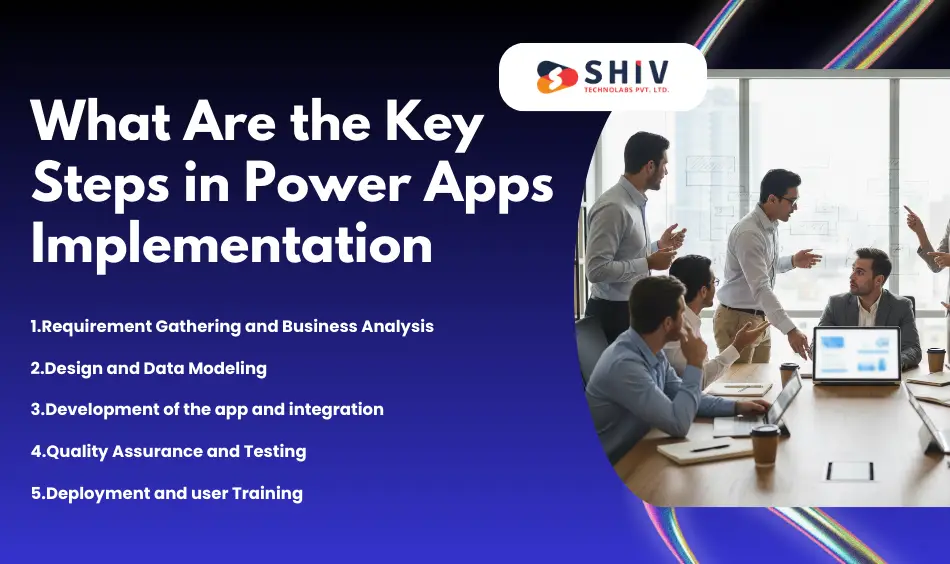
The Power Apps implementation process is structured and must be followed for a smooth rollout. The key steps in implementing a Power Apps project are discussed in the following, decomposed.
Step 1: Requirement Gathering and Business Analysis
This step focuses on understanding business pain points, processes and efficiency gaps. The interviews, process mapping and data audits conducted by the teams help define the specific issues the app will tackle. Product scope, workflow charts, data sources, compliance requirements, user roles and key outcomes are among the deliverables. Sound analysis will make the app meet actual business requirements – not guesses.
Step 2: Design and Data Modeling
This is where your UI/UX layout, screens, themes and flow are completed. Data modeling entails defining tables/entities, defining relations and choosing between Dataverse, SharePoint, SQL and hybrid sources. The design process makes the app look clean, fast to load and designed in a manner that allows updates later. Scalability and long-term performance principally depend on proper data modeling.
Step 3: Development of the app and integration
App components, controls, business rules, Power Fx formulas, connectors, and automation logic are configured by the developers. Integrations can be Teams and Outlook, SharePoint, Dynamics 365, third-party APIs, or custom connectors. This is done to make your blueprint into a working application that you can test internally. Other aspects of development are role-based access, validation and reusable design custom components.
Step 4: Quality Assurance and Testing
QA will encompass functional testing, regression testing, error checking, role-based security testing and load performance testing. The testers ensure that workflows behave as expected across various user scenarios. Security testing is conducted to ensure that sensitive business information is safeguarded through conditional visibility and access controls. Once the tests have been carried out, the app can be deployed to the deployment stage.
Step 5: Deployment and User Training
The last phase involves the publication of the app into the environments (Dev → Test → Prod), user permissions, user documentation preparation and conducting training. Deployment is followed by a feedback cycle in order to enhance stability and usability. Analytics dashboards can also be used by companies to gauge post-launch adoption, usage and performance. See solution packaging guidance on managed vs unmanaged solutions.


How Long Does It Take to Implement Power Apps?
The duration of the timelines may depend on the app’s complexity, the number of integrations and organizational preparedness. Simple apps involve fewer screens and simpler logic than enterprise apps, which have several connectors, automation rules, data modeling and governance.
Below is a detailed timeline reference aligned with Power Apps cost and timeline expectations.
Estimated Timelines for Power Apps Implementation
| Project Type | Average Duration | Key Deliverables |
|---|---|---|
| Simple Data Entry App | 1–2 weeks | Form-based UI, SharePoint or Excel data integration |
| Department-Level Automation | 3–5 weeks | Connectors, workflows, user roles, testing |
| Enterprise App Suite | 6–10 weeks | Dataverse, multi-system integrations, automation |
The average implementation cycle is 28 weeks, based on the complexity of the business, the testing, and the implementation needs.
How Much Does Power Apps Implementation Cost?
The critical factors to the implementation of Power Apps include scope, features of the apps, and level of integration. Prices range from small workflow applications to big enterprise suites with robust automation.
Primary Cost Factors
- App complexity and required features
- Licensing + environment setup
- Integrations with Dynamics 365, SQL, Teams, SharePoint, or external APIs
- Security, governance, and compliance rules
- Ongoing maintenance, support and optimization
Power Apps Implementation Cost Estimates
| Project Size | Estimated Cost Range (USD) | Typical Duration |
|---|---|---|
| Small App | $2,000 – $5,000 | 1–2 weeks |
| Mid-Level Workflow | $6,000 – $10,000 | 3–5 weeks |
| Enterprise App | $12,000+ | 6–10 weeks |
Want an exact cost breakdown? Get a project quote and receive an accurate estimate that fits your workflow requirements. For budget planning insights, see recent notes on Power Platform cost impact.
What Challenges Arise During Power Apps Implementation and How to Solve Them?
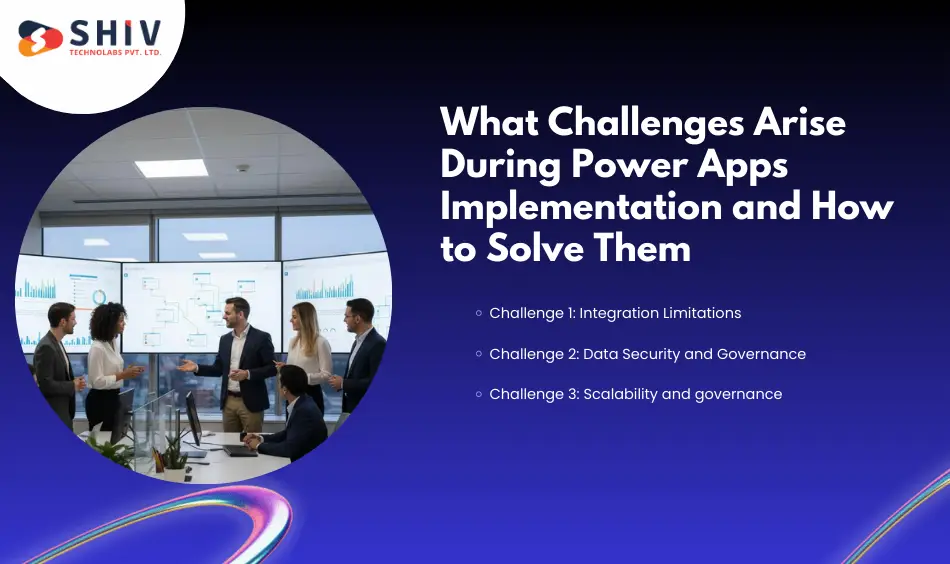
Implementing Power Apps is not always easy. The following are the most prevalent solutions and problems in implementing Power Apps.
Challenge 1: Integration Limitations
Old systems may not support native connectors, limiting automation.
Resolution: Add custom connectors, Azure Logic Apps, or API gateways to increase connectivity.
Challenge 2: Data Security and Governance
The sensitive data should be secured at different levels of users and roles.
Recommendation: Implement conditional visibility, solution role-based permissions, MFA and DLP policies.
Challenge 3: Scalability and Maintenance
The apps can slow down due to increased user volume and larger data sizes.
Resolution: Resolve the issue by using component libraries, optimizing Dataverse tables and scheduling performance audits.
Common Power Apps Implementation Challenges and Solutions
| Challenge | Description | Recommended Solution |
|---|---|---|
| Integration Issues | Legacy systems are limiting connections | Build custom connectors |
| Data Security | Privacy + access control | Apply role-based governance |
| App Performance | Scaling with users | Optimize Dataverse + use reusable components |
How to Choose the Right Partner for Power Apps Implementation
The choice of the right partner can either make your app perform effectively or cause scaling issues. At this point, you return to Power Apps development services to ensure you have an effective team in place.
Microsoft-Certified Professionals
Find Microsoft-certified partners who have applied experience and usage of the Power Platform in practice and who have experience across models (Canvas, Model-Driven, Dataverse). Certification guarantees that you are working with the best practices and security guidelines.
Industry Experience
Select a partner that has a background in your area of workHR, Finance, Operations, Logistics, Manufacturing, or BFSI. Knowledge of the industry eliminates miscommunication and accelerates the architecture planning.
Open Project Schedules
Your partner should provide a clear roadmap: discovery, design, development, testing and deployment. Clear schedules make cost and delivery unpredictable.
Ongoing Post-Launch Support
Power Apps is not a short project; it is a long-term ecosystem. Choose a team that provides continuous monitoring, enhancement cycles, security updates, analytics reporting and new feature development.
Conclusion
Power Apps is a relatively quick way to digital automation, as long as the implementation is properly carried out. By engaging a reputable power app development firm, you will have a solution that is scalable, secure, and aligned with long-term workflow requirements. Shiv Technolabs is the best Power Apps development company, focusing on strategy, development, integration, and enterprise-level deployments of Power Apps projects of any scale.
If you need a custom implementation plan and scaling architecture, along with professional advice from certified specialists, we are willing to help you change the way you do things.
Submit your requirements to Shiv Technolabs today and have your Power Apps vision implemented quickly and accurately by our professionals.
Frequently Asked Questions (FAQs)
1. What is the duration of the Power Apps implementation?
The estimated time for Power Apps projects is 2-8 weeks, depending on the app size, data model, integrations, user roles and test cycles. Smaller workflows are fast and enterprise apps require a more fundamental architecture, governance and automation.
2. What does Power Apps implementation services include?
The implementation includes planning, requirements, UI/UX design, data modeling, development, automation, integrations, testing, security configuration, deployment, user training and post-launch support to make enhancements and scale.
3. What is the Power Apps implementation cost?
The entry prices for basic applications are around $2,000; the middle tier of automation costs between $6,000 and $ 10,000 and enterprise applications cost more than $12,000, depending on processes, connectors and environments.
4. Does that require coding experience to use Power Apps?
No, Power Apps is low-code. You can create simple applications without writing code, while technical professionals handle advanced logic, automation, and integrations.
5. Should I recruit a Power Apps consultant?
Yes, in particular, enterprise processes or integrations with Microsoft 365, Dynamics, SQL and APIs. A consultant makes sure that there is proper architecture, governance, security and reduced implementation risks and faster delivery.