Table of Contents
Businesses all over the world are under pressure – rising development costs, longer delivery times, and a lengthy list of tools to assemble just to get the most basic operations up and running. Teams’ expenditure is increasing even though fewer applications are released into the market each quarter. It is a difficult formula, and budgets do not stretch like they used to. This is where Power Platform consulting services come in.
Today, the power platform’s monthly user base has grown to over 45 million. The Power Platform enables Microsoft to help businesses create applications and automate repetitive tasks more quickly and to integrate their ecosystems without paying for multiple separate applications.
The effect is direct: the reduction of development hours, the reduction of the number of vendors, the reduction of the number of maintenance problems, and the increase in productivity. Combine special advice on governance, licensing, and implementation, and the savings multiply.
Let’s break it down clearly. That is how Power Platform can help large organizations reduce development costs and improve day-to-day operations.
What Is a Power Platform and Why Does It Matter for Enterprises?
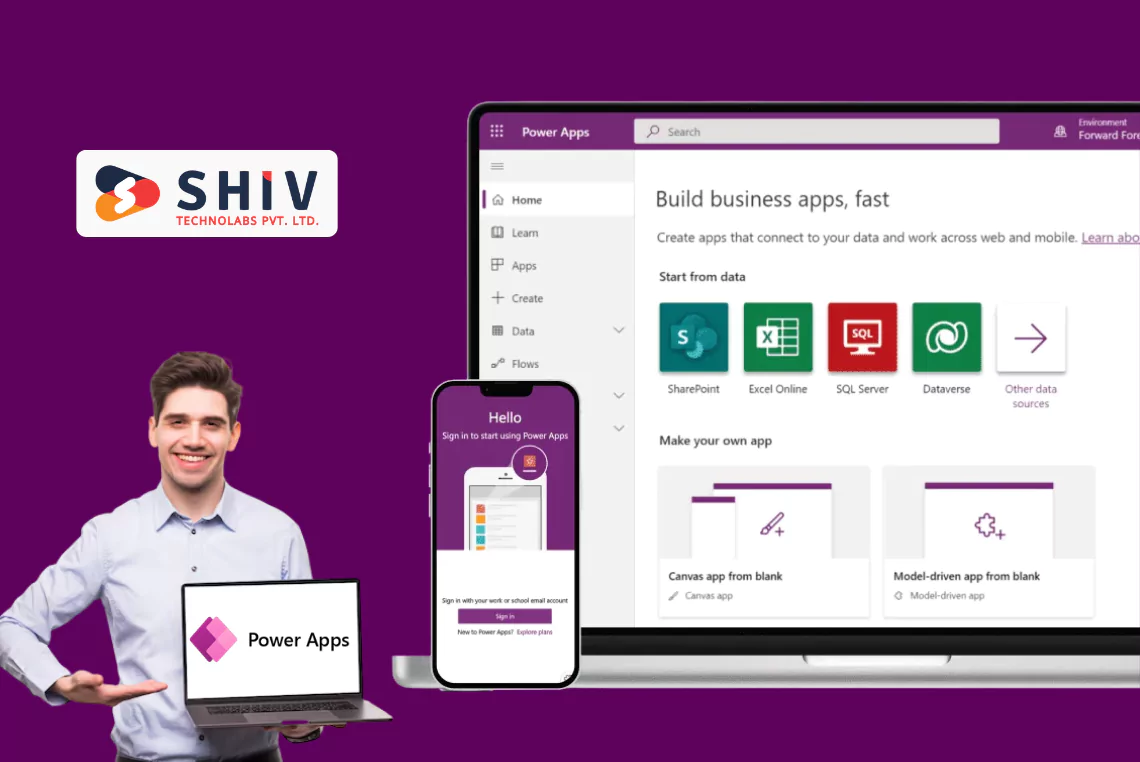
Power Platform is now the tool of choice when organizations want to bring themselves into the 21st century, but not to recreate everything. Enterprise applications, workflow automation, data analysis, and powering internal systems are built on the low-code platform of the Microsoft framework, requiring no costly full-stack teams, and can be accessed in a single secure environment. For a primer on low-code in this stack, see Power Apps low-code platform.
Power Platform Components and Why They Matter
- Power Apps: Let teams build business apps fast, without heavy coding. Screens, data connections, workflows, all handled visually.
- Power Automate: approvals, notifications, file movement, data sync, and beyond.
- Power BI: Turns raw enterprise data into dashboards that decision-makers actually use.
- Power Virtual Agents: Chatbots that handle support queries, HR questions, or system navigation.
- Dataverse: A unified data layer that removes messy integrations and keeps everything in sync.
Together, these tools form a single ecosystem. No juggling vendors. Just one platform, built for scalability.
Power Platform Components and Cost Benefits
| Component | Primary Use | Cost Impact |
|---|---|---|
| Power Apps | Build business apps quickly | Cuts dev time by ~60% |
| Power Automate | Workflow automation | Saves manual hours |
| Power BI | Data visualization | Reduces analytics expense |
| Dataverse | Unified data layer | Simplifies system integration |
That’s the value: one ecosystem, predictable cost, and visible time savings.
Why Power Platform Helps Large Enterprises Cut Development Costs?
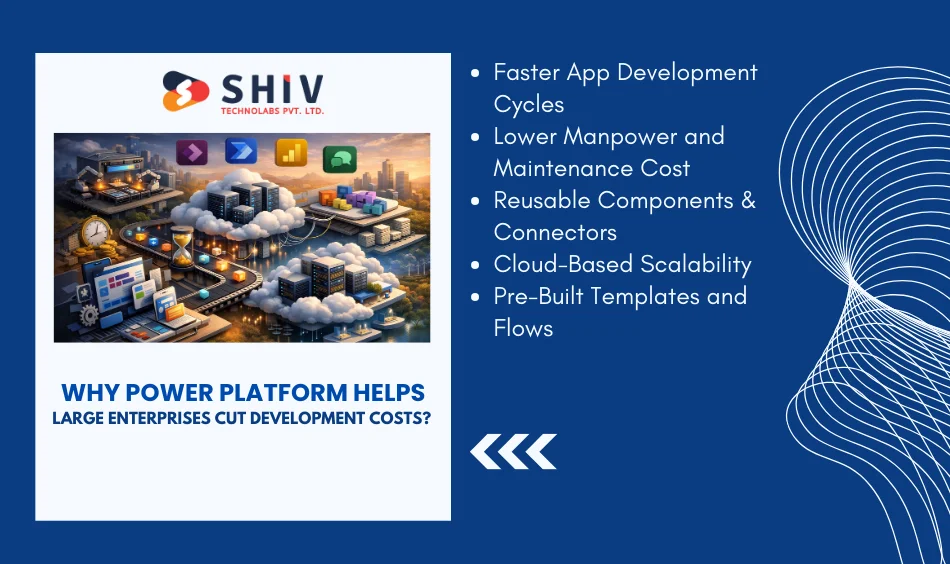
Enterprises spend a shocking amount on app development each year. The biggest cost drivers?
- Hiring full-stack teams
- Endless maintenance cycles
- Custom integrations for every tool
- Long release pipelines
Power Platform removes these cost anchors.
Low-code architecture means fewer engineering hours. Cloud hosting means no server bills. Pre-built flows reduce repetitive work. And reusable connectors eliminate integration headaches.
Here are Top Ways Power Platform Reduces Development Costs:
Faster App Development Cycles
Programs that used to take 12-16 weeks can now be developed in days or weeks. Complex frontend builds are removed by visual editors. Plug-in connectors eliminate backend engineering. Businesses save thousands of man-hours annually. For real-world build patterns, see 12 PowerApps examples.
Lower Manpower and Maintenance Cost
Given that low-code will require fewer development teams, HR costs will decrease significantly. It is also easier to maintain: the updates are auto-pushed in the Microsoft cloud.
Reusable Components and Connectors
Ready-made connectors to Teams, SharePoint, Dynamics, Outlook, CRMs, ERPs, and databases and reduce integration time by 40-70 percent. No custom API development except where necessary.
Cloud-Based Scalability
Apps are deployed on the Microsoft cloud, with no servers, no upgrades and no cost to monitor. Pay not for infrastructure, but for licenses.
Pre-Built Templates and Flows
Start-from-zero situations are minimized using hundreds of automated templates. Approval, onboarding, reporting and notification are already developed and ready to be customized.


How Microsoft Power Platform Integration Lowers IT and Maintenance Costs?
When systems do not communicate, enterprises waste money. Teams manually move data. Different departments develop duplicate tools. Reports are made in days, rather than in minutes. IT wastes hours in integration tickets.
Microsoft Power Platform Integration fixes that problem at scale.
Interlinking Power Platform and Teams with Outlook, SharePoint, Dynamics 365, Azure, and all enterprise applications allows companies to centralize work and automate information flow. In real-time sync, 90% of manual entries are done away with and the cost of developing APIs is reduced significantly.
Cost Savings Through Microsoft Power Platform Integration
| Before Integration | After Power Platform Integration |
|---|---|
| Multiple vendors & APIs | Unified Microsoft ecosystem |
| Manual data sync | Automated workflows |
| High maintenance cost | Single subscription model |
Less complexity → fewer tickets → lower IT cost.
What Are the Benefits of a Power Platform for Large Organizations?

Power Platform isn’t just cheaper, it changes how enterprises work. Faster execution. Cleaner data. Less shadow IT. Better collaboration. This is where real ROI shows up.
HR
Power Apps and Automate are used by HR teams to automate the onboarding processes, leave requests, training activities and employee service requests. Paperwork becomes non-existent, manual work becomes reduced and response time to HR is enhanced many times. Power BI offers an insight into hiring, attrition and attendance rates – without the purchase of individual tools.
Finance
Automated reconciliations, approval chains and reporting dashboards are beneficial to finance teams. Power Platform eliminates spreadsheet messiness, error reduction and provides real-time financial awareness within the organization. This reduces manual processes, month-end cycles and decreases the use of costly BI applications.
Operations
Operations teams automate task routing, compliance workflows, checklists, equipment logs and cross-departmental communication. As all things are in one system, delays decrease, miscommunication is minimised, the operational throughput is maximised, and repetitive manual work is minimised. For heavy repetitive tasks, consider RPA development as well.
Example ROI of Power Platform in Enterprise Departments
| Department | Annual Manual Cost | With Power Platform | Savings % |
|---|---|---|---|
| HR | $40,000 | $10,000 | 75% |
| Finance | $50,000 | $18,000 | 64% |
| Operations | $70,000 | $25,000 | 64% |
Why Are Enterprises Adopting Power Platform in 2026 and Beyond?
Digital transformation is no longer optional; it’s a survival. Power Platform fits perfectly into enterprise roadmaps because it brings speed, governance, and automation under one roof.
Unified governance under the Microsoft ecosystem
Business enterprises desire control and not fragmented tools. Power Platform inherits centralized governance, permission layers, auditing, compliance policies and data security that is inherited by Azure.
Enhanced data security and compliance
The Power Platform is built on Microsoft’s global compliance stack to ensure data privacy, encryption and access controls, as well as industry-level certifications.
Integration of AI Builder + Copilot
Smart AI-powered capabilities enable automation, document processing, sentiment analysis, predictive modeling and scale-based workflow optimization. — pair with our AI development services for document processing, sentiment, and predictions.
Shift from traditional development to low-code agility
Low-code limits the reliance on high-dev teams. Businesses are fast, cost less and change more easily with market conditions.
The enterprise innovation engine has turned into Power Platform.
How to Plan Your Power Platform Implementation for Maximum ROI
Success depends on planning, not just tools. Enterprises save the most when they follow a structured rollout approach.
Step 1: Identify High-Cost Manual Workflows
HR approvals, sales reporting, onboarding flows, audit logs, procurement requests, and thousands of hours annually are wasted on these processes. Determine the location of time waste, places of delay, and recurrent work patterns.
Step 2: Consult Experts for Platform Setup
Governance matters. So does the environment setup. Shiv Technolabs is efficient in licensing, best practices in security, good architecture, and guidelines on app development, to make sure that your teams do not cause havoc in the future.
Step 3: Start Small, Then Scale
Build a pilot first. Measure hours saved, error reduction, and workflow speed before rolling out across departments.
Implementation Phases and Potential Cost Savings
| Phase | Focus Area | Estimated Savings |
|---|---|---|
| Pilot | Workflow automation | 20–30% |
| Department Rollout | Multi-app deployment | 40–50% |
| Full Adoption | Enterprise scale | 60%+ |
How to Measure the Financial Impact of Power Platform Solutions
Here are various ways through which you can measure the financial impact of power platform solutions:
Development Time Saved
Measure how many hours it took to build apps before Power Platform vs after. Most enterprises save 50–60% on build time.
IT Support Cost Reduction
Automated workflows mean fewer tickets, fewer sync issues and fewer system conflicts. This quickly cuts support overhead.
Improved Accuracy & Fewer Manual Errors
From finance to operations, errors drop dramatically when workflows rely on automation instead of manual input.
Sample KPI Comparison Before and After Power Platform
| KPI | Before Implementation | After Power Platform |
|---|---|---|
| App delivery timeline | 12 weeks | 3 weeks |
| IT support cost | $50,000/year | $20,000/year |
| Process error rate | 10–12% | 2–3% |
Measure your potential savings through a personalized Power Platform ROI session.
Conclusion
Power Platform transforms how companies develop, automate, and scale internal platforms. It drives faster growth, reduces IT burden, delivers real-time data access, and strengthens teamwork at nearly half the usual cost. Any enterprise aiming for predictable savings and steady digital agility should treat Power Platform as a strategic engine.
Working with a trusted Shiv Technolabs, a power platform development company, ensures your implementation is scalable, governed, and optimized for long-term savings.
Book a free consultation to explore your next Power Platform project.
Frequently Asked Questions (FAQs)
1. How does Power Platform reduce enterprise development costs?
The use of low-code tools in place of heavy coding reduces the development time in Power Platform. Companies reuse parts, automate repetitive processes and eliminate complicated integrations, leading to drastically reduced dev hours and reduced maintenance costs over the long-term.
2. Can Power Platform integrate with existing Microsoft tools?
Yes. Power platform integrates with Teams, SharePoint, Outlook, Azure and Dynamics 365. This forms a single ecosystem in which workflows occur without any additional APIs or third-party automation systems.
3. What are the top benefits of Power Platform for large organizations?
With Power BI, businesses can implement more quickly and simply, reduce reliance on IT, achieve greater precision in their workflows, enable centralized automation and access real-time analytics, all of which will result in quantifiable cost reductions.
4. How do I measure ROI from Power Platform solutions?
Less man-hours saved, less time spent on IT support, fewer errors and reduced project delivery time. Power BI can produce dashboards to display continuous ROI and operational enhancements across departments.
5. Is Power Platform suitable for all industries?
Absolutely. The manufacturing industry, finance, retail, healthcare, and logistics can use low-code automation and centralized workflows to handle repetitive workflows or divided data.