Table of Contents
Every renewal email nudges your software bill a little higher, one quarter at a time. A new tool joins the stack, a few more seats appear, and another integration quietly starts charging. The spend feels normal for a while, until one renewal cycle, it clearly does not.
At that point, the familiar build vs buy software question returns, now backed by sharper math. The real choice is about timing rather than preference or loyalty to a model. Every SaaS stack reaches a switch-point, the month its running cost passes a focused custom system.
Knowing when to replace SaaS with custom software depends on that single crossing date, drawn from your own invoices. Reaching it too early wastes a build, while reaching it too late wastes years of subscription fees. The aim here is to pin that date to real figures, not gut feeling.
Why SaaS Costs Now Demand a Closer Look
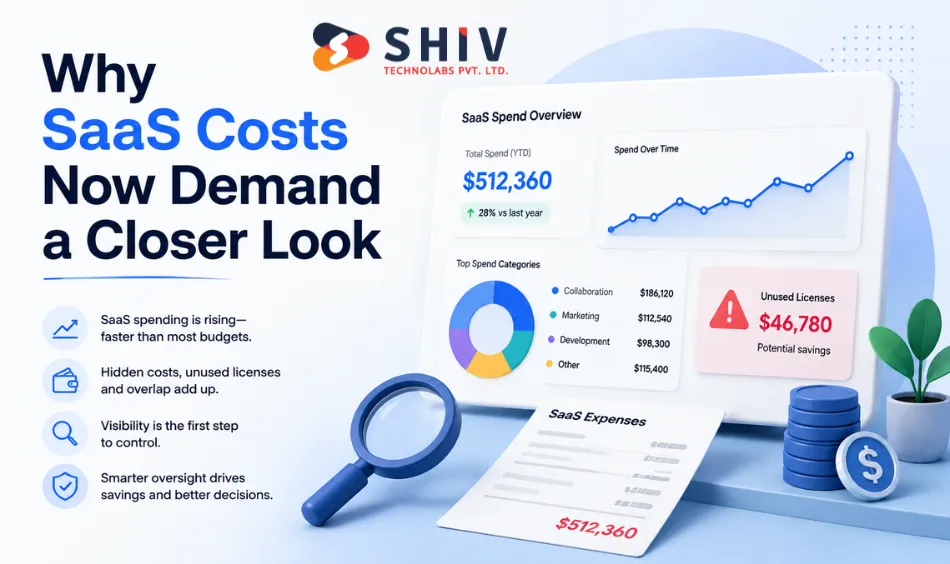
SaaS spending keeps climbing while real usage often lags behind. Zylo’s 2026 SaaS Management Index puts average license use near 54 percent, which leaves about 19.8 million dollars in wasted spend per organization each year, much of it from unused SaaS licenses.
Zylo also puts SaaS spend at nearly $4,830 per employee each year. For a 50-person company, that reaches close to $240,000 a year before add-ons, admin time, and integrations.
Renewal pressure adds another layer to SaaS stack cost. Zylo reports that 79 percent of IT leaders faced renewal price increases in the past 12 months, a trend detailed in Zylo’s SaaS Management Index, and that rising SaaS renewal costs make long contracts harder to justify.
Cost visibility stays hard for finance and operations teams, and Flexera’s 2025 State of the Cloud report found that 84%of organizations call managing cloud spend their top challenge. Rising SaaS sprawl, duplicate tools, and AI add-ons make the question of when to replace SaaS with custom software more pressing each year.
What Is a Software Switch-Point?
A switch-point is the moment your cumulative SaaS cost passes your custom ownership cost. It turns a vague sense of overspending into a dated answer for when to replace SaaS with custom software.
# The Switch-Point Formula
The formula compares two running totals across the same period, drawn from invoices, contracts, and timesheets.
| Factor | SaaS Cost Over Time | Custom Cost Over Time |
|---|---|---|
| Starting Cost | Lower monthly entry cost | Higher upfront planning and build cost |
| Recurring Cost | Monthly licenses, add-ons, usage fees, and renewal increases | Hosting, maintenance, support, and planned improvements |
| Hidden Cost Areas | Admin time, reporting workarounds, workflow gaps, and tool limits | Security updates, ongoing fixes, scaling, and feature upgrades |
| Growth Impact | Cost rises as users, features, and usage increase | Cost grows based on planned improvements and infrastructure needs |
| Best Decision Point | Works well until recurring cost becomes too high | Makes sense when long-term control and cost predictability matter |
| Switch-Point Meaning | SaaS becomes more expensive than expected | Custom starts giving better long-term value |
In plain terms, you weigh every recurring SaaS expense against the full cost of owning a custom system. The custom side starts high while SaaS climbs until they cross.
Where Does SaaS Cost Quietly Leak?
Most SaaS overspending hides inside small, recurring leaks rather than one large bill, and each shifts your switch-point earlier.
| Cost Leakage Area | What to Count | Approx Cost Range | Why It Changes the Switch-Point |
|---|---|---|---|
| Unused Licenses | Paid seats with no recent logins | $15 to $150 per user/month | Adds direct waste that moves the switch-point earlier because the company pays for users who are not getting value from the tool. |
| Underused Apps | Tools used by only a few people or used rarely | $100 to $1,500 per app/month | Spreads cost across low-value usage, which raises the effective cost of keeping the SaaS stack active. |
| Duplicate Tools | Two or more apps doing the same job | $200 to $3,000 per month | Stacks multiple subscription fees for the same workflow, increasing the total SaaS cost without adding equal value. |
| Seat Growth | New paid users added every quarter | $25 to $300 per new seat/month | Scales cost with headcount, often faster than the value created by each additional user. |
| Usage-Based Pricing | Metered events, storage, transactions, or API calls | $100 to $10,000+ per month | Creates variable bills that rise with activity, making future SaaS cost harder to predict. |
| Add-ons | Premium modules, paid extensions, and extra features | $50 to $2,000 per add-on/month | Quietly raises the base subscription cost, especially when teams keep adding modules during each renewal cycle. |
| Renewal Increases | Year-over-year price hikes | 5% to 25% increase per year | Pushes the switch-point closer because the same SaaS setup costs more every contract cycle. |
| Integration Tools | Connectors, middleware, sync tools, and automation platforms | $100 to $5,000 per month | Adds recurring cost just to keep different apps connected and data moving between systems. |
| Admin Time | Hours spent managing users, permissions, plans, and billing | $500 to $5,000 per month | Converts internal staff time into a real operational expense that often gets missed in SaaS cost reviews. |
| Manual Reporting | Hours spent cleaning, merging, exporting, and checking data | $1,000 to $8,000 per month | Hides labor cost behind every report, dashboard, spreadsheet, and manual data check. |
| Workflow Workarounds | Manual steps used to cover missing product features | $1,000 to $15,000+ per month | Turns missing SaaS features into ongoing operational cost, making custom software more attractive earlier. |
Note: These are broad estimate ranges. Actual cost depends on team size, SaaS pricing model, user count, workflow complexity, and how much manual work the system creates.
What Does Custom Software Ownership Truly Cost?
Custom software carries its own cost stack, so a realistic budget counts every cost, not just the build price. Independent 2026 benchmarks put a mid-sized custom business application at $75,000 to $250,000 to build, with an average close to $130,000. This table maps the real custom software cost you should expect.
| Cost Area | What It Includes | Planning Note |
|---|---|---|
| Discovery and scoping | Workshops, requirements, and a clear plan | Sets scope early to avoid costly changes later |
| UI and UX design | User flows, wireframes, and visual design | Strong design lowers support and training costs |
| Development | Front end, back end, and core logic | Forms the largest share of the build cost |
| Integrations | Links to your existing tools and data | Plan connectors early, since they shape timelines |
| Data migration | Moving records from old systems cleanly | Budget for cleanup, mapping, and validation |
| Testing and QA | Functional, security, and load testing | Catches issues before they reach live users |
| Hosting | Servers, storage, and bandwidth | Recurs monthly and scales with usage |
| Security updates | Patches, audits, and access controls | Protects data and supports compliance needs |
| Maintenance | Bug fixes and dependency upkeep | Keeps the system stable across its full life |
| Feature improvements | New capabilities added after launch | Funds growth as your workflow changes |
| Support | Help for users and quick issue response | Keeps adoption high and downtime low |
A fair comparison includes maintenance, security, and improvements across several years or teams under price ownership. A focused software product development plan, paired with clear software cost analysis, keeps both sides realistic.
When Does SaaS Become More Expensive Than Custom?
A short example makes the switch-point concrete. Picture a growing company with overlapping subscriptions and rounded numbers.
This company spends $9,000 per month on overlapping SaaS tools. That equals $108,000 per year before add-ons, admin time, and integrations. A custom system costs $180,000 to build and $3,500 per month to maintain.
# Reading the Switch-Point Math
The model compares two cumulative totals at three checkpoints. The custom system starts higher, then falls behind SaaS over time.
| Timeline | SaaS Cumulative Cost | Custom Cumulative Cost | Position |
|---|---|---|---|
| 12 months | $108,000 | $222,000 | SaaS stays cheaper |
| 24 months | $216,000 | $264,000 | The gap narrows |
| 36 months | $324,000 | $306,000 | Custom turns cheaper |
In this example, the two cost lines cross near month 33, and that crossing point is your switch-point. Before month 33, SaaS stays cheaper because the custom build has not yet paid for itself. After month 33, the custom system becomes cheaper, since the build cost is already spent and only maintenance continues. Reading the totals this way answers when to replace SaaS with custom software with a real date, not a hunch.
These numbers are illustrative. Actual switch-points depend on user count, workflows, integrations, compliance, hosting, and maintenance scope.
Which Signals Point Toward Custom Software?
Some signals reliably move a company toward custom ownership, and reading them early helps you plan before a renewal forces a rushed choice. The threshold table below sorts each signal into stay or review.
| Signal | Stay With SaaS | Review Custom Software |
|---|---|---|
| User count | Small or stable team | Large or fast-growing user base |
| Monthly SaaS spend | Low and predictable | High and rising each quarter |
| Renewal increases | Flat or minor | Steep and repeated |
| Workflow fit | Standard and well-served | Unique with frequent workarounds |
| Duplicate tools | One tool per job | Several tools for one workflow |
| Manual reporting | Minimal cleanup needed | Heavy spreadsheet work each cycle |
| Integration effort | Few, stable connectors | Many fragile, costly integrations |
| Compliance control | The vendor handles it well | You need deeper, custom control |
| Competitive workflow value | Common, shared process | Process that sets you apart |
These thresholds clarify when to replace SaaS with custom software and when patience pays off. A cluster of review signals usually means the switch-point sits close.
What Hidden Costs Push You Past the Switch-Point?
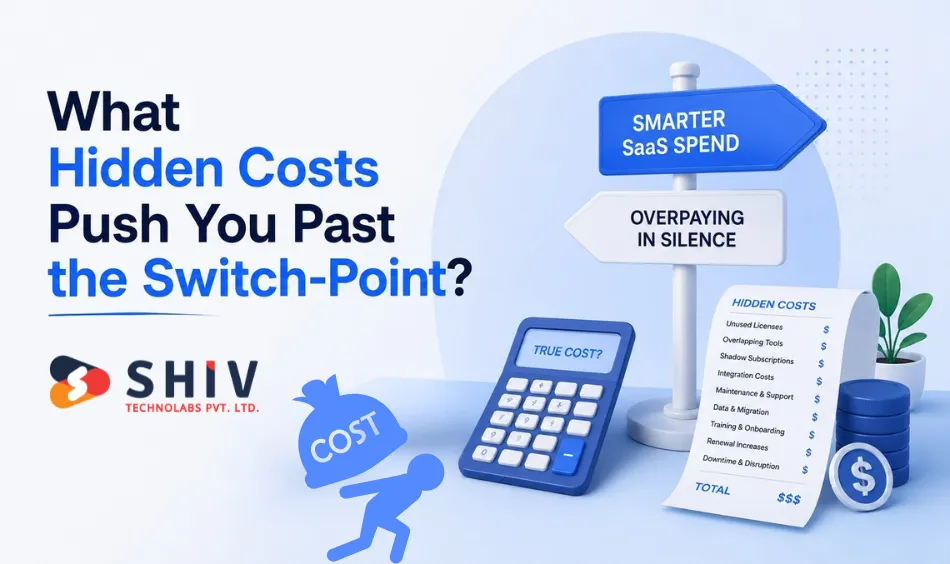
Hidden costs rarely appear on a single invoice, yet they shape your switch-point. They surface as wasted hours, manual fixes, and workarounds.
- Teams pay for several tools with overlapping features.
- Seat costs rise faster than the value each seat adds.
- Staff export and import data by hand between systems.
- Integrations need frequent patching to keep running.
- Reports still need spreadsheet cleanup before review.
- Renewal dates create budget pressure every cycle.
- Teams build workarounds because SaaS workflows do not fit.
- Business logic sits scattered across disconnected apps.
Each sign adds a quiet cost that pulls your switch-point closer than the subscription line suggests.
A Switch-Point Review Checklist
A short checklist helps you judge whether custom software deserves a closer review. Run through each point with real figures from the past year.
- SaaS costs grow every quarter.
- Several tools support one connected workflow.
- Teams repeat manual transfers between tools.
- Reporting needs spreadsheet cleanup each cycle.
- Integration costs keep rising.
- Security or compliance rules need deeper control.
- Licensing costs rise with each new user.
- The workflow gives your company a process advantage.
- Your company can fund maintenance after launch.
Several yes answers signal a strong case for custom software development as the next step. One or two may simply call for cleanup, not a rebuild.
When Should You Keep SaaS?
SaaS still wins in many situations, and the switch-point math respects that. Owning software pays off only under the right conditions.
SaaS often remains the better choice when these conditions hold true:
- The process is standard and shared across many companies.
- The vendor handles security and compliance well.
- Your team uses the tool deeply and daily.
- Switching cost stays high and disruptive.
- The SaaS subscription cost stays predictable each year.
- Custom ownership would add upkeep you do not need.
Standard workflows rarely justify a custom build, since vendors spread that cost across thousands of clients. Sound software development services start with this honest test before any build begins.
How We Support Your Switch-Point Review
Shiv Technolabs helps companies turn this question into a clear, dated decision. The team reviews SaaS spend, maps workflows, estimates custom scope, compares ownership cost, and plans a phased SaaS replacement strategy when the math supports it. Our enterprise software development specialists weigh numbers first, so you only build when it pays off.
Companies weighing a build often start with dedicated software developers who scope a focused system around one high-value workflow. When you want a grounded view before your next renewal, you can request a switch-point review with Shiv Technolabs and see your crossing point in real figures.
Final Thoughts on the Switch-Point
Track your SaaS totals, your custom ownership cost, and the date when they cross. That single date answers when to replace SaaS with custom software for your own business.
Custom ownership earns its place when leaks, renewals, and gaps push the running total past the SaaS line.
Frequently Asked Questions
These short answers cover the most common questions about SaaS switch-point math.
# When Should a Company Replace SaaS with Custom Software?
A company should review custom software once SaaS totals, renewals, and workflow gaps cross the cost of owning a focused system. The right moment depends on user count, integration effort, and how much your workflow drives competitive advantage.
# What Is a SaaS Switch-Point?
A SaaS switch-point is the month or year when your cumulative SaaS cost climbs above the full cost of owning a custom system. It marks the moment custom software ownership becomes the cheaper long-term choice for the same workflow.
# How Do You Calculate SaaS Total Cost of Ownership?
Add every recurring SaaS expense over a fixed period, including licenses, add-ons, usage fees, integrations, admin time, and renewal increases. At roughly $4,830per employee each year, a 50-person team often spends $200,000 to $300,000 before you compare it against custom ownership.
# Is Custom Software Always Cheaper Than SaaS?
Custom software wins only after the switch-point, since a mid-sized build often runs $75,000 to $250,000 plus hosting and yearly maintenance. Standard workflows with stable pricing often keep SaaS the smarter financial choice over the full period.
# What Hidden Costs Make SaaS Expensive?
Hidden SaaS costs include unused licenses, duplicate tools, seat growth, add-ons, renewal increases, integration patching, manual reporting, and workflow workarounds. These costs rarely sit on one invoice, yet together they push your switch-point closer than the subscription price alone suggests.
# How Can a Switch-Point Review Help?
A switch-point review measures your real SaaS totals against custom ownership cost and finds the date when they cross. It gives founders, CFOs, and operations leaders a clear, evidence-based view before the next renewal forces a rushed decision.