Table of Contents
Contemporary businesses cannot work with a single system. Modern businesses now operate ERP, CRM, eCommerce, accounting, inventory, and warehouse systems at the same time. When these systems do not communicate automatically, teams manually transfer data by copying orders, adjusting inventory levels, and aligning customer records.
Research on enterprise data workflows found that this process wastes time and increases data-heavy operations by 20% to 30% in terms of error rates.
Odoo API automation is essential. APIs enable systems to communicate and exchange business data, ensuring consistent system operation without human involvement. With Custom Odoo API development services, companies can create automated integrations to synchronize orders, inventory, customers, and financial records in real time.
What Is Odoo API Automation?
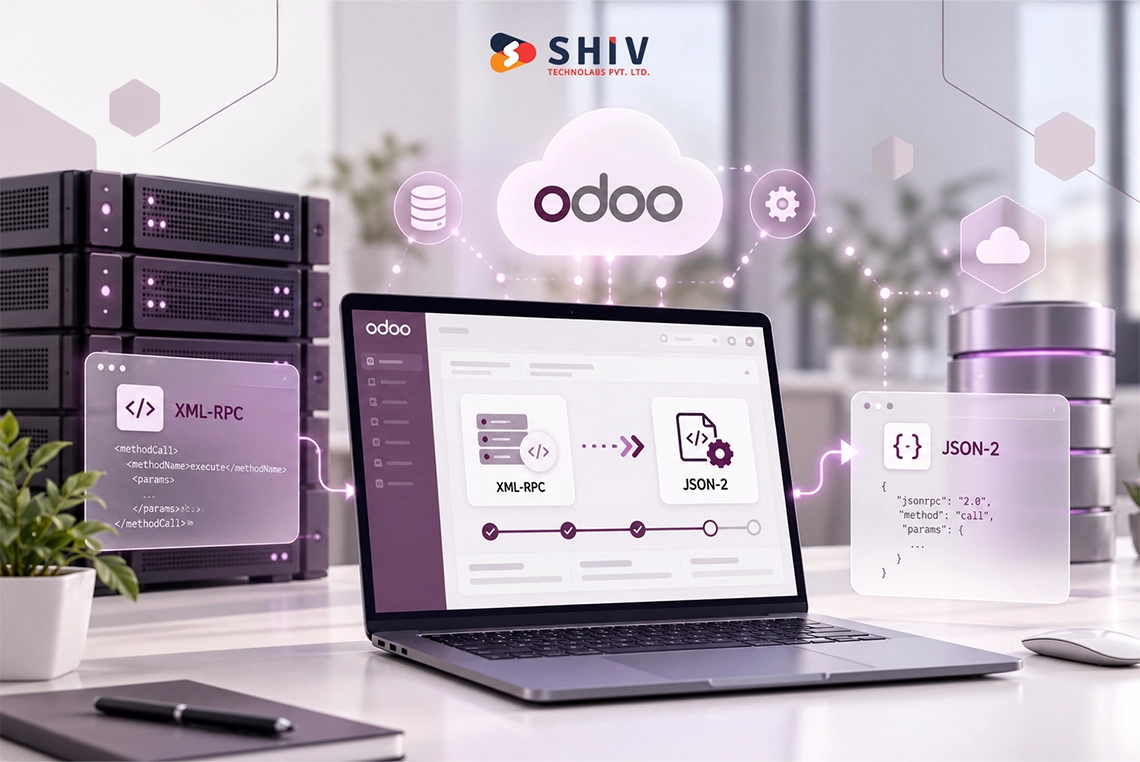
The concept of Odoo API automation is the execution of business processes to integrate Odoo ERP with external systems using Application Programming Interfaces (APIs), allowing business information to flow automatically between systems.
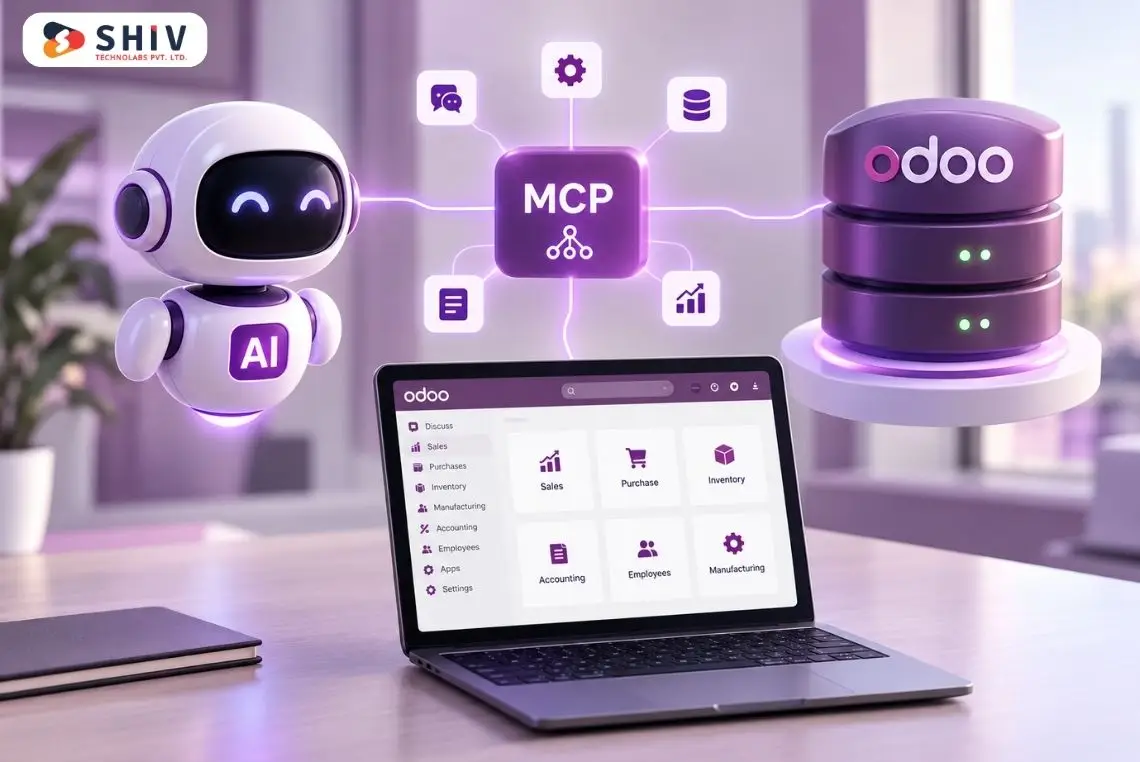
APIs act as the communication layer between systems. Through Odoo APIs, a business can integrate CRM platforms, eCommerce stores, accounting tools, payment gateways, warehouse systems, and custom applications into a single ERP backbone. Many businesses use Odoo development services when they need this type of cross-system communication built around their actual workflow.
APIs automate operations that maintain data alignment across platforms, rather than manual updates, enhancing accuracy, efficiency, and operational control.
Why Do Businesses Need Odoo API System Connectivity?
Most businesses rely on several software platforms. These systems operate independently and require human assistance to transfer data without a connection to the Odoo API.
Eliminating Manual Data Transfers
When systems are not integrated, employees must manually copy information such as orders, invoices, or inventory changes. This increases the risk of human error and slows business processes. Odoo API automation does not require a human to perform any manual work, as systems can interact with one another.
Maintaining Data Consistency Across Systems
Unreliable information can cripple a business. For example, an eCommerce platform may display inventory that no longer exists in the ERP system. Odoo API data synchronization keeps information updated so every system shows the correct data at the same time.
Improving Business Workflow Efficiency
Operational effectiveness is enhanced through automated connectivity. APIs allow systems to perform actions automatically, update inventory when a sale occurs, issue invoices when an order is confirmed, etc. This minimizes time wastage and improves work processes.
Supporting Scalable Digital Operations
Firms’ digital infrastructure increases with firm size. The API enables businesses to add new systems without re-architecting their entire technology stack, yielding long-term scalability.
This is where Odoo implementation services often come in. A proper implementation plan gives businesses a structure where new systems can be connected in a controlled way instead of creating more confusion later.
How Does Real-Time Data Exchange Using Odoo API Work?
The real-time exchange of data enables the systems to converse whenever business events are captured. Rather than batch updates that run every few hours, APIs ensure changes are reflected instantly across linked platforms.
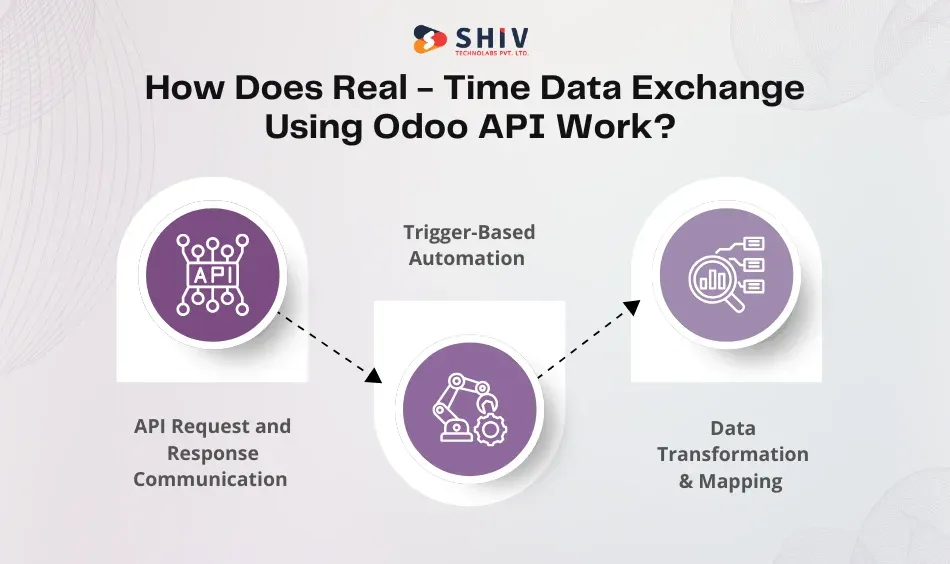
API Request and Response Communication
The systems interact via API requests. A request is made to the Odoo server by one of the systems, and the server gives back the data necessary. This communication ensures constant data transmission.
Trigger-Based Automation
Different API integrations are based on triggers. The API automatically transfers the corresponding information to the other connected systems when an event happens e.g., a new order.
Data Transformation and Mapping
Data in various systems may be stored in various formats. The API integrations also have data mapping logic that enables the fields to be transferred to compatible structures.
Components Required for Odoo API Data Synchronization
| Component | Role |
|---|---|
| API endpoints | Enable systems to exchange business data |
| Authentication tokens | Secure API access |
| Data mapping | Align fields between systems |
| Webhooks | Trigger automated updates |
| Background jobs | Execute automated workflows |
In more advanced projects, businesses may also need custom API development services to create middleware layers, third-party connectors, or special business logic that standard connectors cannot handle.


Which Business Processes Can Be Automated Using Odoo API?
Odoo APIs help businesses automate various workflows across their departments. By linking systems to each other, business organizations eliminate process redundancy and ensure data uniformity.
Inventory Synchronization
There should be accuracy in inventory information at eCommerce, ERP, and warehouse tools. With Odoo API workflow automation, business organizations can use this to keep stock in sync with sales whenever sales are made.
The major automation measures involve:
- Automatic stock updates after purchases
- Warehouse stock adjustments
- Multi-channel inventory visibility
This ensures that inventory availability is correct across all platforms. Companies with factory operations often connect this with a broader manufacturing ERP solution so that procurement, stock, and production work from the same flow.
Order Processing Automation
Orders placed in external systems can automatically appear in Odoo ERP via API integrations. APIs read order data and trigger back-end processes, eliminating the need for manual order entry.
Automated order processes comprise:
- Order creation in ERP
- Customer record updates
- Invoice generation
- Payment status tracking
Customer Data Synchronization
There are typically several platforms where customer records can be found and these include the CRM tools, support systems, and marketing software. Odoo API data synchronization is what makes these systems available with similar customer information.
Financial Record Updates
The accounting systems and operational platforms should be similar in the financial information they provide. APIs enable auto-synchronization of invoices, payments, and transaction records.
How Do Companies Automate Inventory and Sales Data Using Odoo API?
One of the most frequent uses of Odoo API data synchronization is automating inventory and sales data.
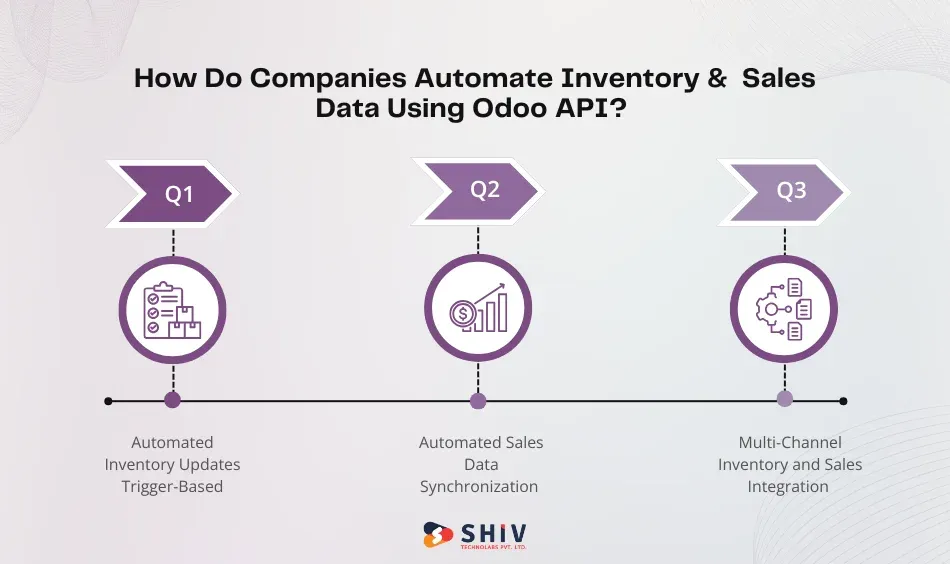
Automated Inventory Updates
Business firms usually market their goods through multiple channels, such as online stores and marketplaces. APIs will ensure stock levels are kept up to date after each purchase, eliminating overstocking and ensuring inventory is reported correctly.
Automated Sales Data Synchronization
ERP systems can automatically synchronize with sales information from third-party websites. Orders are registered via APIs, money reports are updated, and financial documents are created to ensure all sales data is consistent across business systems.
Multi-Channel Inventory and Sales Integration
Multiple sales channels enable companies to benefit from API-based automation. Odoo API as a method of automating inventory and sales data will guarantee that every sales tool is connected to the ERP system, and all operations are visible in real-time.
What Benefits Do Businesses Gain from Odoo API Automation?
The automation of the Odoo API has quantifiable benefits in the operations.
Reduced Manual Data Entry
Automation removes repetitive tasks like copying or updating records across different systems. This reduces administrative workload and minimizes the risk of human error.
Quickened Business Processes
Business processes are quicker when systems share messages amongst themselves. Order processing, stock updates, and financial reporting occur immediately, rather than manually.
Proper Inventory Control
On-the-fly data synchronization keeps stock levels in sync across sales channels, warehouses, and ERP systems. This eliminates overselling and enhances the supply chain planning.
Better Reporting Verification
APIs are used to ensure that data from systems is seamlessly transported into the ERP platform. This enables companies to produce credible analytics and financial statements.
Scalability in System Connectivity
The fact that API-based integrations do not need to touch the existing infrastructure to establish connectivity between new tools makes Odoo API automation of multi-system businesses a perfect fit in growing businesses.
What Challenges Can Occur When Automating Data Exchange Using the Odoo API?
Although automation is beneficial, companies will have to overcome technical issues when implementing it.
Incorrect Data Mapping
Synchronization errors may arise when data field mappings between systems are incorrect. Effective data mapping is relevant in order to make sure that information flow between applications accurately.
Authentication Configuration Issues
The API integrations rely on secure authentication mechanisms such as tokens or credentials. Improved authentication may either block system communication or leave the security systems vulnerable.
API Performance Limits
Both massive data transfers and improper API optimization can affect system performance. Architecture and background processing are reliable.
Conclusion
The current institutions operate within sophisticated digital ecosystems where various systems coordinate the features of business activities. It is hard and time-consuming to have information or data that is consistent across platforms without automation.
If your organization requires high-quality integrations, Shiv Technolabs offers implementation and Custom Odoo API development services designed to automate at an enterprise scale.
Frequently Asked Questions (FAQs)
1. How does Odoo API automation help businesses automate data exchange?
Odoo APIs enable integration with other systems. This allows automated data transfers, real-time synchronization, and automation of workflows between systems, removing the manual operations and providing uniform business data across integrated systems.
2. Which systems can connect to Odoo via APIs?
The Odoo API can be integrated with CRM applications, eCommerce platforms, accounting software, payment gateways, logistics providers, warehouse systems, and third-party applications. Through these integrations, businesses can easily operate on various digital tools.
3. Is Odoo API data synchronization secure?
Yes, Authentication tokens, secure endpoints, and encrypted communication protocols are used to secure business data and enable Odoo API integrations. Safe and reliable fundamental data exchange between systems is guaranteed through proper configuration.
4. Can Odoo APIs automate inventory and sales processes?
Yes, Inventory levels, sales records, invoice generation, and order statuses can be automated across platforms via API, facilitating efficient inventory and sales management.
5. When should businesses implement custom Odoo API automation?
When a business has more than one system, a complex workflow, or platforms that demand real-time data synchronization, it should adopt custom API automation. Custom integrations provide reliable, scalable business automation.