Table of Contents
A developer describes a customer dashboard to an AI coding agent. Within minutes, the agent creates database models, API routes, filters, charts, and tests. The application works locally, the interface looks complete, and the team starts discussing a production release.
That is often where the difficult work begins. The generated feature has only faced sample records, expected inputs, one user, and stable local services. Production brings real customer data, concurrent requests, permission boundaries, delayed APIs, retries, large databases, security attacks, support incidents, and future releases.
This makes vibe coding in production different from using AI to create a working demonstration. A feature can run correctly without being secure, reliable, maintainable, observable, or safe to release.
Vibe coding can help experienced teams draft low-risk features, build prototypes, prepare tests, and reduce repetitive work. It starts breaking when prompt-led output replaces architecture decisions, business-rule discovery, secure coding, testing, and engineering ownership.
The practical question is no longer whether AI can generate code. The question is whether that code can survive real production conditions after the original prompt is forgotten.
Quick Answer: Is Vibe Coding Safe for Production?
Vibe coding can support production development when qualified engineers understand, review, test, secure, and maintain every generated change. It becomes risky when teams treat working output as proof of production readiness.
A production-safe workflow requires:
- Clear requirements and acceptance criteria
- Human code review
- Authentication and authorization checks
- Unit, integration, and regression testing
- Security and dependency scanning
- Production-like performance testing
- Logs, metrics, alerts, and traces
- A rollback plan
- A named maintenance owner
The source of the code does not change the production standard. Human-written and AI-generated changes must pass the same release gates.
OWASP’s secure coding checklist covers input validation, authentication, access control, error handling, data protection, database security, and other controls that remain necessary when AI generates the implementation.
Practical rule: AI may draft the change, but engineers must understand and approve what reaches users.
What Is Vibe Coding in a Production Context?
Vibe coding is a prompt-led development method where a person describes the desired outcome and an AI tool produces much of the code. The person then runs the result, reports visible problems, and asks the tool to revise the implementation.
The term often describes a workflow like this:
User describes a feature
          ↓
AI generates code
          ↓
User runs the application
          ↓
User reports what looks wrong
          ↓
AI modifies the implementation
          ↓
The cycle continues until it works
This approach reduces the effort required to move from an idea to a functional application. However, it can also create distance between the person requesting the feature and the technical decisions inside it.
That distance matters in production.
A prototype may only need to prove that an idea is possible. Production software must also answer:
- Who can use the feature?
- Which records can each user access?
- What happens when a dependency fails?
- Can the same request run twice safely?
- Will the queries work with millions of records?
- Can engineers trace and fix an incident?
- Can the change be reversed without losing data?
- Who owns the feature six months later?
A polished interface does not answer these questions.
How Is Vibe Coding Different From AI-Assisted Development?
Not every use of an AI coding tool is vibe coding. In AI-assisted development, an engineer remains responsible for system design, data models, security boundaries, implementation decisions, testing, and release approval. AI helps with selected tasks.
Vibe coding gives prompts and generated output a larger role in deciding how the feature is built.
| Area | Traditional Development | AI-Assisted Development | Vibe Coding |
|---|---|---|---|
| Starting point | Requirements and design | Engineer-led design | Desired outcome |
| Main code creator | Engineer | Engineer and AI | Mostly AI tool |
| Architecture owner | Engineer | Engineer | Can become unclear |
| Human understanding | Usually high | High when reviewed | May fall behind output |
| Review requirement | Required | Required | Critical |
| Best production fit | Core systems | Broad engineering work | Bounded, verifiable tasks |
| Main risk | Standard defects | Overreliance on suggestions | Hidden logic and weak ownership |
The key difference is not who typed the code. It is whether someone understands the implementation well enough to approve, support, and change it.
Why Vibe-Coded Software Looks Strong Before Production
Development environments hide many conditions that live systems expose.
A local test usually includes:
- A small database
- One developer
- Stable network access
- Known test accounts
- Clean sample input
- Mocked third-party services
- No hostile traffic
- Limited concurrency
Production introduces a different environment:
- Thousands of users
- Old and inconsistent records
- Concurrent updates
- Failed dependencies
- Duplicate events
- Delayed queues
- Expired sessions
- Account-level permissions
- Traffic spikes
- Active security threats
An AI-generated endpoint may return the correct response for one valid request. That does not prove it handles duplicate submissions, database timeouts, partial transactions, or access from the wrong account. This gap between demonstration conditions and operating conditions explains why working code can still fail after release.
Where Does Vibe Coding Help in Production Teams?
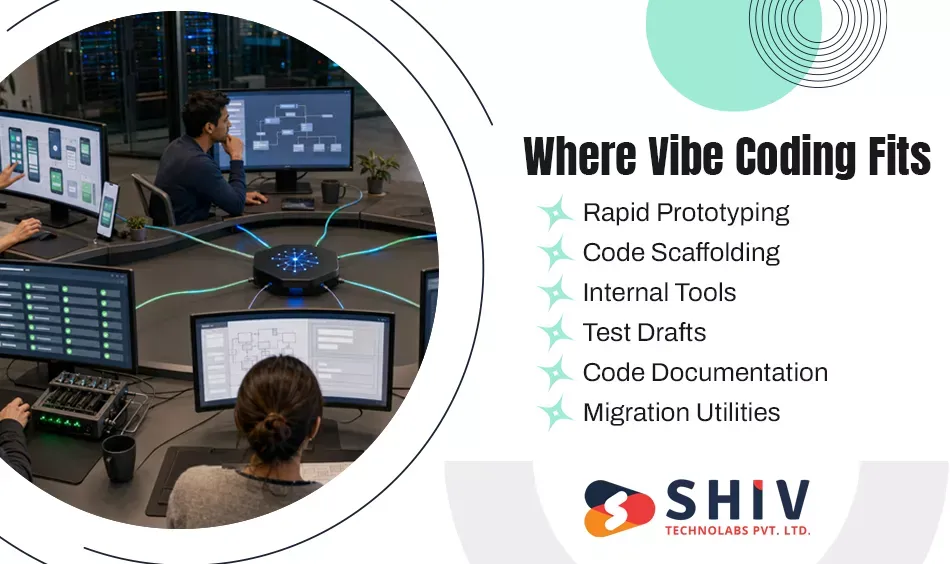
Vibe coding works best when the task is bounded, reversible, easy to inspect, and based on an established pattern. The strongest use cases reduce typing and setup work without transferring critical engineering judgment to the tool.
# Rapid Prototypes Before Full Engineering
A prototype helps a team test whether an idea deserves further investment.
Vibe coding can create:
- Early product flows
- Dashboard concepts
- Mock APIs
- Basic integration demonstrations
- Temporary database models
- Internal proof-of-concept applications
For example, a product team may generate two onboarding flows and test them with users before designing the permanent architecture. The prototype should remain isolated from production credentials and sensitive customer data. Teams should also record which parts are temporary.
The risk begins when a successful prototype quietly becomes the permanent application. Temporary authentication, weak data models, and unreviewed dependencies may then become part of the live product.
# Scaffolding Inside an Existing Architecture
AI tools can prepare routine structures such as:
- Controllers
- API clients
- Form components
- Data-transfer objects
- Serialization code
- Test fixtures
- Standard configuration files
This use case works when the team has already selected the architecture and coding patterns.
The agent should follow the existing system rather than invent a second approach. A generated controller that bypasses the approved service layer may work today while creating architecture drift for future developers.
# Low-Risk Internal Tools
Teams can use vibe coding for bounded internal utilities such as:
- Content review panels
- Reporting dashboards
- Data-entry tools
- Staff workflow applications
- Support lookup screens
- Temporary operations utilities
These applications often use familiar forms, tables, filters, and search functions.
However, “internal” does not mean harmless. An employee-facing tool may still expose customer records, financial reports, pricing data, or administrative actions.
Before launch, engineers must confirm role permissions, record access, audit logs, input validation, and credential handling.
# Test Drafts and Edge-Case Suggestions
AI can draft:
- Unit tests
- Integration scenarios
- Mock responses
- Boundary-value cases
- Regression-test ideas
- Failure-path checks
This can give engineers a useful starting point.
Generated tests still require independent review. A test may repeat the implementation instead of checking the requirement. It may also mock every dependency and miss the behaviour that causes production failures.
The engineer must decide what needs testing. The AI can help write the first draft.
# Documentation and Code Explanation
AI tools can prepare:
- API documentation
- Pull-request summaries
- Setup guides
- Function descriptions
- Release notes
- Troubleshooting steps
- Codebase explanations
This can support onboarding and knowledge transfer.
Generated documentation must be compared with the actual code. AI may describe intended behaviour while missing side effects, configuration requirements, or current limitations.
# One-Time Migration and Data Utilities
Vibe coding may help draft scripts for:
- Converting formats
- Renaming fields
- Backfilling values
- Cleaning duplicate records
- Moving files
- Preparing reports
- Testing API responses
These tasks are suitable when the output is easy to compare, and the operation can be reversed.
A safe migration process should include copied data, dry-run mode, logs, backups, record-count checks, transaction controls, and recovery steps.
Where Does Vibe Coding Break in Production?
Vibe coding starts breaking when the feature depends on context the prompt does not contain. That context may include security policy, contracts, historical exceptions, infrastructure limits, account boundaries, compliance rules, or undocumented behavior in older systems.
# Authentication Works, but Authorization Is Missing
An AI tool may create an invoice endpoint that correctly checks whether a user is logged in:
GET /invoices/8472
The code returns the requested invoice, and the test succeeds. The missing question is whether invoice 8472 belongs to the logged-in user’s company. In a multi-tenant SaaS application, changing the ID could expose another customer’s record. The feature passes authentication but fails authorization.
OWASP lists access control, authentication, input validation, session management, and data protection among core secure coding areas. These controls require deliberate review rather than confidence in generated output.
# Payment and Webhook Logic Ignores Retries
A payment provider sends a successful transaction event. The generated webhook creates an invoice and updates the customer account. The provider does not receive a response because the network times out. It sends the event again.
Without idempotency, the application may create two invoices, duplicate an order, or issue the same refund twice. The happy path worked. Production retry behavior exposed the missing rule.
Payment workflows need:
- Idempotency keys
- Transaction controls
- Duplicate-event checks
- Amount validation
- Permission checks
- Audit logs
- Recovery procedures
AI can draft this code, but experienced engineers must define the financial control model.
# Complex Business Rules Exceed the Prompt
A B2B pricing rule may depend on:
- Customer contract
- Region
- Currency
- Product family
- Purchase volume
- Promotion status
- Tax exemption
- Available credit
- Manual approval
A prompt may describe the main pricing formula but omit exceptions known to sales, finance, or operations. The AI can implement the stated requirement perfectly and still produce the wrong business outcome. Complex rules require discovery before coding. The team must collect scenarios, exceptions, owners, acceptance criteria, and examples before asking any tool to implement them.
# Production Data Volume Exposes Poor Queries
A generated dashboard works with 500 sample orders. A large customer has five years of records and millions of line items.
The implementation may:
- Load every order at once
- Run one query per record
- Repeat external API calls
- Miss pagination
- Perform calculations inside nested loops
- Hold large results in memory
The page that loaded instantly during development may time out in production. Teams should test generated features using realistic volumes, concurrent users, latency targets, and query analysis.
# Distributed Systems Expose Timing Problems
Production workflows often include APIs, queues, workers, caches, and third-party services.
Generated code may handle one successful request but miss:
- Duplicate messages
- Out-of-order events
- Partial failure
- Race conditions
- Retry storms
- Stale cache values
- Network timeouts
- Lost acknowledgements
For example, two workers may update the same inventory quantity at the same time. Both read a value of ten, subtract one, and save nine. The system records one reduction instead of two. These failures require reasoning about state, timing, ownership, and recovery. A local demonstration cannot prove that the workflow handles them.
# Legacy Systems Contain Hidden Dependencies
An AI agent may read many repository files and still miss an old report, scheduled job, external export, or customer-specific rule.
A database field may appear unused in the main application. Removing it passes all local tests. The next morning, a finance export fails because it still expects that field.
Vibe coding becomes less reliable as undocumented dependencies increase.
Teams need dependency maps, integration documentation, repository instructions, protected files, regression tests, and reviewers familiar with the system’s operational history.
# High-Risk Features Need More Than Generated Patterns
Vibe coding should not independently decide the implementation for:
- Authentication
- Authorization
- Payment processing
- Financial calculations
- Encryption
- Sensitive-data access
- Regulated records
- Production infrastructure
- Core architecture
- Destructive database changes
AI can support senior engineers in these areas, but it should not define the security or compliance model.
Main Security Risks of Vibe Coding in Production
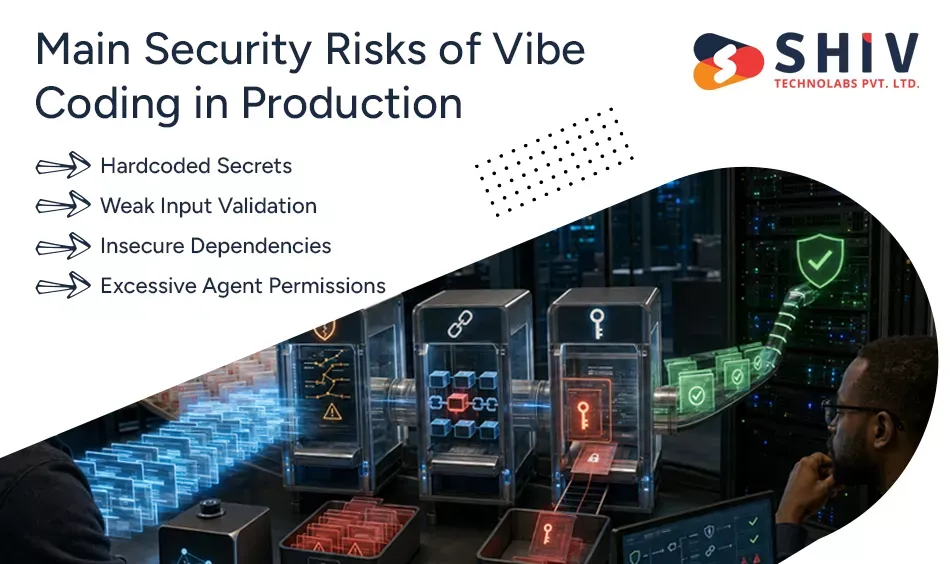
Security risk grows when AI generates code faster than teams can inspect it.
GitHub now applies CodeQL analysis, dependency checks, and secret scanning to changes created by supported third-party coding agents. This reflects the need to place automatic validation directly inside agent-driven workflows.
# Hardcoded Secrets
Generated examples may place tokens, passwords, or connection strings directly in source code.
Secrets can also appear in:
- Test fixtures
- Prompt history
- Configuration files
- Logs
- Frontend bundles
- Documentation
- Repository history
Teams should keep credentials in an approved secret manager, block them from prompts, scan commits, and rotate exposed values immediately.
# Weak Input Validation
A generated form may validate expected values but miss:
- Oversized input
- Malicious scripts
- Invalid encodings
- Negative quantities
- Unexpected object fields
- Dangerous file content
- Duplicate submissions
Validation must happen at every trust boundary. Client-side checks support usability, but server-side validation protects the system.
# Insecure Dependencies
An agent may install a package that is outdated, unnecessary, poorly maintained, or vulnerable. Every dependency should have a clear purpose. Reviewers should check its identity, maintenance activity, vulnerabilities, licence, transitive packages, installation scripts, and replacement options.
# Excessive Agent Permissions
A coding agent rarely needs production database access, cloud administrator rights, all repositories, or every secret. OWASP’s AI Agent Security Cheat Sheet recommends reducing agent attack surfaces and controlling the tools and actions available to agents.
Use read-only access where possible. Restrict changes to development branches, require pull requests, and keep production releases under human approval.
Five Production Failure Gaps Teams Should Watch
| Failure Gap | What Works Before Release | What Production Reveals |
|---|---|---|
| Happy-path gap | Expected input succeeds | Invalid and unusual states fail |
| Context gap | Code matches the prompt | Hidden business rules are missed |
| Scale gap | Sample data loads quickly | Real volume causes timeouts |
| Ownership gap | AI explains the feature | No engineer can maintain it |
| Incident gap | Local error is easy to retry | Live failure affects users and data |
# The Happy-Path Gap
Generated code often handles the most obvious flow first. Real users produce expired sessions, duplicate clicks, incomplete forms, old records, and unusual sequences.
# The Context Gap
The tool knows the information it receives. It may not know why the business rejected a library, which customer has a special contract, or why a security control sits in one shared service.
# The Scale Gap
Performance with test data does not predict behavior with years of records, high concurrency, or slow external systems.
# The Ownership Gap
The clearest warning appears when no engineer can explain the data flow, permissions, dependencies, failure behavior, and rollback process.
# The Incident Gap
An agent can generate a feature. It does not carry the pager, speak with customers, restore lost data, or accept responsibility for a failed release. Production needs a human owner.
Production Readiness Checklist for Vibe-Coded Features
The following checklist helps teams judge whether generated work is ready for release.
| Production Gate | Required Check |
|---|---|
| Requirement review | Output matches approved business behavior |
| Human review | An engineer understands every meaningful change |
| Scope review | The agent did not alter unrelated files |
| Unit testing | Core logic and boundary values are covered |
| Integration testing | Connected services behave correctly |
| Regression testing | Existing workflows remain stable |
| Authorization review | Users can access only approved records |
| Secret scanning | No credentials appear in code or logs |
| Dependency review | New packages are necessary and approved |
| Security analysis | Static and dynamic checks pass |
| Performance testing | Queries and workflows handle realistic load |
| Observability | Logs, metrics, traces, and alerts are ready |
| Rollback | The release and data changes can be reversed |
| Documentation | Behaviour, risks, configuration, and limits are recorded |
| Ownership | A person or team will maintain the feature |
OWASP’s Code Review Guide recommends independent review by people who understand secure coding and states that corrections should happen before release.
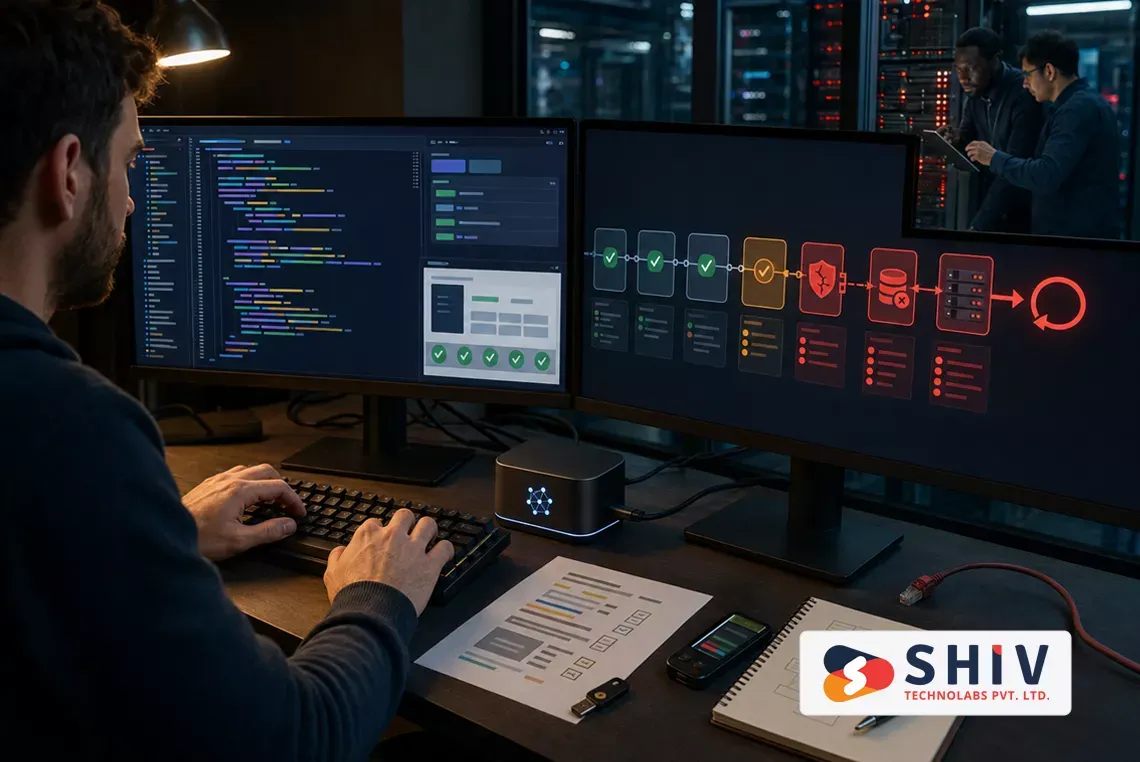
How Should CI/CD Handle AI-Generated Code?
AI-generated code should pass the same pipeline as human-written code. High-risk changes may need stricter approval.
A controlled workflow can follow this sequence:
- Define the requirement and risk level.
- Let the developer or agent prepare the change.
- Run formatting and linting.
- Run unit and integration tests.
- Scan for exposed secrets.
- Review new dependencies and licenses.
- Run static security analysis.
- Complete human code review.
- Release to staging.
- Test production-like scenarios.
- Approve the production release.
- Monitor the change after deployment.
GitHub’s coding-agent validation checks generated changes for vulnerabilities, exposed secrets, and risky dependencies before finalizing a pull request. Teams should still keep their own security, QA, and approval controls.
Businesses that need a stronger release process can connect application development with QA software testing services and structured deployment practices.
When Should Teams Allow, Review, or Block Vibe Coding?
A risk-based model works better than a complete ban or unrestricted use.
| Work Type | Decision | Minimum Control |
|---|---|---|
| UI prototype | Allow | Synthetic data and basic review |
| Documentation draft | Allow | Technical accuracy check |
| Unit-test draft | Allow | Independent assertion review |
| Code scaffolding | Allow | Architecture and peer review |
| Internal CRUD tool | Review | Permissions, tests, and logging |
| Customer-facing feature | Review carefully | Full QA and security checks |
| API integration | Review carefully | Retry, timeout, and recovery tests |
| Production migration | Restrict | Backup, dry run, approval, rollback |
| Authentication | Restrict | Senior engineering and security review |
| Authorization | Restrict | Threat modelling and access tests |
| Payment processing | Block unsupervised use | Approved architecture and controls |
| Core architecture | Block unsupervised use | Engineer-led design |
The deciding factors should include:
- Data sensitivity
- Cost of failure
- Number of affected users
- Reversibility
- Architecture impact
- Compliance requirements
- Review difficulty
- Long-term maintenance needs
Does Vibe Coding Reduce Production Development Costs?
Vibe coding can reduce the time spent on prototypes, scaffolding, test drafts, documentation, and familiar patterns.
It does not save money when weak output creates:
- Long code reviews
- Rework
- Security findings
- Production incidents
- Emergency refactoring
- Support requests
- Dependency problems
- Slower future development
A useful calculation is:
Net value = implementation time saved minus review, rework, incident, and maintenance costs
Teams should track:
- Feature cycle time
- Review time per pull request
- Changes requested after review
- Defects found before release
- Defects found after release
- Security findings
- New dependencies
- Incident recovery time
- Refactoring backlog
- Maintenance effort
Generated line count is not a useful business outcome. Reliable features delivered without increasing future risk provide a better measure.
How Shiv Technolabs Helps Make Vibe-Coded Software Production-Ready
A vibe-coded application may already look complete while still needing architecture, security, testing, and deployment work. Shiv Technolabs helps businesses assess what can remain, what needs refactoring, and what should be rebuilt before production.
Our engineers can review:
- Application architecture
- Business logic
- Authentication and authorization
- Database design
- API integrations
- Generated dependencies
- Error handling
- Test coverage
- Performance limits
- Logging and monitoring
- Deployment and rollback readiness
Through our custom software development services, we build software around defined workflows, data rules, integrations, and long-term ownership. Shiv Technolabs’ service scope includes custom business systems and AI/ML-backed software capabilities.
Our AI development services help businesses add AI features and agent capabilities within clear technical and operational boundaries. We also provide QA software testing services covering functional, integration, regression, and automation requirements.
For products that need continued engineering after the first release, our product development services cover discovery, architecture, development, testing, and post-launch support.
# Where Our Team Can Support You
- Review an existing vibe-coded prototype
- Identify security and permission gaps
- Refactor generated architecture
- Add production-grade test coverage
- Improve performance and database behaviour
- Set up controlled deployment gates
- Add logging, alerts, and rollback plans
- Provide ongoing engineering ownership
Contact us to review your AI-generated application before it reaches customers, production data, or critical business workflows.


Final Verdict: Vibe Coding Helps When Engineers Stay in Control
Vibe coding can help teams test ideas, prepare scaffolding, create internal utilities, draft tests, and reduce repetitive development work. Production changes the standard. Live software must protect data, enforce account boundaries, handle failures, work under real traffic, fit the existing architecture, and remain maintainable after the original prompt is gone.
Vibe coding breaks when a successful demonstration becomes the only release criterion. It becomes useful production engineering when generated work passes clear requirements, human review, meaningful tests, security checks, controlled deployment, observability, and rollback planning.
Frequently Asked Questions
# What Is Vibe Coding in Production?
Vibe coding in production means using prompt-generated code within live software while applying human review, testing, security, monitoring, and ownership controls.
# Is Vibe Coding Safe for Production Software?
It can be safe for bounded tasks when qualified engineers verify the logic, permissions, dependencies, tests, performance, monitoring, and rollback process.
# Where Does Vibe Coding Help Production Teams?
It helps with prototypes, scaffolding, internal tools, documentation, test drafts, data utilities, and small features with clear acceptance criteria.
# Where Does Vibe Coding Break in Production?
It breaks around hidden business rules, sensitive data, authorization, payments, distributed systems, large datasets, legacy dependencies, and unclear ownership.
# What Are the Main Vibe Coding Security Risks?
Major risks include exposed secrets, weak validation, missing authorization, unsafe dependencies, excessive agent permissions, data leakage, and incomplete error handling.
# Should AI-Generated Code Pass Human Review?
Yes. A qualified engineer should understand the change, verify its behaviour, review its risks, and accept responsibility before production release.
# Can Startups Use Vibe Coding for MVP Development?
Startups can use it for MVPs, but they should reassess architecture, permissions, data handling, testing, and monitoring before serving real customers.
# Should Enterprises Allow Vibe Coding?
Enterprises can allow controlled use through approved tools, restricted access, pull-request rules, audit records, security gates, and clear engineering ownership.
# Does Vibe Coding Reduce Software Development Costs?
It can reduce initial coding time, but weak review may create rework, incidents, technical debt, and maintenance costs that remove those savings.
# How Can Companies Make Vibe Coding Production-Ready?
Companies need defined requirements, human ownership, code review, automated tests, security scans, production-like testing, observability, documentation, and rollback planning.