Table of Contents
Growing teams often reach a point where their daily tools start working against them instead of for them. A CRM built for someone else’s sales process creates daily workarounds that slow your whole team down.
Spreadsheets end up patching gaps that a properly designed system should already cover. This is exactly where the custom vs. off-the-shelf software decision becomes a real business question rather than a technical one.
Off-the-shelf tools promise speed, while custom software promises a fit built around your exact workflow. Growing companies often need both approaches at different stages of their journey, and picking the wrong one costs more than money. Teams lose real hours every week to manual fixes, duplicate entries, and constant app switching between platforms.
Quick Answer
Off-the-shelf software gets your team running within days at a lower upfront cost, but it often forces you to adapt to someone else’s workflow instead of your own. Custom software takes longer to build, yet it fits your exact process and scales alongside your growing team. Growing teams should pick off-the-shelf software for validation and move to custom software once their internal processes are proven and repetitive.
What Is the Real Difference Between Custom and Off-the-Shelf Software?
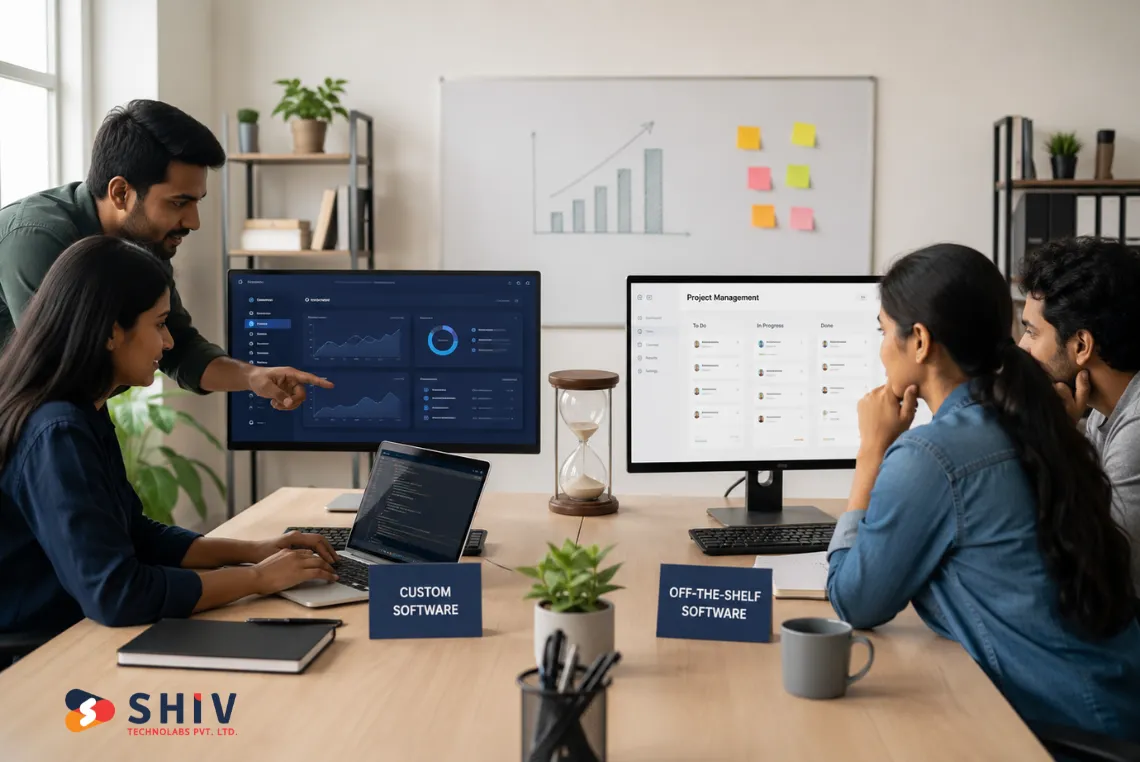
Off-the-shelf software refers to ready-made products built for general business needs across many different industries. Custom software gets built specifically around your workflow, your data, and your team’s daily decisions. The right choice depends on how unique your processes are and how fast your team is currently scaling.
1. Off-the-Shelf Software in Simple Terms
Tools like Slack, Trello, QuickBooks, and Zoho CRM fall under this category, and most startups start here. You sign up, pay a subscription, and your team can start using the tool within minutes. It works well when your processes are still forming, and speed matters more than a perfect fit.
- Quick Setup: Most off-the-shelf tools activate within minutes or a few hours of signup. Your team avoids long onboarding cycles and can start testing the tool right away. This matters most for small teams that need to validate a process before committing a budget to it.
- Lower Starting Cost: You pay a monthly or yearly subscription instead of funding a full development project. This keeps early cash flow healthier for startups and small teams still finding their footing. Budgets stay predictable, which helps founders plan spending across other priorities.
- Regular Updates: Vendors handle bug fixes, security patches, and new features as part of your subscription. Your team never has to manage servers, versions, or maintenance schedules on its own. This frees up internal time that would otherwise go toward upkeep.
- Proven Usability: Popular tools get tested by thousands of businesses before you ever sign up. You inherit a stable, well-documented product instead of testing something unproven. Support communities and documentation are often extensive and easy to find.
2. Custom Software in Simple Terms
Custom software gets designed around how your team truly works, not how a generic vendor imagines you work. It suits businesses that need a custom CRM or ERP system built around their exact sales or supply chain steps. This approach becomes worthwhile once your internal processes are stable enough to justify the investment.
- Custom CRMs and ERPs: These systems mirror your actual sales stages, supply chain steps, and internal approval flows. Your team stops forcing data into fields that were never designed for your business. Reports reflect the metrics your team truly tracks instead of generic vendor defaults.
- Project Management Systems: Built around your real deliverables, dependencies, and resource models instead of generic templates. Teams see only the fields and stages that matter to their specific delivery process. This removes clutter that slows down daily planning and status updates.
- Customer Portals and SaaS Products: Designed with your exact user experience, data flow, and branding in mind. Every screen reflects decisions your team made rather than defaults set by someone else. This creates a smoother experience for both your team and your customers.
What Are the Benefits of Off-the-Shelf Software for New Teams?
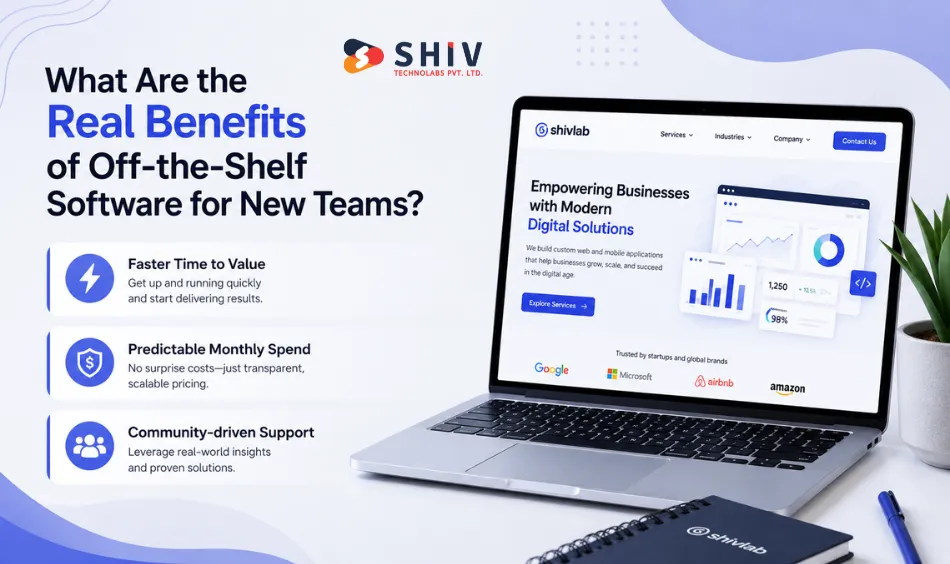
Off-the-shelf software gives small and early-stage teams a fast, low-risk way to get organized quickly. It removes the need for upfront development while still covering common business functions reasonably well. The tradeoff shows up later, once your team’s processes stop matching the tool’s default settings.
- Faster Time to Value: Your team gets a working system within days instead of waiting months for a build. This speed matters most when you are still validating whether a process even works. Early-stage teams benefit from moving fast without committing to a long development cycle.
- Predictable Monthly Spend: Subscription pricing lets you plan costs without large upfront capital investment. Finance teams can forecast expenses more easily since pricing tiers are published and consistent. This predictability helps startups manage cash flow during uncertain early growth stages.
- Community-driven Support: Wide adoption means answers to common problems already exist online or through vendor support. Your team spends less time troubleshooting and more time getting real work done. Active user communities often share workarounds for edge cases the vendor has not addressed yet.
Why Do Growing Teams Eventually Outgrow Off-the-Shelf Tools?
Off-the-shelf software works well until your processes become specific enough that generic settings stop fitting. At that point, the same tool that saved you time early on starts creating friction daily. Recognizing this shift early helps you plan the switch before it slows your whole team down.
- Limited Flexibility: You end up adapting your workflow to match the software instead of the other way around. Custom fields and settings only go so far before you hit a hard vendor limit. Teams often build manual workarounds just to make the tool fit their actual process.
- Tool Sprawl Across Departments: Each department picks its own app, and data ends up scattered across disconnected systems. This creates duplicate records, mismatched reports, and confusion about which system holds the correct information. Syncing data manually between tools becomes a recurring weekly task nobody enjoys.
- Hidden Time Costs: Manual data entry, repeated status updates, and constant app switching quietly eat into productive hours. These costs rarely show up on an invoice, but they show up in missed deadlines. Teams often underestimate how much time these small frictions add up to over a quarter.
What Makes Custom Software the Smarter Long-Term Fit?
Custom software costs more time and money to build upfront, but it removes recurring friction once it launches properly. Every screen, workflow, and automation reflects decisions your own team made along the way. That ownership is what turns custom software into a long-term time saver rather than a short-term convenience.
- True Process Fit: Every screen, button, and workflow step matches how your team genuinely operates day to day. Nobody has to bend their process around a vendor’s assumptions about how business should work. This alignment reduces training time since the software already matches existing habits.
- Full Roadmap Control: You decide which features get built next based on your actual business priorities. There is no waiting on a vendor’s release calendar or feature request queue. This control lets you respond to customer demands faster than teams locked into someone else’s roadmap.
- Built to Scale With You: The system grows alongside your team instead of forcing a platform migration later. You avoid the trouble of moving data, retraining staff, and rebuilding integrations from scratch. This future-readiness often matters more than the upfront cost once teams calculate switching costs.
How Does Custom Software Cut Wasted Time for Scaling Teams?
The benefits of custom software become obvious once you look at where scaling teams truly lose hours each week. These five areas show exactly where a tailored system removes friction that off-the-shelf tools cannot.
1. No More Manual Fixes or Workaround Tools
Teams using off-the-shelf software often build Google Forms, side spreadsheets, or Slack workflows just to cover gaps. Custom software removes these patchwork fixes because the system already does what your process needs. There is no band-aid required when the tool is built around your actual workflow from day one.
2. Faster Onboarding Through Role-based Interfaces
Custom software shows each employee only the screens relevant to their specific role instead of a bloated platform. Sales teams see pipelines, operations teams see orders, and managers see the reports that matter to them. This focused view speeds up onboarding, reduces training errors, and improves daily productivity across teams.
3. Built-in Integrations With Tools Your Team Already Uses
Instead of juggling five disconnected platforms, custom solutions automate data flow between your CRM, email, finance, and logistics software. The integration goes beyond simple syncing since it is designed around your actual business logic and rules. Nobody enters the same data twice, and copy-pasting between separate systems becomes completely unnecessary.
4. Automations Built Around Your Real Processes
Generic automation in off-the-shelf tools covers only the most common use cases across every single customer. Custom software automates the exact triggers your team needs, including alerts, approvals, document processing, and reporting. Your systems start working at the same pace your team already operates at every day.
5. No Unused Features Slowing Your Team Down
SaaS subscriptions often include features your team never touches, yet you still pay for and click past them daily. Custom software includes only what your team truly needs to get real work done. This keeps interfaces focused and helps teams stay on task without unnecessary distractions or clutter.


How Do Custom and Off-the-Shelf Software Compare Feature by Feature?
A side-by-side comparison makes the tradeoffs between both approaches easier to evaluate for your specific stage. Use this table as a quick reference when discussing options with your leadership or development partner.
| Feature | Off-the-Shelf Software | Custom Software |
|---|---|---|
| Setup Time | Instant to a few days | Several weeks to a few months |
| Flexibility | Limited to vendor-defined settings | Fully customizable to your processes |
| Scalability | May hit limits as your team grows | Built to scale alongside your business |
| Cost Over Time | Lower upfront, ongoing monthly fees | Higher upfront, lower long-term cost |
| Maintenance | Handled entirely by the vendor | Managed by your team or dev partner |
| Integration | Often needs third-party connectors | Integrates natively with your tools |
When Does Off-the-Shelf Software Start Becoming a Bottleneck?
At some point, the tool that once helped your team move faster begins slowing everything down instead. Watching for these warning signs early helps you plan a switch before it costs you real growth.
- Multiple Tools for One Task: Your team stitches together several apps just to complete a single process end to end. This fragmentation adds extra clicks, logins, and chances for mistakes across departments. Over time, these small inefficiencies compound into hours lost every single week.
- Processes Tracked Outside the Platform: Important work happens in spreadsheets or documents because the software cannot capture it properly. This creates blind spots for managers who rely on the platform for accurate reporting. Data outside the system also increases the risk of errors and miscommunication.
- Approvals and Updates Take Too Long: Sign-offs and feature requests turn into lengthy email threads instead of quick in-app actions. Teams wait days for changes that a custom system could handle instantly through automation. This delay frustrates staff and slows down decisions that should move quickly.
- Repeated Staff Complaints About Routine Tasks: Employees regularly mention the same manual, repetitive steps as pain points in daily work. When complaints repeat across multiple team members, it usually signals a structural software gap. Ignoring this feedback often leads to lower morale and slower output over time.
How Should You Choose Between Custom and Off-the-Shelf Software?
The decision rarely comes down to picking one option forever, since most companies eventually end up using both. Instead, it comes down to recognizing which growth stage your team is currently working through.
1. When Off-the-Shelf Still Works Well
- You Are a Small Team Moving Fast: Speed matters more than a perfect process fit at this early stage. Off-the-shelf tools help you launch and test ideas without a long development timeline. You can always upgrade to custom software once processes become clearer and more repetitive.
- Your Operations are Still Evolving: Processes that change often are hard to justify building custom software around yet. Off-the-shelf tools give you flexibility to adjust without wasting development budget on features. This works best when you expect your workflow to shift over the next few months.
- You Need to Validate a Workflow First: Testing an idea before committing a budget protects your business from costly mistakes. Off-the-shelf software lets you prove a process works before investing in a custom build. Once validated, you have real data to guide your custom software requirements.
2. When Custom Becomes the Smart Move
- Your Software Needs Constant Repair: You spend more time fixing and working around the tool than genuinely using it. This is a clear signal that a generic solution no longer matches your process. Custom software removes this maintenance burden by fitting your workflow from the start.
- You Have Built Too Many Workarounds: Side spreadsheets, manual reports, and disconnected tools have become part of your daily routine. These patches signal that your core software can no longer support how your team genuinely operates. Consolidating everything into one custom system removes this daily friction.
- You Need Deep Integration or Industry-Specific Features: Generic tools rarely support specialized workflows unique to your industry or business model. Custom software can integrate directly with the specific systems and data your business depends on. This reduces the manual bridging work your team currently handles.
- You Do Not Want to Switch Platforms: Migrating data and retraining staff every few months drains time and morale. Custom software solutions build room for growth into the system from day one. This avoids the cost of another platform migration further down the road.
The real return on custom software shows up after launch, once your team spends noticeably less time on repeat manual work. Growth compounds from there, once your systems keep pace with your business instead of holding it back.
Conclusion
Custom software will not save you time on day one, but it often pays off in the long run. Your software should support your team’s pace instead of slowing your whole team down.
Off-the-shelf tools remain a solid starting point for teams that are still finding their footing early on. They are not always the lasting answer for teams that need clarity, speed, and full control over their systems. That is why settling for duct-taped tools or training staff around software that barely fits rarely pays off in the long run.
At Shiv Technolabs, we build custom software solutions that match your exact business requirements. Whether you need a rebuilt sales process or a fully consolidated set of internal tools, our team can help you design, build, and grow it.
Reach out to Shiv Technolabs today, and let’s turn your current growing pains into lasting business momentum.
FAQs
What is the main difference between custom and off-the-shelf software?
Off-the-shelf software is ready-made and built for general use, while custom software is built specifically around your business processes and requirements.
Which option is cheaper, custom or off-the-shelf software?
Off-the-shelf software costs less upfront through monthly subscriptions, but custom software often costs less over time since it removes recurring inefficiencies.
How long does it take to build custom software?
Most custom software projects take three to six months depending on complexity, though simple MVPs can launch faster with an agile approach.
Can I switch from off-the-shelf software to custom software later?
Yes, many businesses start with off-the-shelf tools and move to custom software once their processes become stable and repetitive.
Is custom software worth it for small businesses?
Custom software makes sense for small businesses once their workflows are proven and off-the-shelf tools start creating daily friction.
Does custom software integrate with existing business tools?
Yes, custom software can be built to integrate directly with your CRM, accounting, and logistics tools without manual data transfers.
What industries benefit most from custom software?
Industries with unique compliance needs, complex supply chains, or specialized workflows, such as logistics, healthcare, and finance, benefit most from custom builds.