Your business must be advertised via photography, but you want to attract your target audience’s attention. Achieving this is challenging, especially in the era of social media, where our attention spans are reducing. However, through photo filtering and image retouching, one can use the best photo editing apps and get closer to success.
Visual content was ranked as being very important for their marketing strategy by 49% of marketers. Can you ignore investing in a photo editing app that could help you increase your visual brand? Thus, we have compiled the top 10 most popular photo editing apps, free and paid, allowing you to select which would best suit your picture editing requirements.
What is a photo editing app?
A photo editing app is software that alters pictures in a mobile gadget. In the case of any trading entity, this enables one to develop an innovative visual strategy by taking pictures of goods using one’s cell phone.
You will find many different features in this kind of app, for example, cropping, controlling shutter speed, and adding filters. However, there are good photo editing apps that you can use for creating collages, including those with auto settings for various scenes. By using the photo editing apps below, you can make many improvements on the visual side of your business.
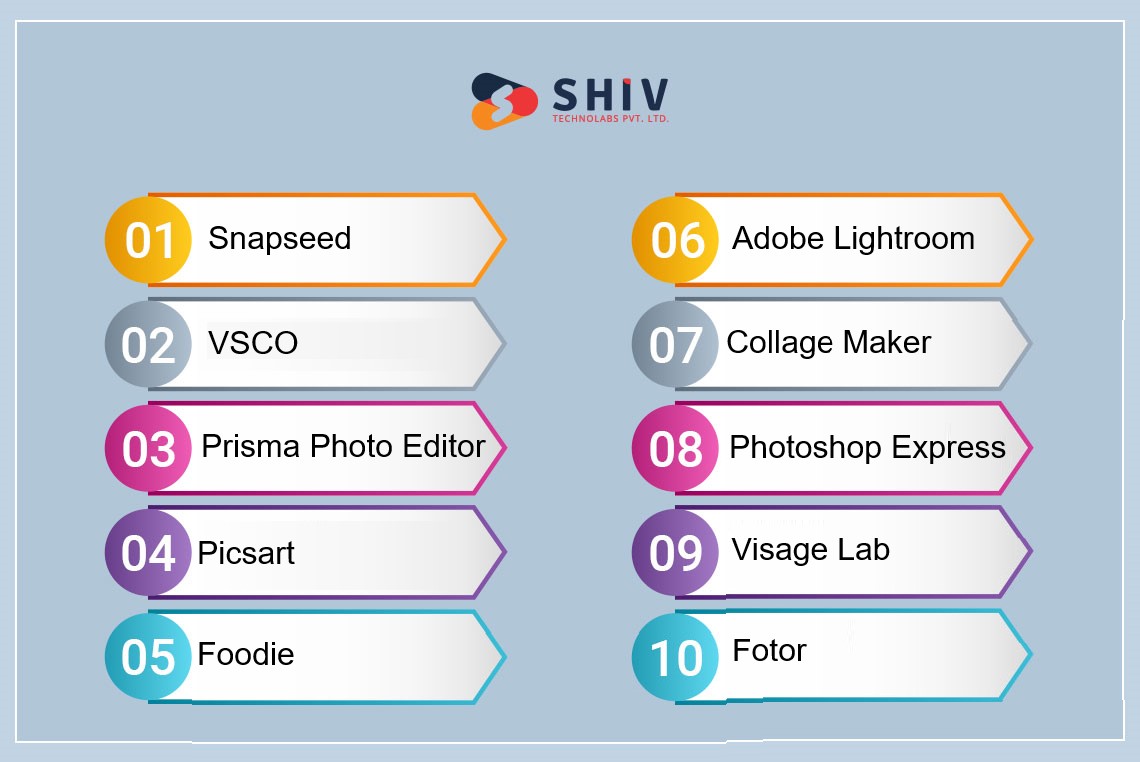
List of The best free photo editing apps for iPhone and Android
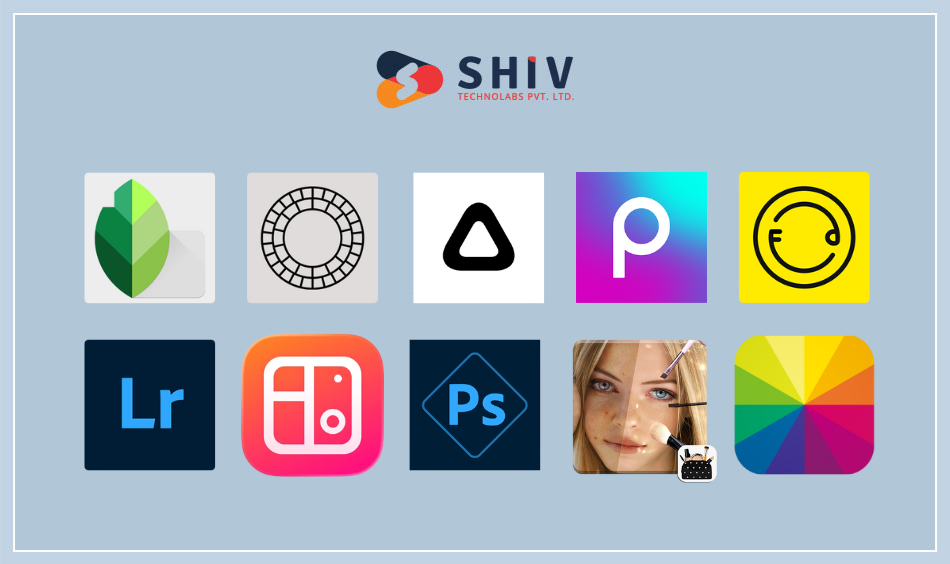
We have carefully selected some of the best free photo editing apps for both iPhone and Android from many others. Any quick touch-ups, as well as advanced editing features, can be covered by these apps. Let’s get into the world of photo editing and find out what makes each app different.
1) Snapseed
Snapseed was created by Google; it is a strong image editing app with a wide variety of tools and filters for simple or complex levels of editing, thus useful for beginners and enthusiasts alike.
Best for:- This application will help those users who want an all-inclusive mobile experience in professional photography.
Android | iOS
Features
- An all-in-one photo editing app
- A broad range of photo editing tools like exposure, vignette, and skin tone
- Free professional-grade photo filters with the ability to purchase more
- VSCO presets come with sliders to adjust the intensity
- Split toning and other advanced editing tools
- Currently available on iOS as well as Android devices
2) VSCO
Prisma Photo Editor differs from other photo editing apps since it can change your pictures into art pieces in the style of famous painters. The program uses neural networks and artificial intelligence to produce breathtaking artistic effects.
Best for:- Prisma Photo Editor is designed for people who want to turn their photos into interesting visual displays like masterpieces.
Android | iOS
Features:
- An all-in-one photo editing app
- A broad range of photo editing tools like exposure, vignette, and skin tone
- Free professional-grade photo filters with the ability to purchase more
- VSCO presets come with sliders to adjust the intensity
- Split toning and other advanced editing tools
- Currently available on iOS as well as Android devices
3) Prisma Photo Editor

Prisma Photo Editor differs from other photo editing apps since it can change your pictures into art pieces in the style of famous painters. The program uses neural networks and artificial intelligence to produce breathtaking artistic effects.
Best for:- Prisma Photo Editor is designed for people who want to turn their photos into interesting visual displays like masterpieces.
Android | iOS
Features:
- A one-stop app for on-the-move photo retouching
- Raw image formats are supported
- Includes professional photo filters
- Available at $3.00 on the app store
- Presently, it works with both iOS and Android.
4) Picsart AI Photo Editor, Video
Picsart AI Photo Editor, Video is a creative mobile editing app that helps users edit photos and videos with the help of smart tools, filters, effects, and design features.
Best for:- Mobile users who want an easy-to-use app with creative editing tools, AI effects, and quick social media–ready designs.
Android | iOS
Features:
Simple mobile app with advanced photo and video editing options.
AI-powered tools for background removal, object erasing, and image enhancement.
One-tap filters, edits, and creative effects for quick results.
Wide range of text styles, stickers, and drawing tools for creative designs.
Easy sharing to social media platforms directly from the app.
iOS and Android available.
5) Foodie
It is an app purposely developed for editing photos targeting food lovers and addicts. It has several filters and tools that are aimed at improving food photography, so it is a great application which can make culinary delights look even more delicious.
Best for:- People who love eating or cooking but don’t know how to take pictures of their meals.
Android | iOS
Features:
- Simple mobile photo editor free with in-app purchases.
- The best app for Content Creators, Instagram Influencers & anyone who wants to create eye-catching pics on Instagram feed/Instagram Story.
- iOS and Android now available
6) Adobe Lightroom
This powerful photo editing app is a comprehensive package of basic and advanced editing tools. It is especially loved by photographers, who want professional features on their mobile devices.
Best for:- Photography enthusiasts and professionals who require advanced editing tools and RAW support on their smartphones will find Adobe Lightroom best.
Android | iOS
Features:
- A powerful photo editor with a user-friendly interface
- Lots of advanced photo editing tools, including tone curves and individual color adjustments
- Make or purchase one-click Lightroom presets
- Selective adjustments and advanced healing tools
- You can sync your edited photos between any device, be it iPhone, iPad, Mac, or web, with Adobe Creative Cloud synching feature.
- Mac, PC, iOS, and Android are the current platforms.
7) Collage Maker
Collage Maker is a user-friendly app committed to producing visually attractive photo collages. This simplifies merging multiple pictures into a harmonized layout.
Best for:- Collage Maker is best for users who love making visually striking photo collages for occasions, memories, or social media.
Android | iOS
Features:
- Simple-to-use and free mobile photo editor
- This includes creative effects like light leaks, lens flare, fog, shimmer, etc.
- Free to download with the option of buying the subscription and 250 photo filters and effects
- Currently available on desktop, iOS and Android
8) Photoshop Express Photo Editor
Photoshop Express Photo Editor is a fast and easy mobile photo editing app by Adobe that helps users edit, enhance, and retouch images directly from their smartphones.
Best for:- Mobile users who want quick edits with professional-quality photo tools in a simple and user-friendly app.
Android | iOS
Features:
Simple mobile app with core tools from Adobe Photoshop.
Advanced editing options such as exposure, contrast, clarity, and noise reduction.
One-tap filters and ready-made presets for fast photo edits.
Text tools, stickers, and collage options for creative use.
Direct sharing to social media platforms from the app.
iOS and Android available.
9) Visage Lab
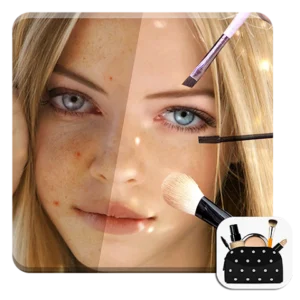
Visage is an app that lets individuals improve their portraits. The app provides a variety of tools that can be used to enhance facial features, resulting in stunning polished portraits.
Best for:- Visage is suitable for users who are into portrait editing especially those who aim at having clear face complexion and enhancing facial features.
Android | iOS
Features:
- Easy-to-use mobile editor
- One-click creative presets for on-the-go edits
- A range of adjustment tools like exposure, temperature, grain, etc.
- Guides on photography and other free resources
- Presently only available on iOS
10) Fotor – AI Agent Photo Editor
AI Agent Photo Editor is a smart photo editing app that allows users to edit, enhance, and design images using AI-powered tools and creative effects directly from their mobile devices.
Best For:- Mobile users who want quick photo edits with AI-based tools for design, enhancement, and creative visual content.
Android | iOS
Features:
Simple mobile app with AI-based photo editing and design tools.
One-tap photo enhancement, background removal, and object erasing.
Ready-made filters, effects, and editing presets for fast results.
Text styles, stickers, and layout designs for social media graphics.
Easy image export and instant sharing on social platforms.
iOS and Android available.
Build Smart Digital Products With Shiv Technolabs
Creating eye-catching images with photo editing apps is only part of the success story. The real impact comes from how those visuals are added, displayed, and managed across your digital platforms. Shiv Technolabs helps brands build high-performing websites, mobile apps, and eCommerce solutions where your images look sharp, load fast, and engage users across all devices.
With a strong focus on performance, usability, and business goals, our team supports companies at every stage of digital growth through:
Whether you are showcasing products, building a brand presence, or running a content-driven platform, Shiv Technolabs helps you turn visual content into meaningful digital results that support long-term business growth.
Conclusion
Choosing the right photo editing app for iPhone and Android depends on how you plan to use your images. Some users need quick filters for social media, while others look for detailed editing, AI-based tools, or design features for business use.
Each app listed in this blog serves a different purpose, from basic image adjustments to advanced creative editing. By selecting the app that matches your skill level and goals, you can create better visuals, save time, and maintain consistent quality across all your digital platforms. As mobile editing tools continue to improve, these apps make it easier than ever to produce high-quality images directly from your smartphone.
FAQs
1. Which is the best photo editing app for both iPhone and Android?
Apps like Photoshop Express, Snapseed, Picsart, and Fotor work on both iPhone and Android and are popular for their wide range of editing tools and user-friendly designs.
2. Are free photo editing apps good enough for professional use?
Yes, many free apps offer strong editing features for everyday and even business use. However, premium versions usually provide extra tools, filters, and export options.
3. Which app is best for AI photo editing on mobile?
Picsart and Fotor are among the top choices for AI-based photo editing, offering background removal, object erasing, and automatic image enhancement.
4. Can I edit photos for social media using mobile apps?
Yes, most modern photo editing apps include presets, resizing tools, and direct sharing options for social media platforms.
5. Do these apps work offline?
Basic editing works offline in many apps, but AI features, cloud storage, and syncing usually require an internet connection.
6. Which app is best for beginners?
Photoshop Express, Snapseed, and Fotor are easy to use and suitable for beginners who want quick and clean photo edits without a learning curve.
7. Are these photo editing apps safe to use?
Reputed apps from trusted developers are generally safe to use. Always download apps from official app stores and review app permissions.
8. Can I use these apps for business and eCommerce images?
Yes, these apps are widely used for editing product photos, banners, and promotional visuals for websites, mobile apps, and online stores.
9. Do these apps support high-resolution image export?
Most apps allow high-resolution exports, but some may limit resolution in free plans.
10. Which app is better for quick edits on the go?
Photoshop Express and Snapseed are excellent for fast edits when you need clean results in a short time.