Table of Contents
People now manage medicines from their phones, not paper slips and long lines. With healthcare app development services, pharmacies, distributors, and hospitals move key tasks into secure, user-friendly apps. Teams cut phone wait times, reduce errors, and keep patients informed at each step.
Brands fund pharmaceutical app development to improve access, compliance, and care quality. Clear digital flows help staff verify prescriptions, track batches, and manage recalls. Patients place quick orders, check status, and receive reminders that support steady therapy. Focused pharma app development turns scattered work into simple daily actions.
Mobile apps also reshape prescription work and online pharmacy operations. Users scan or upload scripts, view interactions, request refills, and pay. Pharmacies confirm details, pick items, dispatch orders, and share delivery updates in real time.
What are the Main Types of Pharmaceutical App Development?
Not every pharma app serves the same goal. Each type targets a specific user and workflow. Patients look for speed and clarity. Doctors need context and safe access. Pharmacies need tight control over stock, billing, and delivery. Below are the core categories in pharma app development.
1. Pharmacy Delivery Apps
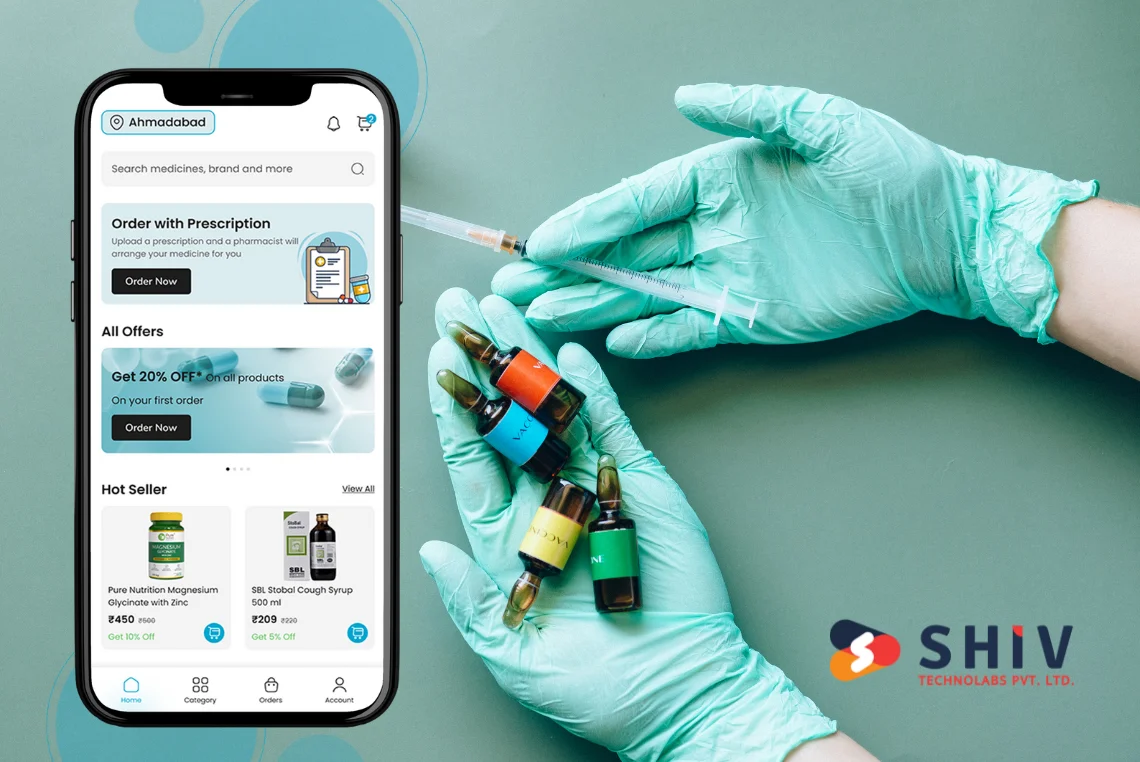
A pharmacy delivery app lets customers search medicines, upload a prescription, and place orders. Users track drivers, review past orders, and reorder with a tap. This model works for independent stores and large chains, with local couriers or in-house fleets.
Key results for pharmacies: faster checkout, fewer phone calls, and higher repeat purchases.
2. ePharmacy App Development
ePharmacy app development connects manufacturers, wholesalers, pharmacies, and patients in one digital flow. Buyers see real-time availability and clear pricing, while the system records lot numbers and expiry dates.
Traditional vs ePharmacy — Quick Comparison
| Feature | Traditional Pharmacy | ePharmacy App |
|---|---|---|
| Access | In-store only | 24/7 via app |
| Prescription Handling | Manual | Digital upload |
| Inventory | Limited stock | Real-time updates |
Why it matters: broader reach, richer data, and faster order cycles.
3. Medicine Reminder and Refill Apps
Reminder apps support chronic care by nudging timely doses and refills. Smart alerts track intake, flag misses, and prompt pharmacy contact when stock runs low. Clinics and payers value better adherence and fewer avoidable visits.
4. B2B Pharma Distribution Apps
Wholesalers and retailers connect for live stock and price visibility across regions. Buyers place bulk orders, compare batches, and track invoices in one place. Automated tax rules and credit limits speed up billing and cut back-office load.
What Are the Best Features for Pharmacy Apps?
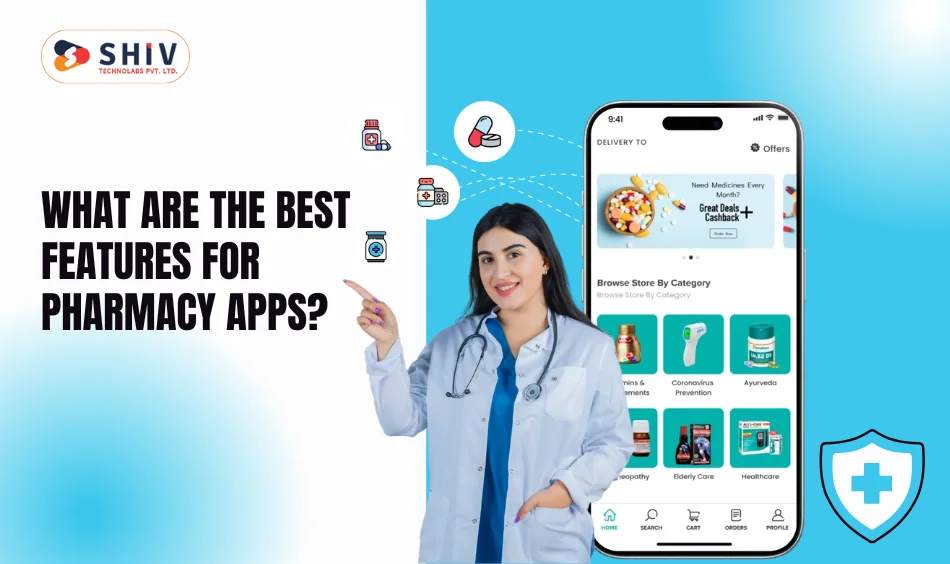
“When planning how to build a pharmaceutical app, features make the difference between basic and professional results.” You win trust with clear flows, fast search, and secure checkout. The best features for pharmacy apps also help teams work faster and cut errors.
Core Patient Features
Give patients tools that shorten steps and reduce confusion. Keep screens clean, and guide actions with short messages.
List items to insert:
- Prescription upload and verification
- Medicine search, filter, and quick reorder
- Delivery tracking with live status
- Digital payment, wallet support, and e-receipt
- Interaction checker and refill reminders
Admin and Pharmacy Features
Staff need control over stock, batches, and pricing. Clear reports help owners spot trends and plan next steps.
List items to insert:
- Inventory, batch, and expiry management
- Purchase orders and supplier tracking
- Order analytics and tax/GST reports
- Secure payment, refund, and COD rules
- Push notifications for offers and recalls
Doctor or Pharmacist Features (Optional)
Clinical teams need a safe context to guide therapy. Add these only when policy and consent allow.
List items to insert:
- Access to patient prescription history
- Real-time chat or message center
- E-prescription review and note sharing
Tap expert pharma app development services to match feature depth with your budget and launch goals. This keeps the scope tight while still hitting patient and business needs.


How to Build a Pharmaceutical App Step by Step
Strong pharmaceutical app development follows a clear path from concept to growth. Your plan should cover people, rules, tech, and support. This approach works for clinics, chains, and startups in healthcare app development.
Step 1 – Research and Regulatory Planning
Map users, top tasks, and risky points. Align with HIPAA and local pharmacy laws, including e-prescription rules. Set data retention, audit trails, and consent flows before design starts.
Step 2 – UI/UX and Prototype Design
Draft low-fidelity wireframes, then a clickable demo. Use simple menu paths, large taps, and brand-friendly design. Test with five to seven users and fix friction early.
Step 3 – App Development and Integration
Pick a stable stack for iOS, Android, and web admin. Connect APIs for payments, inventory/ERP, push alerts, and location tracking. Add barcode scan, batch capture, and courier handoff where needed.
Step 4 – Testing and Quality Check
Run functional tests on ordering, refunds, and refills. Add security checks for auth, data at rest, and data in transit. Verify speed under load and confirm safe error handling.
Step 5 – Deployment and Maintenance
Release with staged rollouts and clear release notes. Track analytics on search, add-to-cart, and repeat orders. Ship monthly updates, security patches, and small UX wins that lift conversions.
A trusted pharma app development company can handle scope, compliance, and delivery cadence, while your team focuses on service quality.
What Is the Cost to Develop a Pharmacy App?
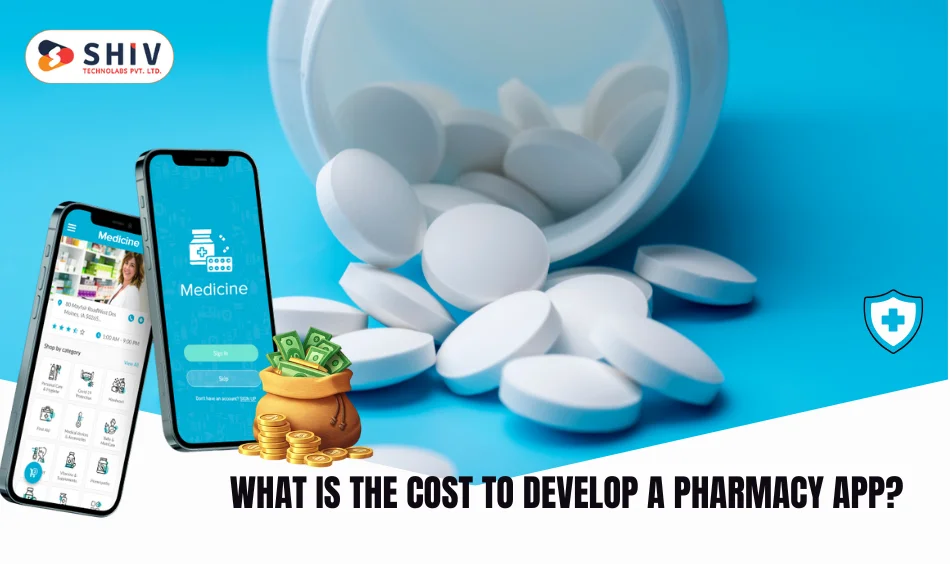
The cost to develop a pharmacy app depends on the scope, platforms, and rules you must follow. Features for delivery, e-prescriptions, and B2B sales raise effort. Extra work appears when you need identity checks, audit logs, and cold-chain notes. List must-have flows first, then phase nice-to-have items after launch.
Cost Breakdown
| Component | Estimated Range (USD) | Description |
|---|---|---|
| UI/UX Design | $2,000 – $4,000 | Wireframes and interface layouts |
| Development | $10,000 – $20,000 | Core iOS/Android build |
| API Integration | $2,000 – $5,000 | Payment, GPS, CRM, courier links |
| QA Testing | $1,000 – $3,000 | Bug fixing and validation |
| Maintenance | $500 – $1,000 per month | Regular updates and small upgrades |
Treat these numbers as planning guides, not a final quote. A seasoned pharma app development company can shape scope, pick the tech stack, and map phases that fit your budget and dates.
Fast tip: Start with search, prescription upload, payments, and order tracking. Add loyalty, chat, and B2B tools after you prove repeat orders.
Why Should Businesses Invest in Pharma App Development Today?
Shoppers expect doorstep medicine, quick answers, and private records. Apps meet those needs with one login and clear steps. Owners gain better stock control, faster billing, and sharper demand signals. Teams act on real data instead of guesswork.
Startups can expand across cities without renting more counters. Chains can run B2B portals, credit rules, and batch audits from one hub. With ongoing pharma app development services, you can add features in small releases and keep momentum. This steady path lifts retention, lifts basket size, and builds long-term trust.
Conclusion: Start Your Digital Journey With a Reliable Partner
Smart pharmaceutical app development turns drug orders, refills, and billing into simple daily actions. Patients get timely care; staff work with fewer manual steps and fewer errors. Pick a partner who knows privacy rules, pharmacy workflows, and high-load delivery windows.
Work with Shiv Technolabs, a trusted healthcare app development Company, to plan scope, schedule releases, and manage compliance tasks. Ready to move? Book a free consultation or request a short demo. We will map your goals, size the build, and propose a launch plan you can run with confidence.
FAQs
Q1. What types of pharmaceutical apps can I build?
Pharmacy delivery, ePharmacy, reminder and refill, and B2B distribution apps. Each serves a different user group.
Q2. How do pharmacy delivery apps work for users?
Users search items, upload a script, pay, and track the driver. Orders arrive with status alerts.
Q3. Which features matter most for a strong first release?
Prescription upload, search, secure payments, e-receipts, delivery tracking, and refill prompts for steady therapy.
Q4. What affects the cost to develop a pharmacy app?
Feature depth, platforms, rules, and third-party links. Larger scopes and stricter rules raise effort.
Q5. Which platform should I target first?
Build for Android and iOS to reach most buyers. Add a web admin for staff control and reports.
Q6. Can a startup launch an ePharmacy app quickly?
Yes. Define an MVP, plan compliance early, and ship in phases with an experienced team.