Table of Contents
Contemporary mobile applications can gain or lose users within the initial 30 seconds. As competition increases in all categories, companies are now spending huge sums on usability, speed, and instant onboarding. That is where iOS app development services will increasingly focus on social login integration, as people no longer want to fill out long forms. Statista found that more than 72% of users use social logins rather than manual sign-ups because they are convenient and fast.
Social login in iOS apps helps shorten the sign-up process, improve activation rate, and reduce drop-offs that often occur during email verification. This manual describes all that owners of iOS apps should know today: price, platform selection, integration principles, advantages, best practices, and the ROI.
If you intend to include Facebook, Google, Apple, or LinkedIn logins, you should stay in this tutorial because the following sections include real-world examples, clear technical instructions, and a level of business analysis.
What Is Social Login Integration in iOS Apps and Why Is It Important?
Social login integration in iOS refers to the ability to log in with existing accounts, such as Facebook, Google, Apple, and LinkedIn. Users complete onboarding in seconds instead of typing emails, setting passwords, and entering OTPs. The process of adding social login to an iOS app ensures that only the necessary profile information is retrieved via authorized API permissions and that user authentication is performed via OAuth (or token) authentication.
This is important for four reasons:
- Users want quick access -no friction, no create password headache.
- Companies desire more conversions in the onboarding process.
- App owners require validated information (email, name, avatar and demographic signals).
- Developers need secure, compliant login flows without reinventing authentication
Social login, when well implemented, increases trust, decreases signup time and lessens the load on authentication support.
How Much Does It Cost to Add Social Login to an iOS App?
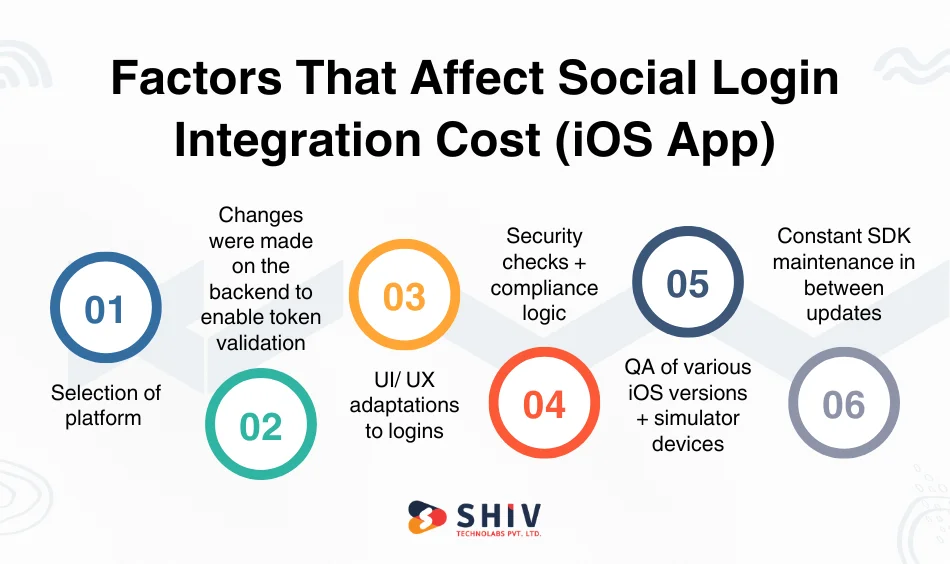
The cost is different based on the backend configuration, SDKs, API policies, user interface design, and testing time. The largest drivers of the extent to which it would be expensive to include social login to an iOS application are:
- Selection of platform (Facebook vs Google vs Apple vs LinkedIn)
- Changes were made on the backend to enable token validation.
- UI/ UX adaptations to logins.
- Security checks + compliance logic.
- QA of various iOS versions + simulator devices.
- Constant SDK maintenance in between updates.
The cost of Apple Sign-In setup is a little expensive because Apple has stringent privacy and compliance regulations.
Estimated Cost Breakdown by Platform
| Platform | Estimated Cost (USD) | Development Time | Complexity Level | Maintenance Frequency |
|---|---|---|---|---|
| Facebook Login | $600 – $1,000 | 1 week | Low | Quarterly SDK update |
| Google Login | $600 – $900 | 1 week | Low | Quarterly SDK update |
| Apple Sign-In | $800 – $1,400 | 1–2 weeks | Medium | Annual iOS compliance review |
| LinkedIn Login | $700 – $1,200 | 1–2 weeks | Medium | Semi-annual API review |
Note: Prices differ depending on whether an authentication backend is in place.


What Are the Benefits of Social Login in iOS Apps?
Social login helps achieve significant gains in activation rates, retention and data reliability. The most important advantages are listed below
Simplified Onboarding with One-Tap Access
It is the largest victory: users do not have to fill out any forms or make a single tap. It eliminates friction, reduces sign-up time to more than 80% and increases user satisfaction immediately. Rapid onboarding means more users reach the aha moment of your application within the first minute.
Growth in Conversion by up to 30%
According to industry studies, apps that enable social login experience 20-30% higher signup conversion. People do not need to use passwords; they are more comfortable using what they know and they are onboarded in less time. This has the direct effect of minimizing the purchase acquisition waste as a greater number of users become active accounts instead of dropping off the acquisition process.
Increased Retention and Gasping Rates
Social login ensures that users make repeat visits because re-authentication becomes simple. No forgotten passwords. No reset emails. No OTP failures. This is due to the fact that retention is greater since the flow of logins is non-visual – the app just functions with no obstacles.
Improved User Profile Data Personalization
Social login provides verified user information, such as name, verified email address, profile picture, and so on. The optional profile fields also provide segmentation insights that help improve recommendations, onboarding steps, push notifications and user journeys.
Seamless iOS App Sharing Feature Integration for Organic Marketing
After logging in, people can share content via the iOS app using the native Share Sheet, Messages, WhatsApp, Twitter, LinkedIn, AirDrop, etc. This triggers organic marketing and promotes viral loops within your app. If you’re preparing the listing, see the Complete Guide to App Listing in Apple App Store.
How to Add Social Login and Sharing Features to an iOS App
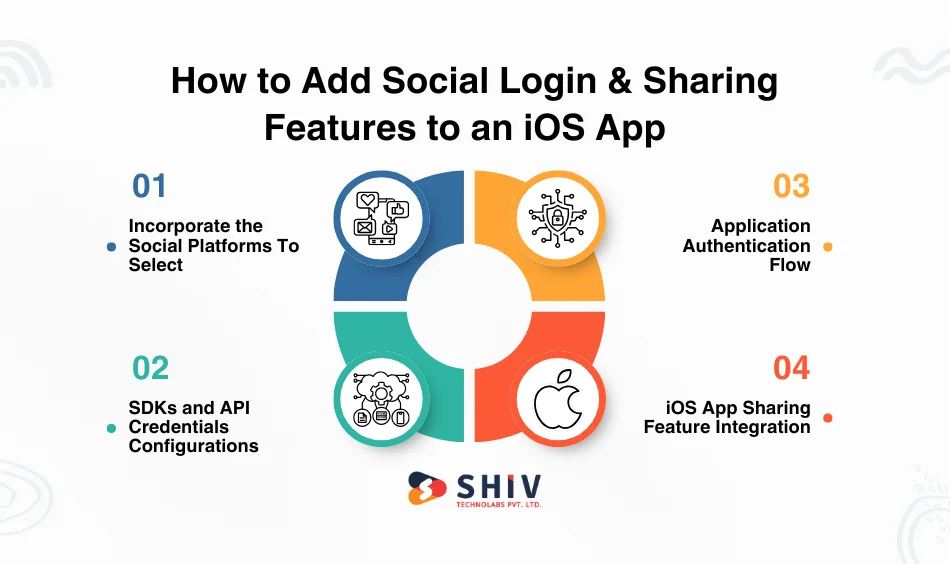
Here are simple steps to follow to integrate Social Login and Sharing Features to an iOS App:
Step 1: Incorporate the Social Platforms To Select
Which social networks will your app require depends on the audience:
- Mass consumer reach: Facebook.
- Google → universal Android + Gmail user login.
- Apple Sign-In → required on third-party login apps.
- LinkedIn B2B, hiring, professional, platforms.
Selecting the correct set reduces clutter and overhead maintenance.
Step 2: SDKs and API Credentials Configurations
Developers: need to configure credentials out of:
- Facebook Developer Console
- Google Cloud Console
- Apple Developer Portal
- LinkedIn Developer Platform.
These are app IDs, redirect URIs, OAuth scopes and tokens. Hack: Test integrations with the newest iOS SDK at all times since older SDKs can fail authentication logic. For a quick tooling refresher: Top iOS App Development Tools.
Step 3: Application Authentication Flow
OAuth, token validation, secure storage (Keychain) and session lifecycle management are all part of the authentication flow. Tokens should be renewed occasionally and canceled safely when leaving the system. The backend must verify tokens against provider APIs to prevent bogus logins or expired credentials.
Step 4: iOS App Sharing Feature Integration
Enabling sharing of links, content, screenshots or achievements via the native UIActivityViewController. This relies on iOS’s built-in sharing tools (Messages, AirDrop, WhatsApp, etc.) and requires no heavy coding. Combine this with social login to make it easy to go viral.
What Are the Best Practices for Social Login Integration in iOS Apps?
Below are the best practices for Social Login Integration in iOS Apps:
Keep Login Options Limited (Max 3)
There are too many options, which can make users slow. Provide the most topical login options to your audience – usually, Apple + Google + Facebook.
Have Login Buttons at the top
On opening the app, the user must be presented with the login instantly. To avoid placing login buttons beneath other choices.
Combine Email and Social Logins
Other users are fond of email, particularly enterprise users. Offer both.
Request Minimal Authorizations
Do NOT seek irrelevant information (such as friends’ list). This fosters confidence and reduces the number of login declines.
Auto refresh Tokens
Timing out of sessions kills the engagement. The refresh tokens are issued silently to avoid interruptions.
Institute Sharing Choices Around Major Actions
Once you buy, accomplish, or reach a goal, see a Share button – people share the most when they are hyped.
Update SDKs Regularly
Social SDKs are updated regularly; do not violate Apple’s privacy policies.
Conclusion
The social login integration will make registration less stressful, increase activation rates, improve personalization efficiency, and strengthen long-term retention rates. Prices change with the added platforms, the added backend architecture, and the required UI features; however, the ROI cannot be disputed. When working with a professional iOS app development company, it is necessary to ensure that the integration is secure, scalable, and compliant.
This is where Shiv Technolabs stands out. As a reliable international provider of scalable iOS application development services, we offer secure social login flows, custom authentication, App Store integrations, and an automated backend. If you want a smooth login system that increases engagement and reduces drop-offs, our iOS app development company can design, develop, and maintain the entire system end-to-end.
Frequently Asked Questions (FAQs)
1. How much would it cost to integrate social login into iOS applications?
Prices range from $600 to $1,400 per platform, depending on complexity, SDK integrations, backend modifications and compliance requirements. The usual cost of Apple Sign-In is slightly higher due to privacy regulations. A professional team is hired to guarantee rapid delivery and reduced errors.
2. What is superior to iOS login Facebook, Google, Apple, or LinkedIn?
Facebook and Google are best for mass consumer applications; LinkedIn is better for B2B or professional applications; and Apple Sign-In is required if you include third-party login. The majority of apps integrate 23 providers, depending on audience and compliance needs.
3. Are social login integrations secure on iOS applications?
Yes, when applied to the OAuth 2.0, encrypted tokens (Keychain), secure redirect URIs and frequent SDK updates. Professional integration will ensure that authentication flows comply with Apple’s privacy guidelines and are not vulnerable to token-based attacks.
4. Is it possible to add social login to my app?
Absolutely. Social login can be added at any time, but it requires a new build, a regression test and submission to the App Store. Install an updated UI that supports the inclusion of login buttons without disrupting existing users.
5. Will Apple Sign-In raise the cost of app development?
Yes, slightly. Apple Sign-In involves compliance inspections, privacy verification and App Store review requirements, which add to the cost of around $800-$1400. It, however, enhances trust and is compulsory if your application has other social logins.