Table of Contents
Picking the right mobile app tech stack shapes how fast your app runs. It also decides how safely you store user data and how easily the app scales later.
Many founders assume any modern framework works fine. Then mid-project, the wrong stack choice slows the build and adds unplanned costs.
This guide walks through the most common tech stacks used in mobile apps today. You will see which industries rely on each stack and how to match one to your own project goals.
Quick Answer
A mobile app tech stack combines the frontend framework, backend language, database, and cloud tools used to build and run an app. Popular combinations include React Native with Node.js, Flutter with Firebase, and Kotlin with Spring Boot. The right stack depends on your target platform, budget, and industry compliance needs.
What Is a Mobile App Tech Stack?
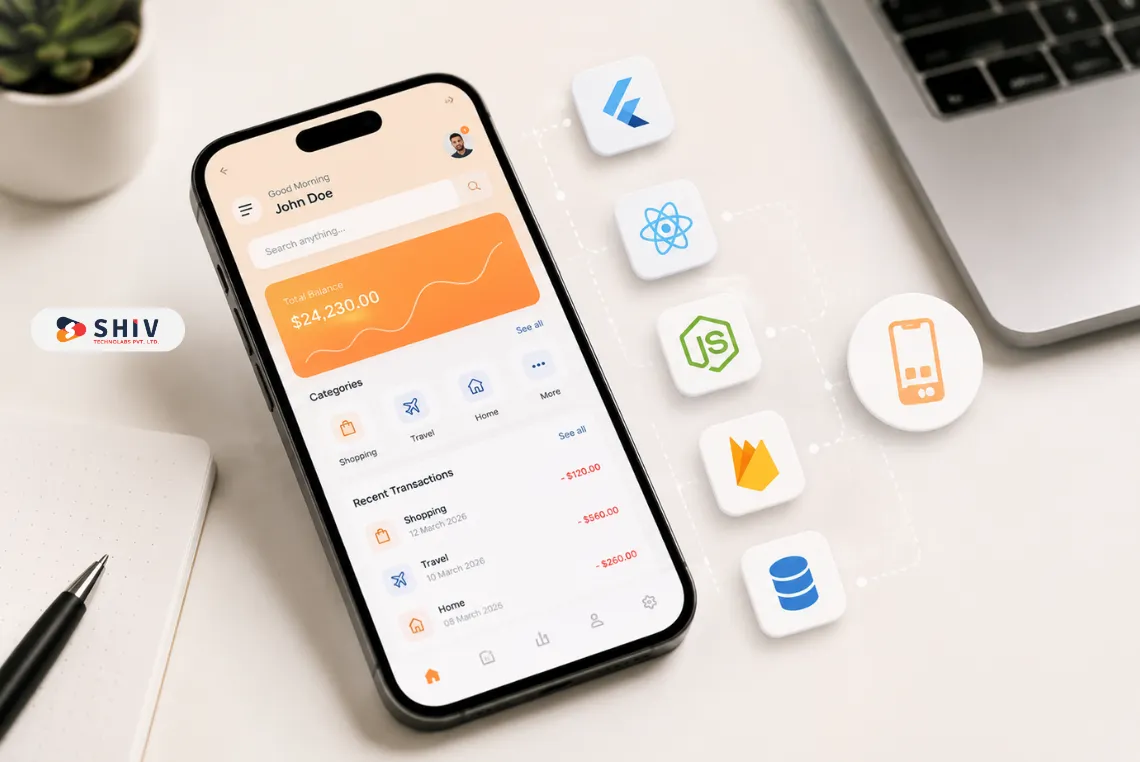
A mobile app tech stack is the group of languages, frameworks, and tools used to build and run an app. It covers everything from the screen a user taps to the server that processes their request.
The frontend is the screen that users see and tap. The backend runs in the background, processing requests and managing business logic. The database stores everything the app needs, from user profiles to transaction records.
The stack you pick affects five things directly:
- User Experience: A well-matched frontend framework keeps screens loading fast and animations smooth, which keeps users from abandoning the app early.
- Performance Under Load: Some stacks handle a hundred daily users fine but slow down once traffic grows into the thousands, so scale needs to factor into the decision early.
- Data Security: Industries like finance and healthcare need stacks with strong encryption and compliance support built in, not bolted on later.
- Growth Readiness: A stack built for quick MVPs is not always built to support millions of users later, so long-term plans matter at the selection stage.
- Ongoing Maintenance: Some frameworks make it easy to push updates and patch bugs, while others require more specialized developers to maintain over time.
What Are the Core Building Blocks of a Tech Stack?
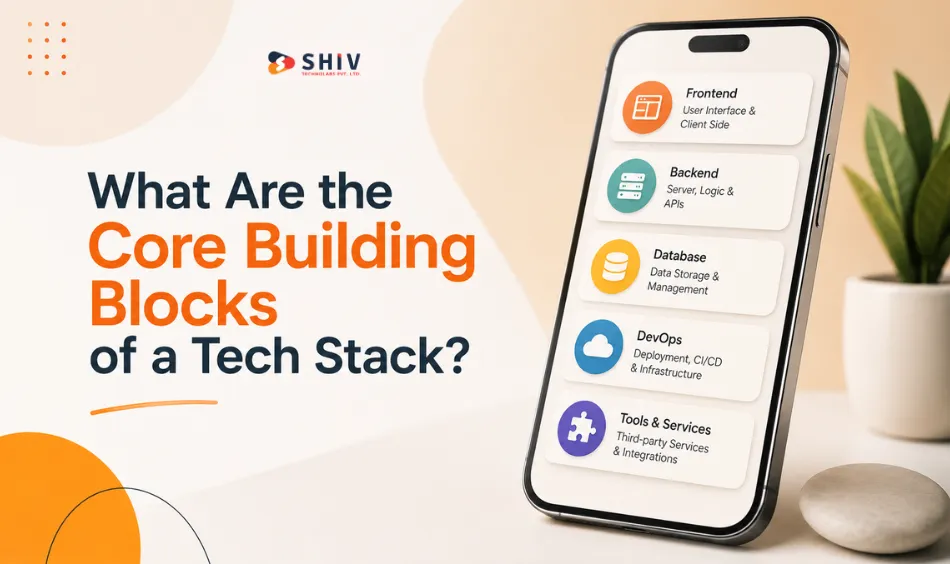
Every mobile app tech stack is made of layers that work together. Here is what each layer covers.
1. Frontend: What Users Tap and See
Frontend development is the part of the app people interact with directly, including screens, buttons, and navigation.
- Native Development: Built with Swift for iOS or Kotlin for Android. Native apps deliver the best performance and full access to device hardware, but need two separate codebases.
- Cross-platform Development: Frameworks like React Native, Flutter, and Kotlin Multiplatform let one codebase run on both iOS and Android, cutting development time and cost.
2. Backend: The Engine Behind the App
Backend development manages business logic, user accounts, and communication with the database.
- Node.js: A JavaScript runtime built for real-time apps like chat, delivery tracking, and live notifications.
- Django: A Python framework known for fast development and strong built-in security defaults.
- Spring Boot: A Java framework built for large, enterprise-grade systems that need to stay stable under heavy load.
3. Database: Where the App Stores Data
Databases hold everything from user profiles to product catalogs and transaction history.
- SQL Databases: MySQL and PostgreSQL suit apps with structured data, such as financial records and eCommerce orders.
- NoSQL Databases: MongoDB and Firebase Realtime Database suit apps with flexible or fast-changing data, such as chat threads and social feeds.
4. Cloud Hosting: Where the App Lives
Cloud infrastructure keeps an app available and able to grow without a business needing to manage physical servers.
- AWS, Google Cloud, and Microsoft Azure: All three offer on-demand scaling, global data centers, and built-in security tools that would take months to build from scratch.
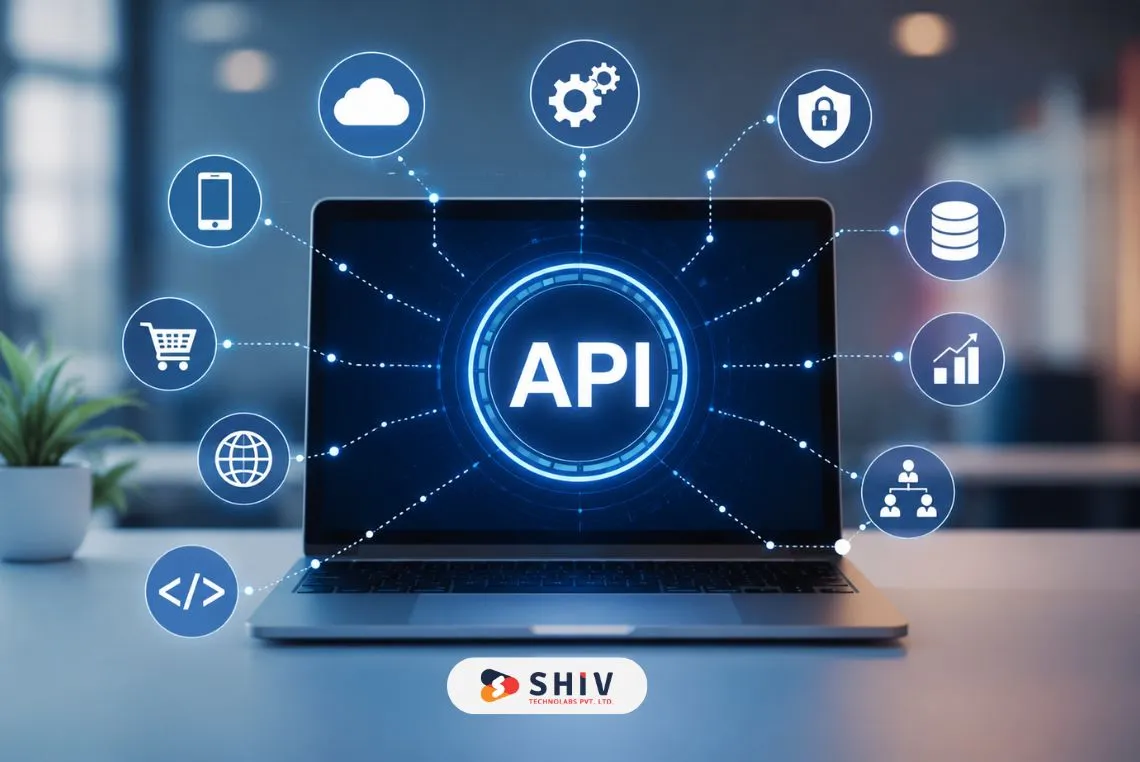
5. APIs: Borrowed Features That Save Time
Instead of building every feature internally, most apps connect to outside services through APIs.
- Payments: Stripe and PayPal handle secure transactions without a team needing to manage compliance directly.
- Maps and Location: Google Maps and Mapbox power delivery tracking, ride booking, and store locators.
- Messaging: Firebase Cloud Messaging and Twilio handle push notifications and SMS at scale.
6. DevOps Tools: How Teams Ship Updates
Development teams rely on a set of tools to write, test, and release code safely.
- GitHub and GitLab: Track code changes and let multiple developers work on the same project without overwriting each other’s work.
- Docker and Kubernetes: Package and manage app environments so the app behaves the same way on every server it runs on.
7. Security Layer: Protecting Data and Trust
Industries like banking, healthcare, and oil and gas demand strict protection built into the stack from day one.
- Encryption and Two-factor Authentication: Protect user accounts and sensitive records from unauthorized access.
- Compliance Frameworks: HIPAA, GDPR, and PCI-DSS shape which stack components a regulated business can legally use.
8. Monitoring: Catching Problems Before Users Do
Once an app goes live, monitoring tools flag crashes and slowdowns before they turn into bad reviews.
- Crashlytics and New Relic: Track errors and performance issues in real time so teams can patch problems fast.0
- Firebase Analytics: Shows how users actually move through the app, which guides future feature decisions.
Which Tech Stacks Work Best for Mobile Apps in 2026?
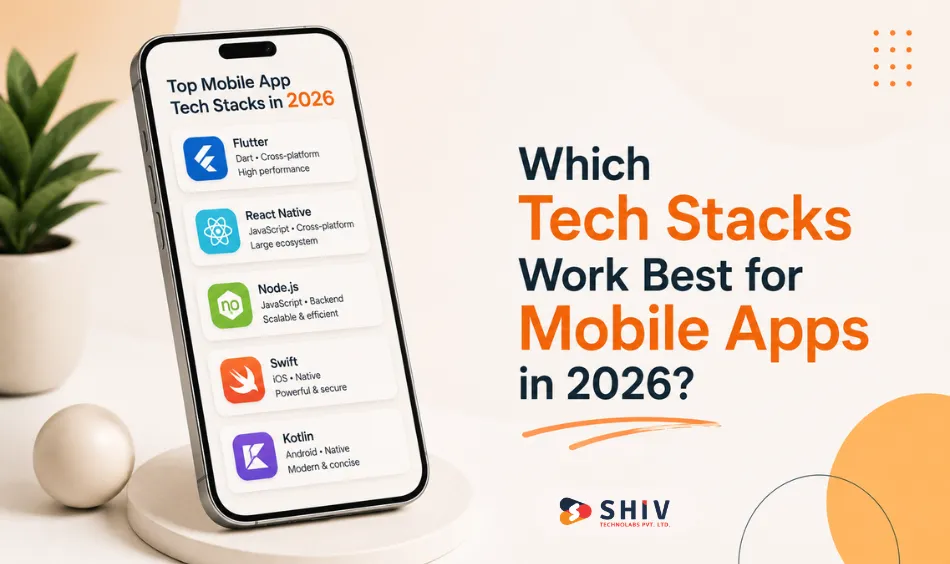
No single stack fits every project. Below are 6 combinations that consistently perform well, along with the industries that lean on each one.
1. MEAN and MERN: JavaScript Across the Whole App
MEAN pairs MongoDB, Express.js, Angular, and Node.js. MERN swaps Angular for React. Both let developers write frontend and backend code in one language.
- Best for: eCommerce catalogs, education platforms, and healthcare portals that need flexible, fast-scaling data handling.
- Pros: Faster MVP builds, a single language across the stack, and strong open-source community support.
- Cons: Angular adds a learning curve, and real-time performance is not always the strongest option available.
2. Flutter and Firebase: Fast Builds for Startups
Flutter, built by Google, compiles one codebase into native Android and iOS apps. Firebase handles hosting, authentication, and real-time data behind the scenes.
- Best for: Startups validating ideas through MVP development, healthcare apps needing live patient-doctor chat, and retail loyalty programs.
- Pros: Faster development, lower cost since one team covers both platforms, and reliable real-time sync out of the box.
- Cons: App size runs larger than fully native builds, and Firebase costs can climb once usage scales up.
3. React Native and Node.js: Real-time Apps at Scale
React Native, built by Meta, shares one JavaScript codebase across platforms. Node.js on the backend handles high-speed, event-driven traffic well.
- Best for: Logistics apps with live GPS tracking, social apps with heavy media traffic, and field operations in industries like oil and gas.
- Pros: A large developer pool, near-native performance, and a backend built to handle APIs and high traffic without buckling.
- Cons: Complex animations sometimes underperform compared to fully native code, and large projects can get harder to debug.
4. Kotlin and Spring Boot: Secure Android Development
Kotlin is Google’s preferred language for Android. Paired with Spring Boot, a Java-based backend framework, it forms a stable, security-first stack.
- Best for: Banking and payment apps, internal enterprise tools, and healthcare systems that store patient records under strict compliance rules.
- Pros: A mature, stable ecosystem, less boilerplate code than older Java projects, and strong backing from Google.
- Cons: iOS needs a fully separate codebase, and development often takes longer than a cross-platform build.
5. Swift and Vapor: The Best Fit for iOS
Swift is Apple’s own language for iOS development. Vapor, a server-side Swift framework, keeps the entire stack in one language for Apple-focused teams.
- Best for: High-end retail apps, iOS-first health monitoring tools, and media or streaming apps that need tight hardware integration.
- Pros: The strongest performance available on Apple devices, plus deep integration with the wider Apple ecosystem.
- Cons: iOS-only reach, a separate Android team required, and a smaller backend developer community than Node.js or Django.
6. Unity and Unreal: Built for Games and Immersive Apps
Unity pairs with C#, and Unreal Engine pairs with C++. Both power the graphics-heavy apps that standard mobile stacks cannot handle.
- Best for: Mobile games, AR and VR experiences, and gamified learning apps that rely on real-time 3D rendering.
- Pros: Rich graphics, active asset marketplaces, and flexibility that extends beyond gaming into training simulations and virtual showrooms.
- Cons: Heavier device requirements, larger app file sizes, and a steeper learning curve for teams new to game engines.
How Do You Choose the Right Stack for Your App?
Here are five practical factors that narrow the decision.
- Your App Goals: An MVP built to test an idea fast fits Flutter and Firebase, since both cut development time and keep costs low while you validate demand. An enterprise system built for long-term use fits Kotlin and Spring Boot or Swift and Vapor instead, since these stacks hold up better under stricter security and compliance needs. Match the stack to the stage your business is actually in, not the stage you hope to reach later.
- Your Target Platforms: Android-only projects fit Kotlin, since it is Google’s preferred language and gives full access to Android-specific features. iOS-only projects fit Swift for the same reason: tight integration with Apple’s ecosystem and hardware. Cross-platform projects fit React Native or Flutter, since both let one team build for both platforms from a single codebase, saving time and budget.
- Your Industry Requirements: Finance apps need airtight security, so stacks like Kotlin with Spring Boot, built with strong encryption and compliance support, fit better than general-purpose options. Healthcare apps need to meet strict data protection rules, which points toward stacks with proven compliance track records. Gaming apps need advanced graphics support baked into the stack itself, which is where Unity or Unreal Engine take over.
- Your Scalability Needs: High-traffic, real-time apps, think delivery tracking, chat, or live notifications, lean on React Native paired with Node.js, since Node.js is built to handle many simultaneous requests without slowing down. Graphics-heavy apps lean on Swift or Unity instead, since they are built to render complex visuals without draining device performance. Pick based on where your app’s real pressure point will be, not just the current build.
- Your Team’s Existing Skills: A JavaScript-heavy team moves faster on MERN or React Native, since they can apply existing skills across both frontend and backend without a steep learning curve. A team already skilled in Kotlin or Swift often does better staying native, since switching to a cross-platform framework adds ramp-up time without a clear performance gain. Building on skills your team already has cuts both cost and delivery time.
What Tech Stack Trends Should You Watch in 2026?
Mobile app development keeps shifting. These trends are shaping how teams choose stacks this year.
- Cross-platform Frameworks Keep Growing: More businesses are turning to Flutter and React Native for a single codebase that covers both major platforms.
- AI Features Are Now Standard: On-device AI, personalization, and chat-based support run through tools like TensorFlow Lite, Core ML, and Firebase ML Kit.
- 5G and Edge Computing Push Richer Experiences: Faster networks support heavier AR features and higher-quality streaming without draining battery life as fast.
- AR and VR Keep Expanding: ARKit and ARCore extend what mobile hardware can do, especially across education, healthcare, and retail apps.
- Cloud-Native Architecture Keeps Replacing Monoliths: AWS Amplify, Firebase, and Azure Mobile Apps simplify backend work while microservices make scaling easier to manage.
- Security By Design Is Now Expected: Rising data breaches push finance and healthcare apps to build encryption and compliance in from the start, not add it later.
Why Build Your Mobile App Tech Stack With Shiv Technolabs?
Picking the right stack is only half the job. Building and maintaining it well is what keeps an app fast, secure, and ready to grow.
Shiv Technolabs has delivered mobile apps across 30+ countries, spanning industries from healthcare and finance to logistics and retail. The team works across React Native, Flutter, Kotlin, Swift, and Node.js, matching the stack to the project instead of forcing one default choice on every client.
Whether you need a fast MVP or an enterprise system built for scale, the team scopes the right stack before writing a single line of code.
Ready to Build Your Mobile App the Right Way?
A strong tech stack saves time now and saves money later. Talk to the mobile app development team at Shiv Technolabs to get a stack recommendation tailored to your goals, budget, and industry needs.
Conclusion
There is no single best tech stack for every mobile app. The right choice depends on your app’s purpose, industry rules, scalability goals, and team skills.
Choose Flutter or React Native if speed and cost matter most. Choose Kotlin with Spring Boot or Swift with Vapor if security and compliance come first. Choose Unity or Unreal if your app depends on rich graphics.
Start with your goals, match them to a stack’s strengths, and plan for the long term. Changing stacks after launch costs far more than choosing carefully at the start.
FAQs
What is a mobile app tech stack?
A mobile app tech stack is the combination of languages, frameworks, databases, and tools used to build and run a mobile app, covering both the frontend and backend.
What is the best tech stack for mobile app development?
There is no single best option. Flutter with Firebase and React Native with Node.js suit fast, cross-platform builds, while Kotlin with Spring Boot or Swift with Vapor suit apps that need native performance and strict security.
Which tech stack is best for an Android app?
Kotlin paired with Spring Boot on the backend is the standard choice for secure, high-performance Android apps, especially in finance and enterprise settings.
What is the best technology stack for mobile app development on a tight budget?
Flutter with Firebase keeps costs low since one team can build for both Android and iOS from a single codebase, cutting development time significantly.
Is React Native or Flutter better for cross-platform apps?
Both perform well. React Native fits teams already skilled in JavaScript and React, while Flutter often ships faster thanks to its pre-built widget library.
Which backend framework works best for mobile apps?
Node.js suits real-time, high-traffic apps, Django suits fast and secure builds, and Spring Boot suits large enterprise systems that need long-term stability.
Which database should a mobile app use?
Use SQL databases like PostgreSQL for structured data such as orders or transactions, and NoSQL databases like MongoDB or Firebase for flexible, fast-changing data such as chats or feeds.
How much does it cost to build a mobile app with a modern tech stack?
Costs vary by platform, feature scope, and team location, typically ranging from a lean MVP budget to a much larger figure for a full enterprise build. A scoped consultation gives the most accurate estimate.