Table of Contents
B2B customer onboarding decides whether a new account reaches real value or quietly slips toward churn. A signed contract feels like a win, yet the real work starts right after signup. Setup tasks, data handoffs, stakeholder approvals, and product adoption all pile up fast in the first few weeks.
Onboarding leaders, customer success teams, SaaS founders, and operations heads all feel this pressure every quarter. AI agents now change how teams guide new customers through that fragile early stretch. An AI agent development services project can track tasks, collect customer data, send reminders, and share the right knowledge at each step of the way.
A well-planned AI agent customer onboarding system keeps every account moving toward clear first-value milestones with far less manual chasing. Human handoffs stay central, because strategic accounts and sensitive decisions still need a real human touch. This guide shows how AI agents reshape B2B onboarding, which tasks they handle, and where your team should stay in control.
Short answer: An AI agent for B2B customer onboarding guides new customers through setup tasks, knowledge resources, data collection, integration steps, reminders, and first-value milestones. It escalates complex decisions to human onboarding teams, so people keep leading the moments that need judgment, empathy, or compliance review. This approach keeps onboarding fast and consistent, while people stay responsible for the highest-stakes moments.
What Is an AI Agent for Customer Onboarding?
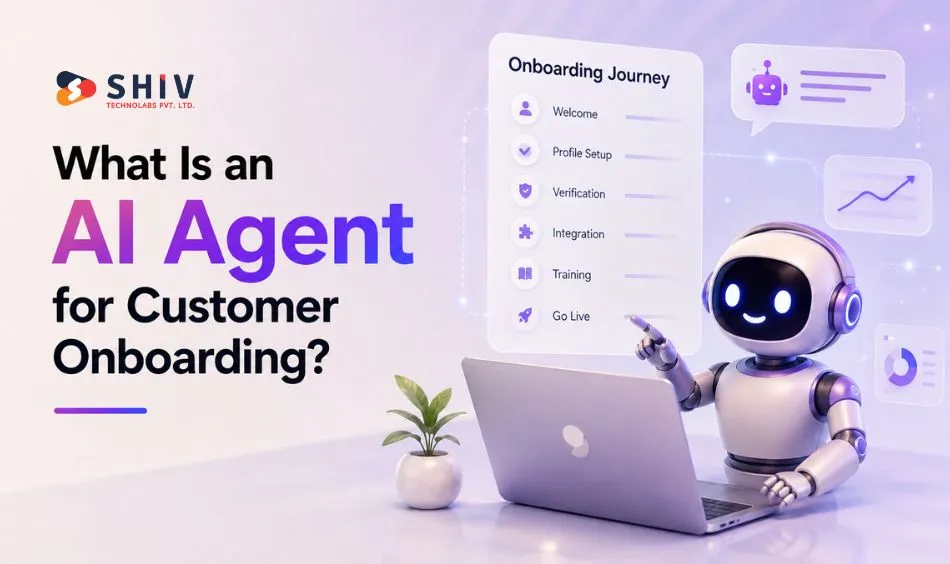
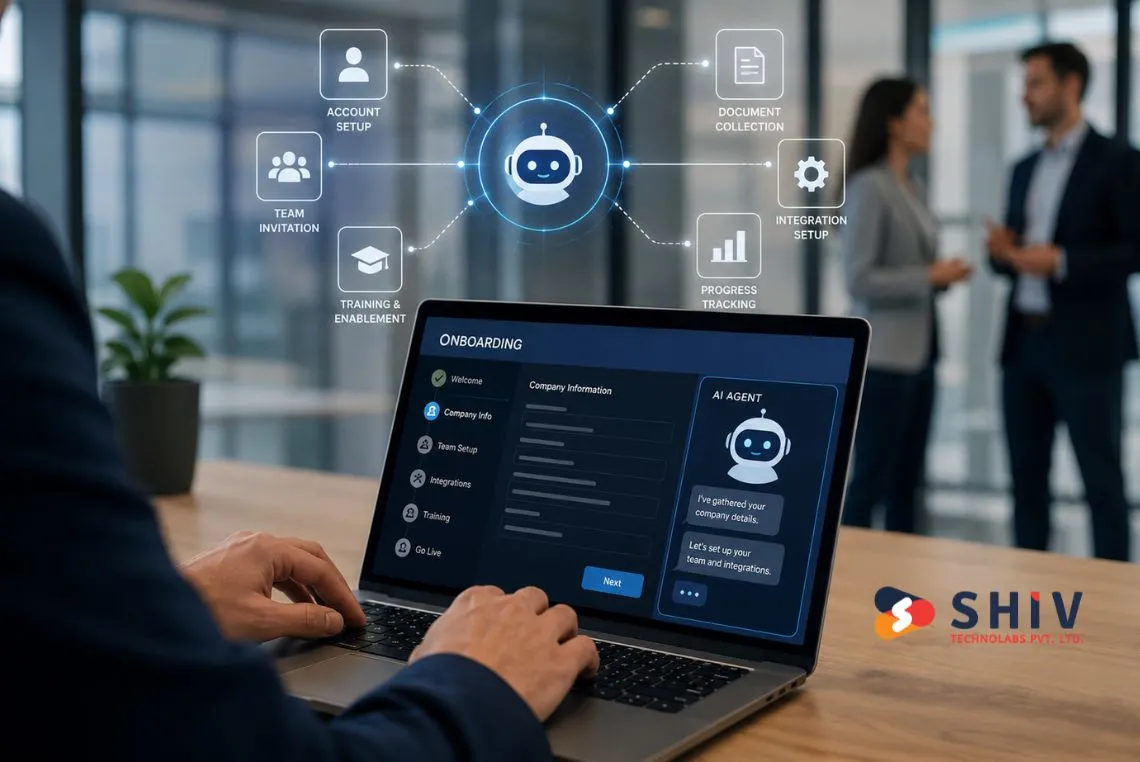
An AI agent for onboarding is software that plans steps, reads context, and acts across your tools to move a new customer forward. It works toward a goal, such as a completed setup or a first successful login. A well-planned AI agent customer onboarding system keeps that progress visible for both the customer and your team.
# How an Onboarding Agent Differs From a Chatbot
A chatbot replies to messages, while an onboarding agent runs a full workflow. According to McKinsey’s agentic AI research, agents can grasp a goal, break it into subtasks, act across systems, and adapt as conditions change.
Early chatbots mostly answered questions, while agents update records, trigger tasks, and follow up until a step is done. That shift matters for onboarding, where progress depends on many small actions in the right order.
# Why Onboarding Is Different From Support
Onboarding and support share tools, yet they solve different problems. Support fixes issues for existing customers who already hit a problem. Onboarding instead guides brand new customers from signup toward their first real outcome.
| Area | Customer Onboarding | Customer Support |
|---|---|---|
| Main goal | Guide new customers to first value | Resolve issues for existing customers |
| Timing | First days and weeks after signup | Any time a problem appears |
| Customer state | New, still setting up | Established, already active |
| Primary tasks | Setup, data collection, training, activation | Troubleshooting, answers, fixes |
| Systems involved | CRM, CS platform, product analytics, LMS | Helpdesk, ticketing, knowledge base |
| Success metric | Time to first value and activation | Resolution time and CSAT |
| Human involvement | Kickoffs, planning, stakeholder alignment | Complex or sensitive tickets |
| AI agent role | Task guidance, reminders, knowledge delivery | Answer routing and triage |
| Escalation reason | Blocked setup or stalled account | Angry customer or complex bug |
How Are AI Agents Reshaping the B2B Onboarding Journey?
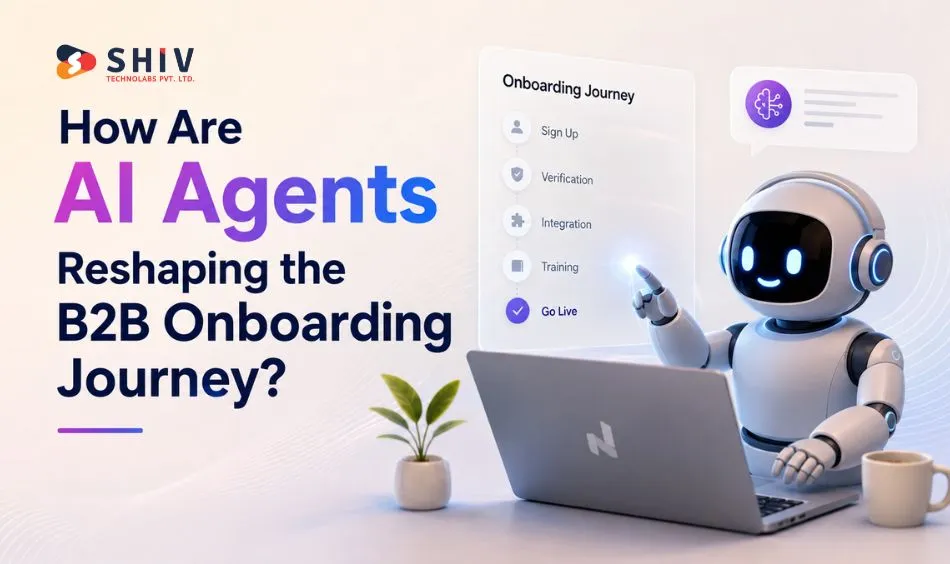
AI agents change onboarding by turning a messy checklist into a guided, tracked flow. They watch each account, nudge the next step, and surface the right resource at the right moment. Research and real rollouts show where this helps most.
McKinsey describes customer operations moving toward an orchestrated system, where AI handles routine steps, and people focus on relationships. Agentic systems can coordinate work across knowledge, tasks, and connected systems, which fits onboarding well. Modern onboarding agents build on the same generative AI foundations used across enterprise tools.
Governance matters once an agent touches customer data, CRM records, and internal systems. McKinsey research also notes that most companies have tried agents, yet fewer than one in ten have scaled them, often due to data limits. Strong data access rules and clear oversight keep an onboarding agent safe and reliable.
B2B onboarding also needs more than answers. It includes tasks, approvals, data handoffs, and product adoption across several stakeholders.
B2B and SaaS development services teams that treat onboarding as a product step see faster activation. Human oversight stays important for strategic accounts, high-risk steps, and compliance checks. Strong AI agent customer onboarding design pairs automation with human judgment.
# Mapping the Signup-to-First-Value Journey
A clear journey map keeps everyone aligned on what happens and who owns each step. It also shows where an agent can help and where a person should lead. The table below maps a typical B2B onboarding journey.
| Onboarding Stage | Customer Goal | AI Agent Role | Human Role |
|---|---|---|---|
| Signup or contract handoff | Start with clarity | Confirm details, open account record | Welcome and set expectations |
| Kickoff preparation | Feel ready | Gather goals, share agenda and docs | Lead the kickoff call |
| Account setup | Get configured | Guide steps, check completion | Approve key settings |
| Data collection | Share the right data | Request, validate, and store inputs | Review sensitive data |
| Integration planning | Connect their tools | Explain steps, flag blockers | Solve custom integrations |
| Product configuration | Fit their use case | Suggest settings, run checks | Approve complex setups |
| User training | Build confidence | Send guides, book sessions, follow up | Run live training |
| Adoption check | Use core features | Track usage, nudge next actions | Coach low-adoption accounts |
| First-value milestone | See a real result | Detect and confirm the milestone | Celebrate and plan next steps |
| Success handoff | Keep growing | Summarize status for the owner | Own the ongoing relationship |
# Onboarding Use Cases AI Agents Handle Well
Some onboarding tasks repeat across every account, which makes them a good fit for an agent. The agent handles the routine parts, while your team keeps the judgment calls. The table lists practical AI agent customer onboarding use cases.
| Use Case | What the Agent Does | Why It Helps |
|---|---|---|
| Kickoff preparation | Collects goals and shares an agenda | Starts each account with a clear plan |
| Document collection | Requests and tracks required files | Removes back-and-forth email delays |
| Role-based onboarding paths | Tailors steps by user role | Gives each user only relevant tasks |
| Integration guidance | Walks users through connection steps | Cuts setup friction and support tickets |
| Product walkthroughs | Shares guided tours at the right time | Speeds up product adoption without live calls |
| Task reminders | Nudges owners about pending steps | Keeps accounts from stalling mid-setup |
| Knowledge base answers | Serves the right article on request | Answers common questions in seconds |
| Customer data validation | Checks inputs for gaps or errors | Prevents broken setups later |
| Training follow-ups | Books sessions and shares recaps | Improves attendance and step retention |
| Risk flagging | Spots stalled or unhappy accounts | Alerts your team before churn grows |
| Human escalation | Routes complex cases to a person | Protects experience on sensitive issues |
| Success milestone tracking | Confirms first value is reached | Shows when an account is truly active |


Which Systems Should an Onboarding Agent Connect With?
An onboarding agent is only as useful as the systems it can reach. Each connected tool gives the agent data to read or an action to take. Plan these connections early, because they shape what your agent can safely do.
Onboarding agents usually connect with a core set of business systems. Each one supplies onboarding data, an action, or both. The list below covers the common connections, and the table that follows shows what each system provides.
- CRM
- Helpdesk
- Customer success platform
- Product analytics
- Training platform (LMS)
- Knowledge base
- Billing system
- Project management tool
- Data warehouse
- Identity and access tools
- Communication tools
- Internal workflow tools
These systems together give the agent a full view of each account. With the right access rules, the agent can read status, take safe actions, and pass hard cases to people. Keep permissions tight, since onboarding often touches sensitive customer data.
| System | Onboarding Data: It Provides | Agent Action |
|---|---|---|
| CRM | Account owner, plan, contacts, stage | Update records, log onboarding progress |
| Helpdesk | Open tickets and past issues | Create tickets, route questions |
| Customer success platform | Health score, tasks, playbooks | Trigger tasks, update account status |
| Product analytics | Feature usage and activation events | Detect adoption, nudge next steps |
| Training platform (LMS) | Course progress and attendance | Assign training, send follow-ups |
| Knowledge base | Articles, guides, and FAQs | Serve answers and walkthroughs |
| Billing system | Plan, invoices, and payment status | Flag billing blockers for humans |
| Project management tool | Onboarding tasks and owners | Create and track task items |
| Data warehouse | Combined onboarding and usage data | Report on progress and risks |
| Identity and access tools | User roles and permissions | Check access, request approvals |
| Communication tools | Email, chat, and meeting status | Send updates and reminders |
| Internal workflow tools | Approval and routing rules | Move steps through defined flows |
Treat each integration as a permission decision, not just a technical task. Give the agent read access first, then add safe write actions once you trust its behavior. This staged approach protects customer data while your agent proves itself.
Where Should Humans Stay in Control?
People stay central to B2B onboarding, even with strong automation in place. Agents handle routine steps, while your team leads on trust, strategy, and difficult decisions. A safe AI agent customer onboarding rollout keeps people responsible for the highest-stakes choices.
# Human Handoff Rules That Protect Customer Experience
Good handoff rules keep customers confident and protect your business from risk. They tell the agent exactly when to pause and bring in a person. The table sets simple rules for common onboarding situations.
| Situation | Agent Can Handle | Human Should Step In |
|---|---|---|
| Basic setup question | Yes, answer from the knowledge base | Only if the answer stays unclear |
| Missing onboarding document | Yes, request and remind | If it stays missing after reminders |
| Integration blocker | Detect and log the blocker | Solve custom or technical blockers |
| Billing or contract confusion | Share basic plan details | Handle disputes or contract changes |
| Security review | Collect the request and forms | Run the review and approvals |
| Enterprise stakeholder request | Route to the right owner | Manage the relationship directly |
| Failed setup step | Retry and share guidance | Fix repeated or complex failures |
| Unhappy customer sentiment | Flag the signal quickly | Step in and rebuild trust |
| Custom workflow request | Capture the requirements | Scope and approve custom work |
| Compliance question | Share approved information only | Give binding compliance answers |
Strong handoff rules protect both customer experience and business risk, so define them before launch.
What Data and Knowledge Base Assets Do Onboarding Agents Need?
Good onboarding automation runs on good data and clear knowledge content. An agent can only guide well when it reads accurate records and trusted articles. Two quick checklists help you prepare both.
# Data Readiness Checklist
Clean, structured data lets an agent act with confidence. Gaps or messy records lead to wrong steps and lost trust. Review these data points before you build.
- Accurate account and contact records in the CRM
- Clear ownership for each onboarding account
- Defined onboarding stages and task lists
- Agreed data access and permission rules
- Product usage and activation events available
- A single source for account status
These data points give the agent a reliable base for every action. McKinsey research points to data limits as the top reason agent projects stall. Teams that build this base often work with AI development services to structure data and access rules, which keeps your AI agent customer onboarding on track.
# Knowledge Base Readiness Checklist
A strong knowledge base lets the agent answer and guide on its own. Thin or outdated content leads to weak answers and more tickets. Check these assets before launch.
- Up-to-date setup and configuration guides
- Role-based onboarding walkthroughs
- Integration and API instructions
- Short product tour content
- Common onboarding FAQs with clear answers
- Troubleshooting steps for frequent blockers
Keep this content current, since onboarding changes as your product changes. Tag each article by stage and role, so the agent serves the right guide. Well-structured content also helps AI tools cite your answers correctly.
What Risks and Pitfalls Appear During Agent-Led Onboarding?
Agent-led onboarding brings real gains, along with a few common traps. Most problems come from weak setup, thin content, or missing rules. The table lists frequent pitfalls and simple fixes.
| Pitfall | Why It Hurts Onboarding | How to Fix It |
|---|---|---|
| Treating onboarding as support | Misses tasks, approvals, and adoption | Design onboarding flows, not ticket replies |
| Weak knowledge base | Leads to poor answers and more tickets | Build stage-based, current content |
| Missing customer data | Causes wrong or blocked steps | Fix records before launch |
| Unclear ownership | Leaves accounts stuck with no owner | Assign an owner to each account |
| No CRM integration | Breaks tracking and account context | Connect the CRM from day one |
| No human escalation rules | Traps hard cases with the agent | Define clear handoff triggers |
| Over-automation | Removes the human touch customers want | Keep people on key moments |
| Poor product analytics | Hides adoption and stalled accounts | Track usage and activation events |
| Generic onboarding paths | Ignores role and use-case needs | Tailor paths by role and goal |
| No first-value metric | Hides whether onboarding worked | Define and track first value |
| No governance review | Raises data and compliance risk | Review access and oversight regularly |
| No post-launch tuning | Lets quality drift over time | Review and update the agent often |
How Do You Measure Onboarding Agent Success?
Clear metrics show whether your AI agent customer onboarding earns its place. Track a small set of numbers tied to value and adoption. The table lists the metrics that matter most.
| Metric | What It Shows | Why It Matters |
|---|---|---|
| Time to first value | How fast customers reach a real result | Shorter times link to stronger retention |
| Onboarding task completion rate | Share of tasks finished on time | Shows if the flow keeps moving |
| Setup completion rate | Accounts that finish setup | Flags where accounts drop off |
| Integration completion rate | Accounts with tools connected | Predicts smoother product adoption |
| Training attendance | Users who join training | Signals engaged, ready teams |
| Feature adoption | Use of core features | Shows real product value in action |
| Customer health score | Overall account health | Warns about risk early |
| Escalation rate | How often humans step in | Balances automation and human touch |
| Onboarding CSAT | Customer satisfaction with onboarding | Reflects experience quality |
| Activation rate | Accounts that reach active use | Ties onboarding to revenue outcomes |
| Renewal risk signals | Early signs of churn risk | Guides timely human action |
Pick three or four of these metrics to start, so your team stays focused on outcomes. Review them each month, and adjust the agent when a number moves the wrong way. Small, steady changes keep onboarding quality high as your product grows.
What Does an AI Agent Customer Onboarding Rollout Cost?
Costs for onboarding automation depend on scope, integrations, and governance depth. The ranges below help you plan a budget before you start. Treat them as planning ranges, not fixed quotes.
Planning ranges vary with onboarding workflow complexity, CRM setup, knowledge base readiness, product integrations, data access, security, human handoff rules, testing, and monitoring. Typical planning ranges include:
- AI onboarding workflow audit: $2,000 to $8,000+
- AI onboarding agent proof of concept: $10,000 to $35,000+
- B2B onboarding agent MVP: $25,000 to $80,000+
- Onboarding agent with CRM, helpdesk, and product integrations: $50,000 to $150,000+
- Enterprise onboarding automation with governance, analytics, and multi-team workflows: $150,000 to $300,000+
- Ongoing monitoring, prompt updates, workflow changes, and support: $2,000 to $15,000+ per month
Final pricing depends on the factors above, so scope drives the real number. Start small with an audit or proof of concept, then grow once results are clear. These figures are planning ranges, not fixed quotes or fixed timelines.
# Implementation Roadmap and Timeline
A staged rollout lowers risk and shows value early. Each phase builds on the last, from audit to tuning. The table shows a typical timeline for an AI agent customer onboarding project.
| Phase | Timeline | What Happens |
|---|---|---|
| Workflow audit | 1 to 3 weeks | Map onboarding steps, owners, and gaps |
| Knowledge base review | 1 to 2 weeks | Check content coverage and quality |
| Data and system mapping | 1 to 2 weeks | List systems, data, and access rules |
| Agent design | 2 to 3 weeks | Define tasks, prompts, and handoff rules |
| Proof of concept | 3 to 6 weeks | Test one workflow end to end |
| MVP onboarding agent | 8 to 14 weeks | Build core flows and integrations |
| Integration testing | 1 to 2 weeks | Verify data flows and actions |
| Human handoff testing | 1 to 2 weeks | Confirm escalation paths work |
| Pilot rollout | 2 to 4 weeks | Run with a small account group |
| Post-launch tuning | Ongoing | Review metrics and refine steps |
Timelines can overlap, and enterprise rollouts often run 4 to 9 months depending on integration and governance depth.
How Shiv Technolabs Helps You Automate Onboarding
Shiv Technolabs helps B2B and SaaS teams turn slow onboarding into guided, tracked journeys. Our team maps onboarding workflows, designs AI agents, and connects your CRM and product systems with care. We also define human handoff rules, test onboarding automation, and set up first-value milestone tracking.
For custom flows and connected systems, our custom software development and CRM development services teams keep everything aligned, and our AI/ML development services group builds the models behind each agent. When you plan to automate onboarding, a small pilot with clear metrics is the safest first step. Shiv Technolabs stays involved after launch with monitoring and tuning, so your onboarding keeps improving.
Conclusion
AI agents give B2B teams a practical way to guide new customers from signup to first value. They handle setup tasks, reminders, data checks, and knowledge delivery, while your team leads the moments that need judgment.
Human-led customer success stays central, since trust and strategy still belong with people. Start with a clear workflow audit, a strong knowledge base, and simple handoff rules.
Then run a small pilot, measure time to first value, and grow from there. When you are ready to automate onboarding, map the journey first and build with human approval points in place.
Frequently Asked Questions
# What is an AI agent for customer onboarding?
An AI agent for customer onboarding is software that guides new customers through setup, data collection, training, and first-value steps. It works across your tools, sends reminders, answers common questions, and escalates complex cases to your human onboarding team when judgment is needed.
# How is AI onboarding different from AI customer support?
AI onboarding guides brand new customers from signup toward first value, using tasks, data, and training. AI support fixes problems for existing customers who hit an issue. Onboarding focuses on progress and activation, while support focuses on fast, accurate problem resolution for active users.
# Which onboarding tasks can AI agents handle?
AI agents handle kickoff prep, document collection, setup guidance, integration steps, product walkthroughs, task reminders, knowledge base answers, and data checks. They also flag stalled accounts and track first-value milestones. Complex, sensitive, or strategic tasks still go to your human onboarding team for review.
# How much does an AI onboarding agent cost?
Costs depend on scope and integrations. A workflow audit often runs $2,000 to $8,000+, a proof of concept $10,000 to $35,000+, and an MVP $25,000 to $80,000+. Full integrations reach $50,000 to $150,000+, with ongoing support around $2,000 to $15,000+ per month.
# What systems should an onboarding agent connect with?
An onboarding agent usually connects with your CRM, helpdesk, customer success platform, product analytics, knowledge base, billing, and project management tools. These give it data to read and safe actions to take. Keep access rules tight, since onboarding often touches sensitive customer data.
# When should a human take over from an onboarding agent?
A human should step in for stalled setups, security reviews, billing disputes, compliance questions, enterprise stakeholders, and unhappy customers. The agent handles routine steps and clear answers, then routes hard or sensitive cases to a person, so trust and judgment stay with your team.